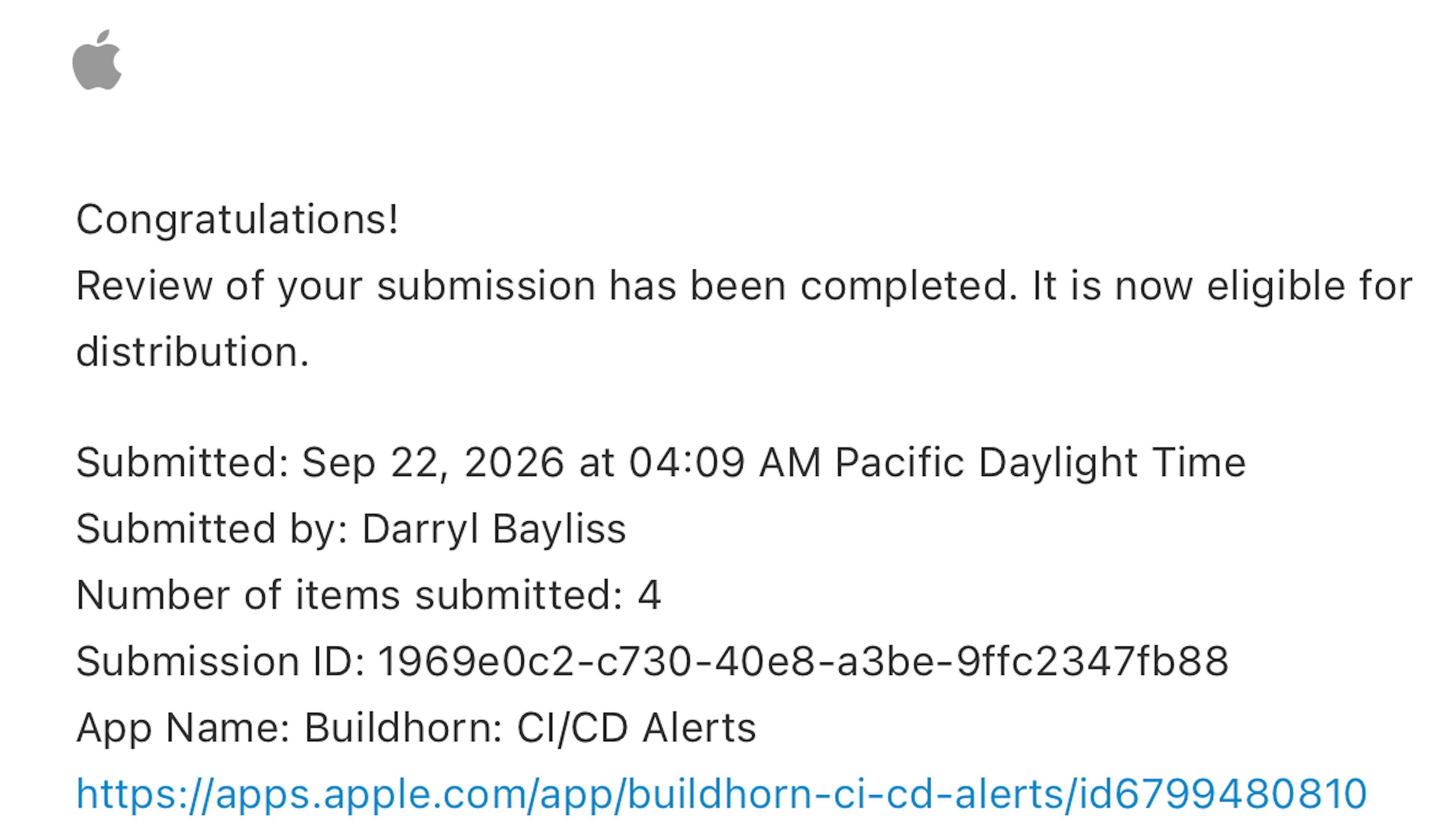
Buildhorn is finally live! Get it on the App Store to receive failure alerts from your CI builds.Ei 2026-9-30 21:59:9 Author: hackernoon.com(查看原文) 阅读量:8 收藏
Buildhorn is finally live! Get it on the App Store to receive failure alerts from your CI builds.
Eight weeks into Shipaton, this week covers more tips for working through the App Review process, launching the Buildhorn website, and testing the app on the iPhone Duo simulator.
Note: This is the 8th post about my work towards shipping an app for the Shipaton 2026 hackathon. If you want to read from the beginning, you can start with the first post.
— start with the first post
As a reminder, I’m building a multi-layered application called Buildhorn so users can receive CI build failures directly on their phone. I’m using the following technologies:
- Kotlin Multiplatform (Shared Kotlin Library, handles networking, file storage, and business logic)
- iOS App (iOS app built using SwiftUI, focuses on the UI layer and consumes the Kotlin Multiplatform library for its business logic)
- Firebase Backend (An all-in-one backend using Firebase Cloud Functions for endpoint creation / webhook event handling, Firebase Cloud Messaging for push messaging and Firestore for backend persistence)
Here’s what’s new this week:
- Buildhorn was finally approved by Apple
- I launched the Buildhorn website
- Xcode 27.1.0 Beta became available, and I tested Buildhorn using the iPhone Duo simulator
Let’s dig into each one.
Getting Through App Review
Continuing the theme from last week, I was working with the App Review team to get Buildhorn approved so it could go live on the store. Buildhorn had been in review since 7th September, whereas apps I’d submitted previously were approved in a matter of hours.
This was a particularly tense period for me as I was never quite sure what Apple would come back with. I needed Buildhorn to be available on the App Store so it would be eligible as a Shipaton submission by the end of the month.
So far, I had provided the following updates to help Apple progress with their review:
- Added a hidden way for Apple to access a preinstalled Buildhorn user, skipping the GitHub App installation part of onboarding
- Updated Buildhorn’s subscription images so they were distinguishable from each other
- Provided a video to Apple showing how Buildhorn onboarding works and how they could manually log in to the webmail of a test account to retrieve the email verification code
Despite all this, I kept hitting the same rejection (App Store Guideline 2.1, App Completeness). The reviewer couldn’t make progress using the test credentials because they couldn’t access GitHub’s email device verification code, which is on by default for accounts without 2FA.
It felt like I was going in circles as Buildhorn was rejected for the 6th time!
I suspect part of the problem is that a different reviewer checks your app each time, meaning they don’t necessarily have the full context of what is happening. They may also spot different issues to the previous reviewer.
I decided to change my approach and try a more personal touch. I recorded myself talking through Buildhorn in the iPhone simulator with the GitHub website open next to it, showing how repositories and build statuses were being reflected in the app.
I used OBS Studio for this, which is a fantastic piece of software if you need to record yourself and your screen. I highly recommend it!
After chatting through the features for 10 minutes, wiggling my mouse across the screen as I did so, I stopped the recording and uploaded the video to my ongoing conversation with the reviewer.
The next day I received the news I was hoping for. Buildhorn had been approved!
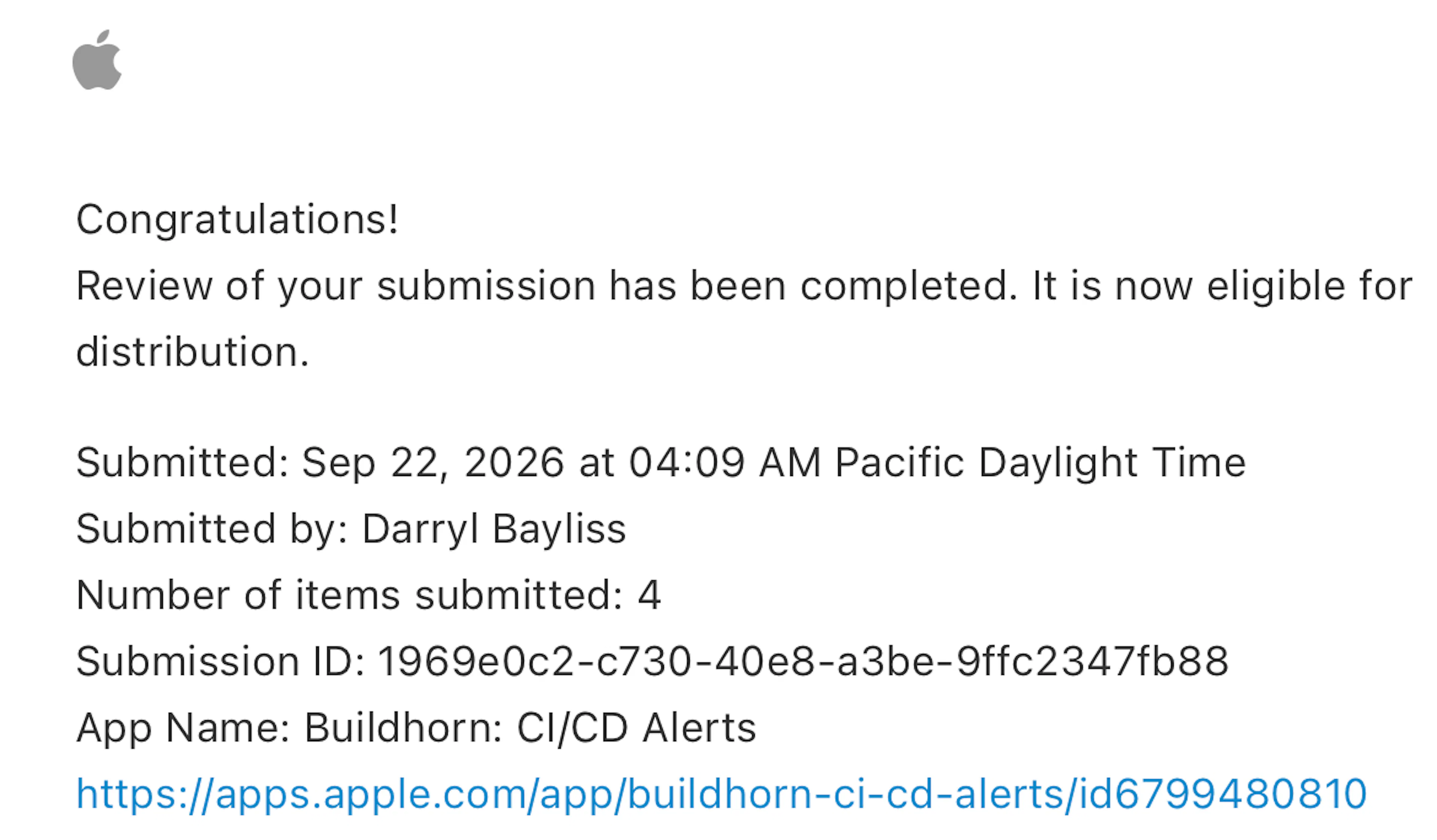
Once the excitement had settled and I double-checked everything was ready, I hit release. Buildhorn is live! 🎉
Reflecting on my latest submission experience with Apple, here are some tips I’d share:
- Work with the App Review team. I regularly hear stories of people giving up on apps because App Review won’t approve them. I kept working with the reviewers to provide as much information as I could, including taking the time to talk through the app and how it works with external systems. I think this showed the reviewer it was a genuine, working app, making it an easy decision for them to approve.
- Assume every reviewer is new. A different reviewer may pick up each submission, so write your Review Notes as if the reader has never seen your app before. Include the test credentials, any steps needed to get past external dependencies like 2FA or third-party accounts, and attach your walkthrough video every time, not just once.
- Patience helps. My average review time for Buildhorn was around 2 days per submission, with each rejection resetting that clock. It’s a slow feedback loop, but one you need to prepare for.
- Keep busy with other things. Releasing an app is just one task. Could you work on your follow-up release? What about your analytics or crash reporting tools? Can you finalise your dashboards and tools in the meantime to prepare yourself for going live?
With point 4 in mind, let’s talk about how Buildhorn is being marketed via its website.
Buildhorn Website
I wanted the website to provide three things:
- A main page showcasing what Buildhorn does
- A blog I could use for updates and announcements about the app
- A place to host the Privacy Policy and Terms of Use, which the App Store requires for submission
I also wanted all this to be easily configurable without much scaffolding. For these kinds of websites, I often lean on static site generators, where I just need to get the template right and can then focus on the content. This blog is built with a static site generator!
My go-to static site generator is Jekyll. It’s a Ruby-based generator that is highly configurable, letting you build page templates using Markdown, HTML, and a templating language called Liquid. It’s also what powers GitHub Pages, so you can be confident it is battle-tested.
I also thought this would be a good challenge for Claude Code, in combination with a skill I bookmarked a while back called Hallmark. Hallmark is pitched as an “Anti AI Slop” skill that works to make sure your designs aren’t cookie-cutter and have some personality.
How Hallmark works is pretty interesting. It analyses the brief you give it, picks a layout to fit, and dresses it in one of 21 themes. Before handing the result back, it runs 57 “slop tests” plus a self-critique against the output to make sure it’s acceptable.
With this approach, Hallmark can produce different-looking websites for different briefs, rather than just changing a few colours. You can also point Hallmark at an existing website to audit it and receive feedback.
To give some input into the design, I gave Hallmark my three requirements above and specified that I wanted the site built with Jekyll. I also exported Buildhorn’s colours from the app and gave them to Hallmark as a reference as it worked away.
The result was pretty good. Not perfect, but something I could work with and customise further myself. It missed a few things: some of the icons were too small on mobile, and the app screenshots were too big. Small things, but enough to notice they weren’t right.
After a few iterations with Hallmark adjusting the content and making sure the layout looked good, I was ready to host the website.
You can find the result over at buildhorn.com. I’d be keen to hear your thoughts!
Xcode 27.1.0 & iPhone Duo
This week Apple released the Xcode 27.1.0 beta, which includes the iPhone Duo simulator. If you read last week’s post, you may remember I dedicated some time to adding Split View support for iPads to Buildhorn.
My bet was that adding Split View support would also make the app work great on an iPhone Duo. Now, with the simulator out, I had a chance to see the results.
Here is how it looks!
As you can see, Buildhorn adapts well to the iPhone Duo. It uses the compact layout on the single screen and expands to the Split View when the device is fully opened. It’s the same NavigationSplitView setup I walked through in last week’s Split View snippet.
Xcode 27.1.0 also ships with an Apple-written agent skill, app-resizability, which helps make sure your app resizes appropriately depending on the device in use. Perfect for devices like the iPad or the iPhone Duo!
It checks for and helps address the following things:
- Project setup: how the launch screen is declared, whether all four iPad orientations (or none) are listed, and flagging
UIRequiresFullScreenif present UIScreen.main/.mainScreen: any read of.scale,.bounds,.nativeScale, etc.- Orientation APIs:
statusBarOrientation,UIDevice.current.orientation, the deprecatedinterfaceOrientation/UIWindowScene.interfaceOrientation, and the deprecated scene-geometry callback - Scene lifecycle: missing scene manifests, no
UIWindowSceneDelegate,AppDelegate-only apps (SwiftUIApp/WindowGroupapps are recognised as already compliant) - Safe areas & device idiom:
topLayoutGuide/bottomLayoutGuide, hardcoded bar-height insets, asymmetric-inset bugs, andUIDevice.current.userInterfaceIdiom/isiPad-style checks
I asked Claude within Xcode to run the skill over the codebase to see what it found. Fortunately, it didn’t find anything that needed updating.
I suspect this is because Buildhorn is a new codebase. If it were older, with years of features and tech debt accumulated, I’m sure it would find a few issues and offer to help address them. A very handy skill!
AI tooling has been helpful for this week’s topics. Using the Hallmark skill with Claude gave me a decent, non-AI-slop static website for Buildhorn that I didn’t need to hand-code myself. I’ll likely continue to tweak the design and make updates going forward. This was a good use of AI tooling, as it got me something working that I can refine to the quality I’d like.
Seeing Apple continue to invest in writing skills for agents shows me AI is still seen as a multiplier in development. Being able to run a skill to make sure Buildhorn adapts to the iPhone Duo is a sign Apple sees this as a way for developers to quickly adopt new things. And I’m sure App Review will remain a good quality check for anyone using AI in a way that doesn’t deliver quality.
Next Steps
Eight weeks in and Buildhorn is live! With Shipaton coming to an end next week, I plan to do the following:
- Watch how users interact with Buildhorn and plan next steps
- Create my Shipaton submission post for Buildhorn so it is eligible for the hackathon
- Submit my 1.1 update to Apple for review so it is ready for the iPhone Duo
That’s all for this week. If you want to try Buildhorn out, you can download it from the App Store!
Don’t forget to share the website with your friends!
如有侵权请联系:admin#unsafe.sh