Making an image with ChatGPT is easy. Making the image you actually had in your head is a different 2026-9-13 20:23:7 Author: hackernoon.com(查看原文) 阅读量:12 收藏
Making an image with ChatGPT is easy. Making the image you actually had in your head is a different job.
I worked that out fairly quickly. Type something like "create a professional image of a programmer working at a computer," and you will get an image. It probably will not be a good one. The composition comes out wrong, or the lighting looks artificial, or there is so much going on in the background that the subject gets lost. Sometimes it is all technically correct, and the thing still has that generic look that makes you want to start again.
Often the generator is not the problem. It is what you asked for.
So now I use Claude and ChatGPT together. Claude never makes the final image. I use it before that stage to work out what the image should be. I tell it what I have in mind, we go back and forth on the details, and it turns my rough idea into a much more precise prompt. Then I take that prompt to ChatGPT and generate there.
Nothing clever about it, but it beats writing every image prompt from scratch.
You could ask ChatGPT to write the prompt and then generate the image in the same window. That works fine, and there is nothing wrong with it. I just prefer to keep the two jobs apart.
When I open Claude, I am not trying to generate anything yet. I am trying to work out what the picture should look like, and that is a different frame of mind.
Most ideas start vaguer than we think. Say I need a header for an article about web development. A developer sitting at a laptop. Modern, realistic. That sounds specific enough until you count the decisions the generator has to make on your behalf. Front-on or from behind? Daytime? What is on the screen? Home office or corporate office? Photograph, illustration, 3D render, something else? Tidy desk or a cluttered one? What is in the background, where does the subject sit in the frame, do I need space for a headline, and what aspect ratio am I even working to?
"A developer working at a laptop" does not cover much of that.
Claude is useful here because I can treat it as a conversation.
Start with a rough idea
I used to try to write the perfect prompt straight away. There is no need.
Now I just tell Claude what I am making, where the image is going, and roughly what I want to see.
I need a featured image for an article about a freelance web developer working from home. I want it to look realistic and professional, but not like a corporate stock photo. The developer should be working on a laptop in a modern home office. I will generate the final image using ChatGPT. Help me develop the idea first, then write a detailed image generation prompt for me.
No camera lenses, no color temperature, no ten minutes spent describing the furniture and the shadows. Just context.
Context does a lot of work here. A featured image for an article needs different things from a square social post, and a website hero needs different things again. If I already know the headline is going on the left, I say so at this point. Then Claude can start filling in the details I have not thought about.
Let Claude ask the questions
This is one of the more useful parts of the process.
Instead of asking for a finished prompt right away, I sometimes get Claude to question me first.
Before writing the image prompt, ask me five questions that would help you understand the composition, style, subject, lighting and mood I want.
Now there is something concrete to react to. Maybe it asks whether the developer's face should be visible. I had not thought about it, but now I have to decide. Maybe it asks whether the room is dark and atmospheric or bright with daylight coming in.
So I answer:
Natural daylight. Keep the room modern but believable. I do not want a futuristic office. Show the developer from a slight side angle. Keep some empty space on the left because I may add text there later.
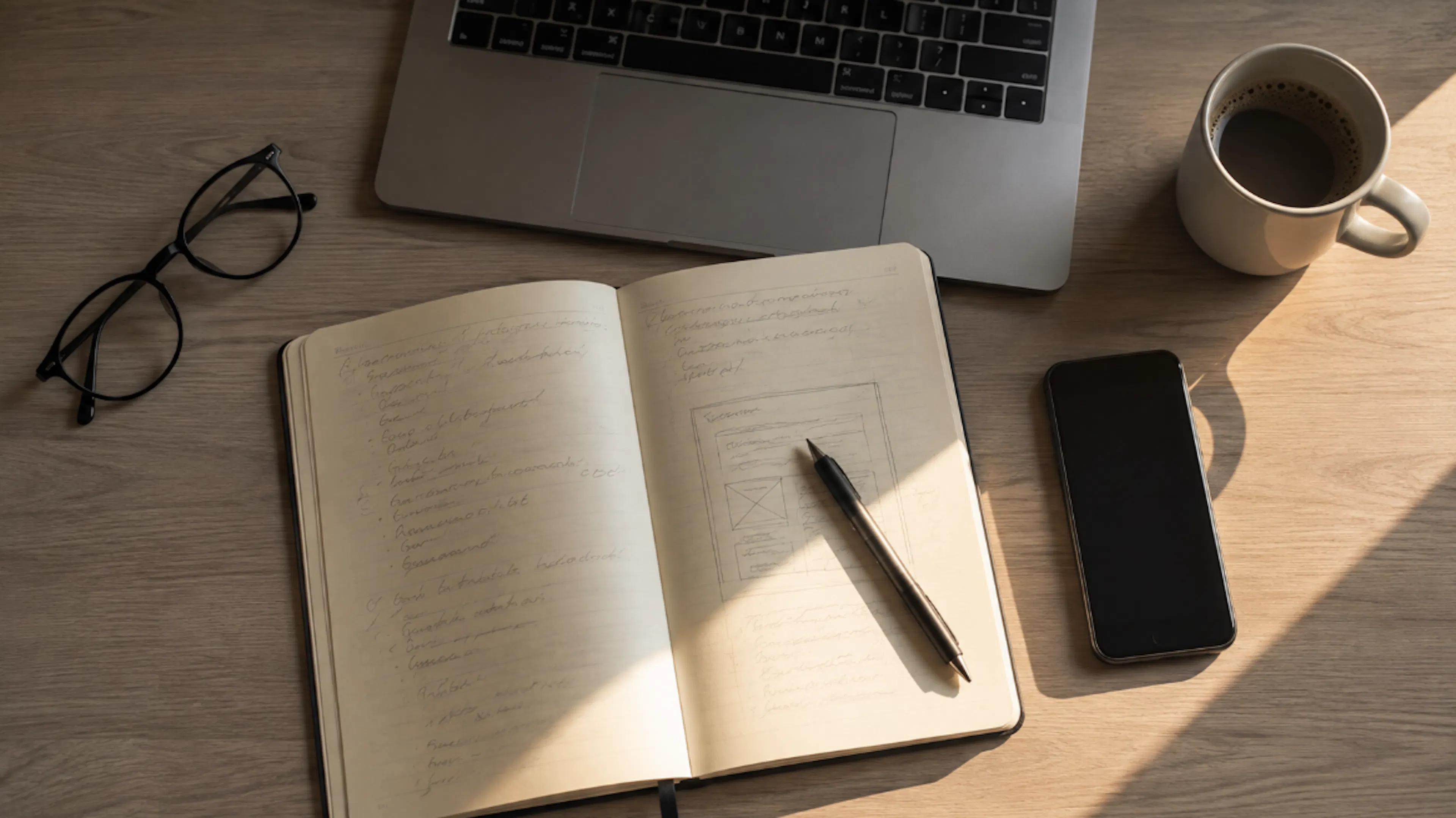
Now we are getting somewhere, and I still have not generated anything. I am designing the image in words.
 First: plan Then: do
Getting the actual prompt
Once the idea is settled, I ask Claude to fold the whole conversation into one prompt that stands on its own.
My instruction usually looks like this:
Based on everything we discussed, write one detailed image generation prompt that I can paste directly into ChatGPT. Do not explain the prompt. Include the subject, environment, composition, perspective, lighting, mood and important visual details. Keep it realistic and avoid unnecessary objects.
"Based on everything we discussed" is doing the heavy lifting there. Every decision from the conversation is sitting in the context, so Claude can use it.
What comes back might describe a realistic home office, the developer seen from the side, daylight coming through a nearby window, a code editor open on the laptop, restrained furniture, natural shadows, and deliberate empty space down one side of the frame. A long way from where I started.
Over to ChatGPT
Copy the prompt, open ChatGPT, paste it into a new conversation. I put one short line above it:
Create an image using the following prompt:
Then the complete prompt from Claude underneath. From here, ChatGPT is doing the generating, and Claude is finished, unless the concept itself turns out to need changing later.
Worth saying, because people sometimes talk about using Claude and ChatGPT for images as though both systems are doing the same job. That is not how I use them. One prepares the prompt. The other makes and edits the picture.
The first image is usually not the one
A detailed prompt gives you a better starting point. It does not mean generation number one is done.
So I look at the result properly and ask what is wrong with it, specifically. Good or bad is not a useful question at this stage.
Maybe the desk is too busy. Maybe the developer is too close to the camera. Maybe I asked for empty space on the left, and ChatGPT filled it with a huge plant.
This is where a conversation with the image generator pays off. No need to go back to the beginning. I can just say what needs to change.
Keep the same overall scene, but move the developer farther to the right. Remove the plant on the left and leave that area visually simple so I can place a headline there.
Or:
Keep the composition, but make the room feel like a real apartment rather than a luxury office. Use more natural daylight and reduce the cinematic look.
Compare that to "make it better." The model has no idea what better means to you. Tell it what is wrong.
When to go back to Claude
Sometimes the trouble runs deeper than a visual tweak. I generate three versions and none of them says the thing I wanted it to say.
At that point, I stop generating and go back to Claude with an explanation.
This prompt keeps producing an image that looks like a generic stock photo. I want something more personal and believable. The room should look lived in without being messy. The developer should feel like an independent person working on a real project, not a model posing at a laptop. Rewrite the prompt with that in mind.
Usually that gets me further than asking ChatGPT to regenerate essentially the same concept over and over. The trick is knowing whether you have an image problem or an idea problem.
Tell Claude the boring technical stuff too
Practical requirements go in before the prompt gets written. Aspect ratio is the obvious one. For a wide article header I might say:
The image needs to be landscape format and approximately 16:9. Important subjects should not be close to the edges because the website may crop the image on smaller screens.
If text is going on top of the image later, I tell Claude where the empty space needs to be. If the subject has to be centered because of mobile cropping, I say so.
These sound like small details. They can save you several generations. There is nothing more annoying than finally landing on an image you like and then watching the site crop the good part out of it.
Text inside images
Text is worth treating separately. Image generation has got much better at producing readable words, but I still avoid depending on it when the spelling and the layout have to be right.
For a blog header I usually generate the visual on its own and add the title afterwards in an image editor.
When I do want words inside the image, I keep them short and state the exact wording.
Add the headline "Building With AI" in the empty area on the left. Use exactly those words and no additional text.
Then I inspect it closely. Logos, product names and URLs are where this bites, so anything that has to be exact gets checked twice.
The questions a good prompt answers
After doing this for a while, I noticed that my useful prompts all answer roughly the same questions.
What is the image for. What is the main subject and where is it. What is happening. What does the environment look like. Where is the viewer standing. How is the scene lit. What is the mood. What should be emphasized, what should be avoided, and what shape does the finished image need to be.
None of that has to become a rigid template. Different images need different levels of detail. A simple product illustration barely needs describing. A scene with several people, specific objects and carefully positioned empty space needs a lot more.
A long prompt is not the aim. Clearing up the ambiguity that actually matters is.
Where I use this
I work on web projects, so most of the images I need are not art for their own sake. They have a job to do. Article headers, website concepts, backgrounds, illustrations, graphics I am throwing at a new page while I experiment with it.
Working on a site of my own, I spend a lot of time on how text, visual elements and web content sit together. Having a separate planning step has made it much easier to describe the kind of visual I need before I start producing versions of it.
It is also why I would rather do this than sit there clicking regenerate. A few minutes spent defining the image saves a surprising amount of trial and error later.
Do not let Claude decide everything
One thing I think matters when you use any model this way. Do not hand over the creative decisions.
If Claude suggests a dark futuristic office and you do not want one, say no. If it reaches for neon lighting because the subject is technology, you are allowed to point out that not every technology image needs blue and purple lights.
Claude helps me put the picture in my head into words. It does not get to decide what that picture is. Same goes for ChatGPT.
Iteration only works when you have an opinion about the result.
The short version
 short version - when you do not have the time
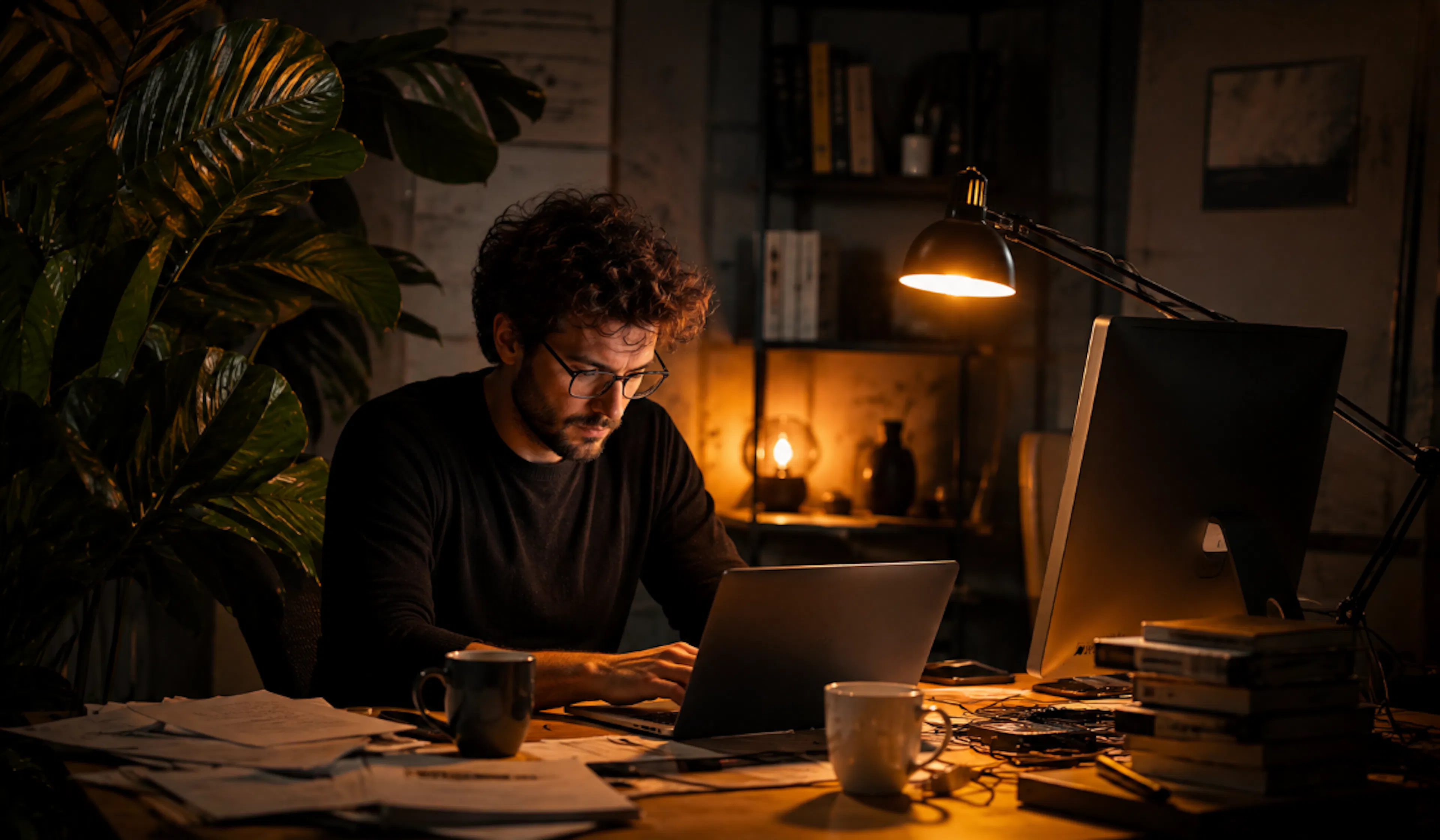
Rough idea into Claude, with a note about where the image is going and what I already know I want. If the concept is still vague, I get Claude to question me about it. When the direction feels right, I ask for one complete image generation prompt.
That goes into ChatGPT. Generate, look at what comes back, ask for specific changes. If the concept itself is wrong rather than the execution, back to Claude for a rethink instead of generating the same thing another ten times.
You do not need a complicated prompt library and you do not need dozens of photography terms in your head. You need to know what you are trying to create. Claude turns that idea into a clearer set of instructions, ChatGPT turns the instructions into an image, and you are the one who looks at the result, works out what is off and keeps hold of the direction.
Doing it this way, I get far fewer random results and far more images I can actually use.
如有侵权请联系:admin#unsafe.sh