Every few weeks a new AI video model tops some ranking, and every few weeks someone rebuilds their w 2026-8-24 16:0:2 Author: hackernoon.com(查看原文) 阅读量:6 收藏
Every few weeks a new AI video model tops some ranking, and every few weeks someone rebuilds their whole pipeline around it. I did that once with a Lost Garden scene. The model everyone was calling “the best” that month made gorgeous single shots, but it had no synced dialogue and a hard duration ceiling that didn’t match what the scene needed. I found that out after I’d already generated it, not before.
The right question isn’t “what’s the best AI video model.” It’s “which model actually fits this shot.” Those are two different questions with two different answers, and mixing them up is the most expensive mistake I’ve made in two years of AI filmmaking.
Here’s the checklist I run now before picking a model for anything, plus what’s changed among the major AI video models as of August 2026.
Why does “best” keep changing, and why doesn’t that matter?
Rankings move because labs ship fast. ByteDance’s Seedance 2.0 and Alibaba’s HappyHorse-1.0 currently sit at the top of independent leaderboards, ahead of Western incumbents on raw benchmark score. Kling 3.0 from Kuaishou is the highest-ranked broadly available flagship on audio-inclusive boards, and it’s dramatically cheaper than the alternatives. Veo 3.1 still leads on synchronized dialogue with 48kHz speech generation.
None of that tells you what to use for your next shot. A leaderboard measures the model in general. Your scene has specific requirements: a length, a sound need, a character that has to look the same as it did three shots ago, and a budget that isn’t infinite. Match against those, not against a scoreboard.
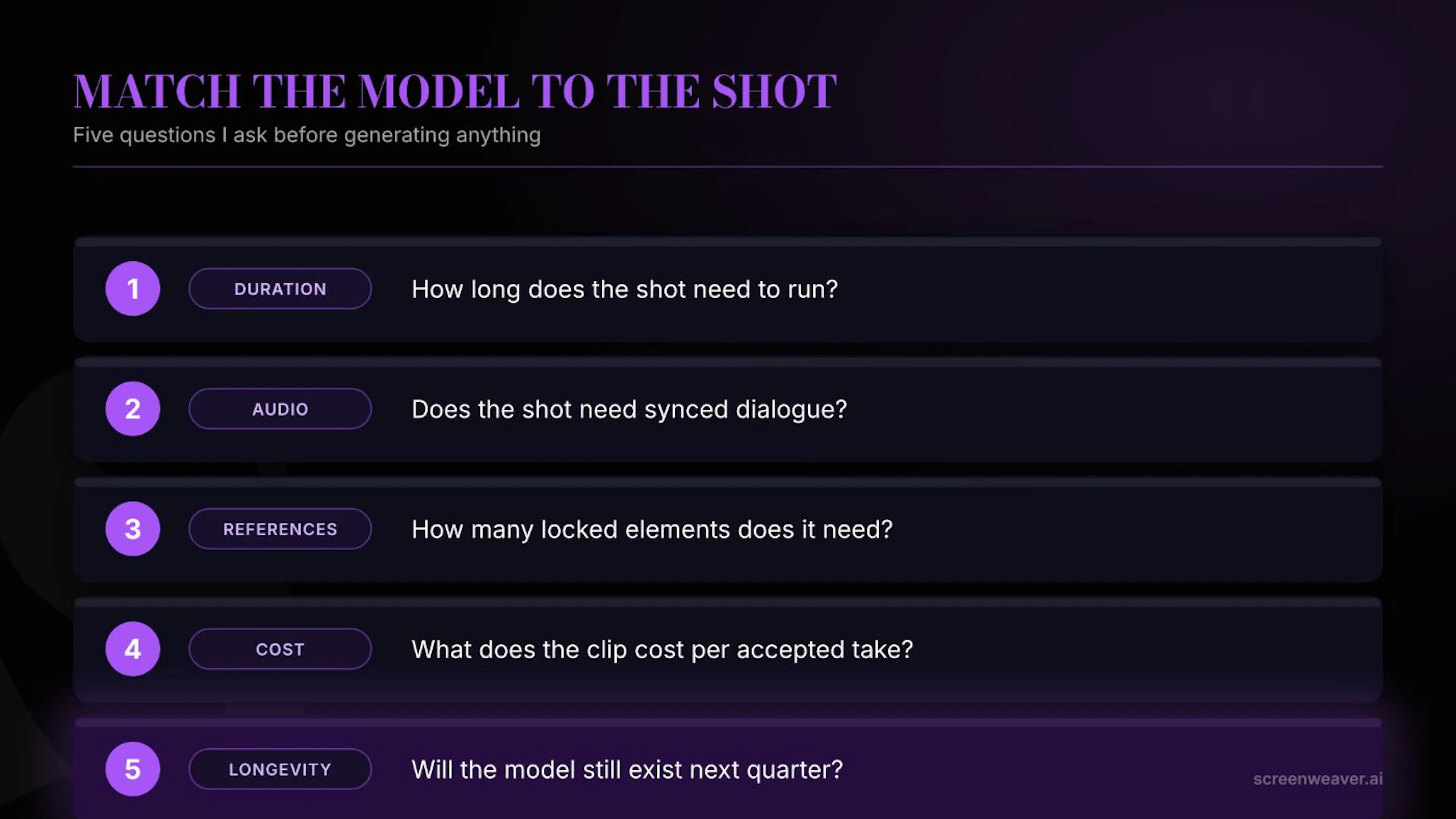 The five checkpoints I run before generating a shot
How long does the shot need to run?
Duration ceilings vary more than people expect, and this alone eliminates half the field for any given shot:
- Kling 3.0: up to 15 seconds at native 4K/60fps in a single pass
- LTX-2.3: up to 20 seconds, native 4K at 50fps
- Vidu Q3: up to 16 seconds
- Veo 3.1 and most flagship closed models: roughly 8 seconds per generation before you’re stitching multiple passes together
If your shot is a quick insert or a reaction beat, an 8-second ceiling is irrelevant. If it’s a continuous dialogue exchange or a slow push-in that needs to breathe, generating on a model with an 8-second cap means either cutting the shot shorter than you wanted or stitching two generations and hoping the seam doesn’t show.
Does the shot need synced dialogue?
This is the split that matters, and it’s not the same as “does the model support audio at all.” Most models now generate some sound: ambience, music beds, room tone. Far fewer generate lip-synced dialogue that holds up in a close-up.
Veo 3.1 built its reputation on this specifically, with native 48kHz synchronized speech generation. Kling 3.0 added multilingual lip sync in February 2026, closing a gap that used to be Veo’s alone. If your shot is a wide shot, a b-roll insert, or anything where a mouth isn’t in frame, this whole category of requirement disappears and you can pick on other criteria instead.
The mistake isn’t picking a model without dialogue support. It’s picking one for a scene that turns out to need dialogue, three shots after you already locked the look.
How many reference elements does the shot need for consistency?
If a character, prop, or location has to match earlier shots, check how many reference inputs the model actually accepts before you commit:
- Veo 3.1’s Ingredients to Video takes 3 reference images
- Seedance 2.0 takes 9 images, plus 3 video clips, plus 3 audio files in a single generation call
- Wan 2.7 added a 9-grid image input for multi-element reference
A model that only accepts one or two references will fight you on anything more complex than a single locked face. I’ve built entire scenes in Lost Garden around a character bible with a face reference, a wardrobe reference, and a lighting reference, and I’ve watched a model quietly drop the wardrobe reference because it only had two reference slots and I’d asked it to juggle three things.
What does the clip really cost, not the sticker price?
Credit pricing is confusing on purpose across most platforms, but the rough shape as of August 2026 looks like this: Kling 3.0 runs about 14 credits for an 8-second clip through Higgsfield, roughly $0.10 per second, making it the cheapest current premium model by a wide margin. Sora 2 and Veo 3.1 run 40 to 70 credits per generation on the same platform, and Sora 2’s own API is priced at $0.10 to $0.70 per second directly through OpenAI.
But the sticker price isn’t the real number. The real number includes your regeneration rate, and most working AI filmmakers run somewhere between a 3:1 and 5:1 shooting ratio (three to five generations for every one you actually keep). A model that’s twice as expensive but nails the shot on the first or second try can end up cheaper per usable clip than a bargain model you regenerate eight times chasing consistency.
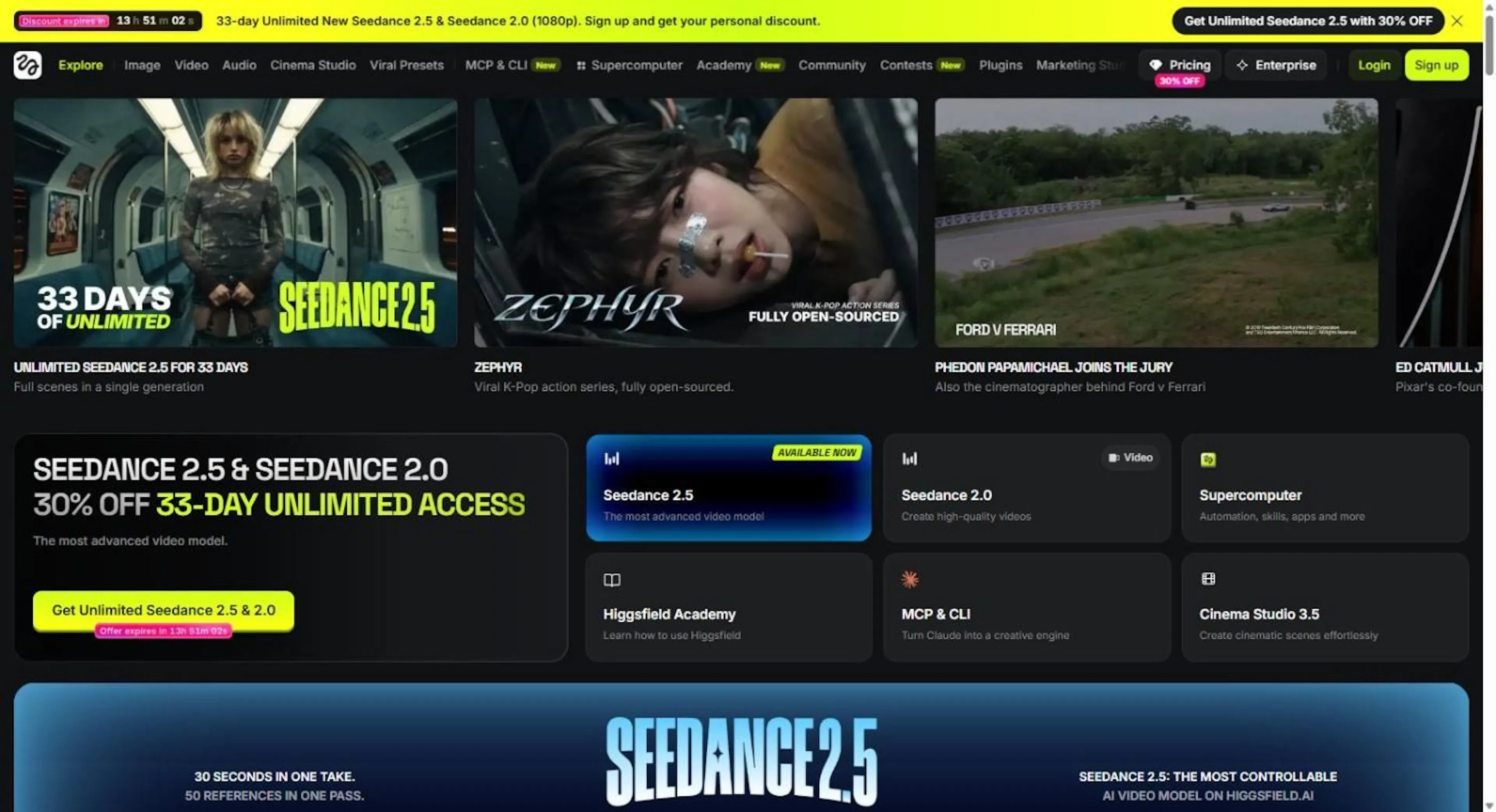 Higgsfield's live model catalog, screenshotted while writing this piece
Will the model still be here next quarter?
This is the question almost nobody asks, and it should probably be first on the list.
OpenAI notified developers on March 24, 2026 that Sora 2 and its API aliases were being deprecated. The consumer Sora app and web experience shut down on April 26, 2026. The API itself is scheduled to shut down entirely on September 24, 2026. Anyone who built a production pipeline around Sora 2 six months ago is now migrating mid-project, whether they planned for it or not.
I don’t say this to pick on Sora. Any platform can do this. The lesson is structural: don’t build irreplaceable dependencies on a single vendor’s roadmap. Keep your prompts, references, and settings logged somewhere that isn’t locked to one tool, so that if a model disappears, you’re re-pointing a pipeline instead of rebuilding a project from memory. This is one of the reasons I keep that log inside ScreenWeaver next to the shot itself rather than scattered across whichever tool generated it that week.
Do you need a model, or a workflow?
Runway is a useful example here because it isn’t winning on raw benchmark score against Kling 3.0 or Seedance 2.0. What it offers instead is a surrounding workflow: iteration tools, reference handling, and in-app editing built around the generation step, not just the generation step itself. For a hands-on production process, that surrounding tooling can matter more than a marginally higher score on an isolated model comparison.
If you’re generating a handful of shots for a single scene, the raw model is probably what you’re evaluating. If you’re running a full production with dozens of shots, the workflow around the model, how it handles references, revisions, and version history, starts to matter as much as the output quality.
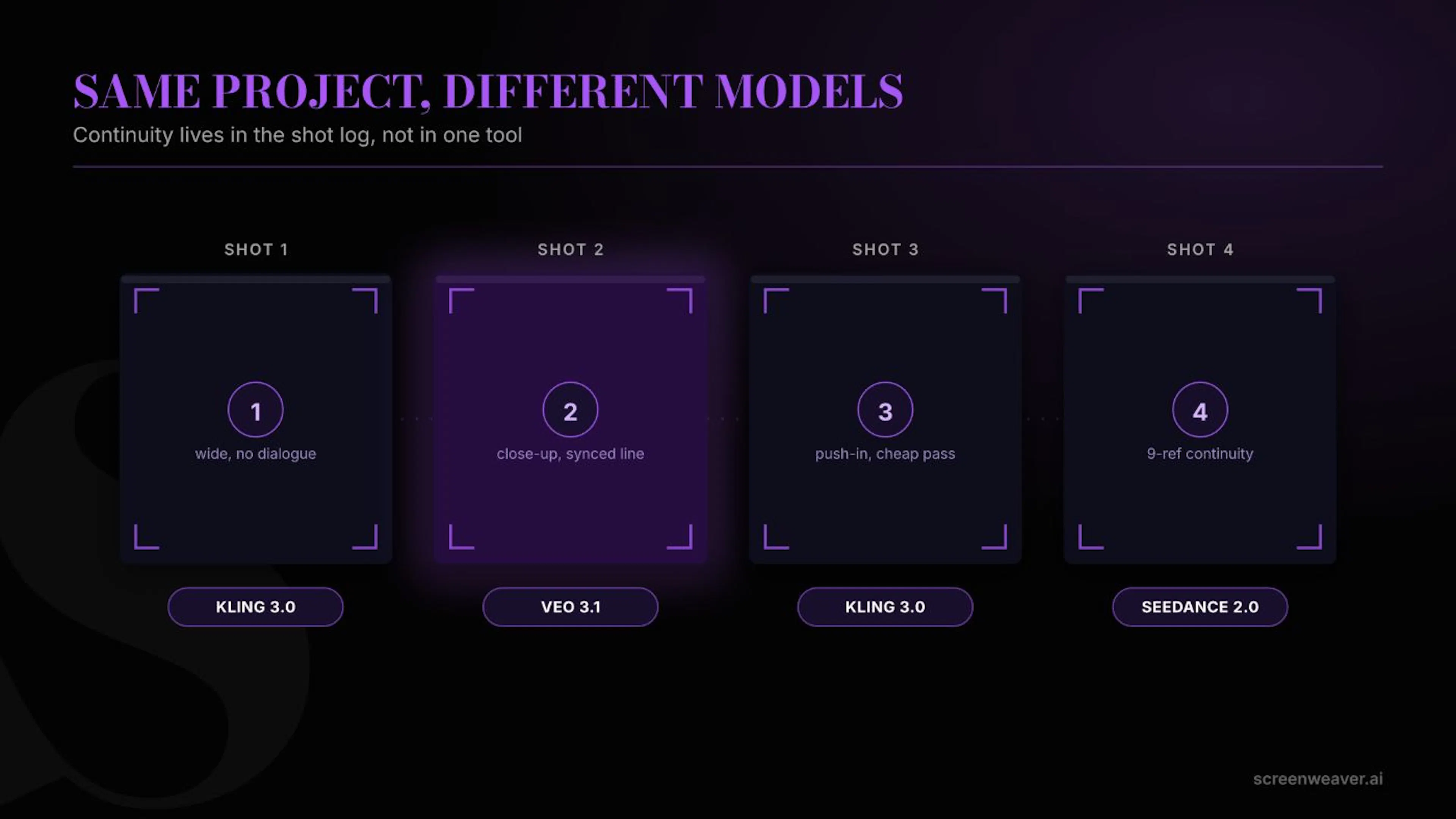 Continuity across models: same scene, different generators, one shot log
Should you pick just one model for the whole project?
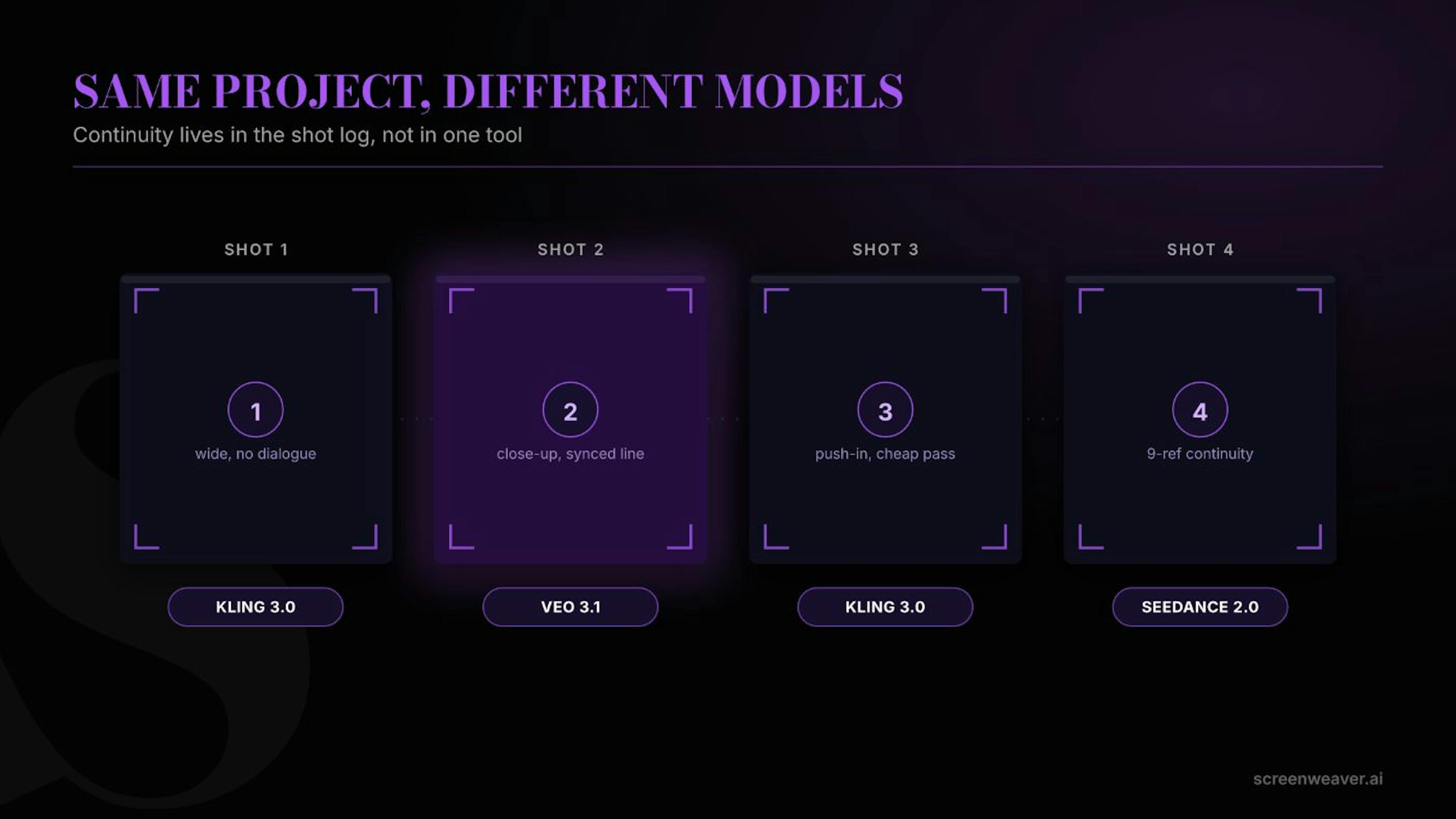
Probably not. The approach that’s emerged by mid-2026 isn’t “pick the best model and standardize on it.” It’s combining multiple models by use case, switching by scene or even by shot to balance quality, cost, and turnaround. A dialogue-heavy close-up might run on Veo 3.1. A wide establishing shot with no faces in frame might run on Kling 3.0 at a fraction of the cost. A shot needing nine reference elements might only be possible on Seedance 2.0.
This only works if your continuity lives outside any single model, in a shot recipe that survives a tool switch: which model, which version, which references, which settings, logged next to the shot rather than trapped in one platform’s history.
Common mistakes I still see beginners make:
- Picking a model because a demo reel went viral, not because it fits the shot in front of them
- Assuming “supports audio” means “supports lip-synced dialogue” (it usually doesn’t)
- Comparing sticker price per second instead of real cost per accepted clip after regenerations
- Standardizing an entire project on one model with no fallback if it gets deprecated or changes pricing
- Never checking the reference-image limit before designing a multi-element scene
FAQ
What’s the single best AI video model right now?
There isn’t one, and treating the question as if there is will cost you time. Independent leaderboards currently put Seedance 2.0 and HappyHorse-1.0 at the top on raw score, Kling 3.0 as the strongest broadly-available option on price and multi-shot consistency, and Veo 3.1 as the leader on synced dialogue. Which one is “best” depends entirely on what the shot in front of you needs.
Do I need to pick one model for my whole project?
No. The practical 2026 approach for most working filmmakers is to switch models by scene or shot, based on which requirement (duration, audio, references, budget) matters most for that specific piece of footage.
What actually happened to Sora 2?
OpenAI deprecated it. The consumer app shut down April 26, 2026, and the API is scheduled to shut down September 24, 2026. It’s a live example of the platform-risk question above, not a hypothetical.
How much should I budget per usable clip?
More than the sticker price suggests. Factor in a realistic 3:1 to 5:1 shooting ratio on top of the per-second or per-generation rate before comparing models on cost.
如有侵权请联系:admin#unsafe.sh