
好的,我现在需要帮用户总结一篇关于微软错误代码的文章,控制在100字以内。首先,我得通读整篇文章,抓住主要内容。 文章主要介绍了微软错误代码的类型、解决方法和故障排除指南。它提到了系统错误代码、HTTP和API状态代码、Windows更新错误、Azure和云错误以及Microsoft 365和Office错误。每个部分都有具体的例子,比如0x80070002表示找不到文件,而AADSTS50034表示用户账户被锁定。 接下来,文章讨论了如何查找这些错误代码,推荐了微软学习平台、WinDbg工具、Azure诊断工具以及AI驱动的Copilot。此外,还提供了一个分步故障排除指南,包括识别代码、搜索官方文档、检查更新、使用内置故障排除程序、重置服务以及联系支持。 最后,文章强调了预防措施的重要性,如补丁管理、防火墙规则和使用Azure监控工具。还提到了一些常见问题的解答,并总结了正确的策略和工具可以轻松解决微软错误。 现在,我需要将这些内容浓缩到100字以内。重点包括:微软错误代码的作用(诊断特定问题)、常见类型(系统、HTTP/API、Windows更新等)、解决方法(查找工具如微软学习平台)以及预防措施(补丁管理)。同时要保持语言简洁明了。 可能的结构是:介绍错误代码的作用,列举主要类型,提到查找方法和预防措施。这样既全面又简洁。 最终总结应涵盖:诊断特定问题的错误代码类型及其解决方法,并强调预防措施的重要性。 </think> 文章介绍了微软错误代码的作用及分类,包括系统错误码、HTTP/API状态码等,并提供了查找和解决这些错误的方法及预防措施。 2026-4-22 08:2:24 Author: securityboulevard.com(查看原文) 阅读量:16 收藏
The post Microsoft Error Codes Explained: Types, Fixes, and Troubleshooting Guide appeared first on PowerDMARC.
Key Takeaways
- Error codes provide precise diagnostics. Each code maps to a specific failure, from local system issues (e.g., 0x80070002) to cloud authentication errors (e.g., AADSTS50034).
- Context matters. The same code may mean different things across platforms, such as Windows Update, Office Activation, or Azure AD.
- Troubleshooting is methodical. Effective resolution involves identifying the code, researching it through official Microsoft channels, running built-in tools, and escalating if needed.
- Prevention reduces risk. Regular patching, strong firewall rules, securing email authentication with tools like PowerDMARC to prevent delivery failures, and system monitoring help avoid recurring error codes.
- AI accelerates support. Tools like Microsoft Copilot streamline diagnostics and offer intelligent, automated solutions during error resolution.
Microsoft error codes are diagnostic signals that indicate a specific failure within Windows, Microsoft applications, or cloud services like Azure and Microsoft 365. These codes allow IT professionals and support teams to identify problems quickly and accurately. Whether it’s a missing system file or a failed cloud login, each code directly points to the issue.
While many codes are widely documented, the exact meaning often depends on the software or platform in use. Microsoft error codes support efficient troubleshooting, help reduce downtime, and are now supported by AI-driven tools like Microsoft Copilot to improve the speed and accuracy of solutions.
List of Microsoft Error Codes
Here are some common Microsoft error codes.
System Error Codes (Win32/HRESULT)
System error codes are pretty common on a Windows PC. You’ll often find them in the following format: 0x8007XXXX. Here, the characters after the 7 point to a standard Windows error.
0x80070002
0x80070002 means the system cannot find the specified file. This classic error often points to missing or corrupted files needed by Windows Update or another application.
0x80070005
This error often indicates an access/permissions problem. It can signal that your user account may not have the necessary rights to access a file, registry key, or service. The 0x80070005 error is pretty common during software installation, Office activation, or Windows updates.
0x80072EFD
If you see the error code 0x80072EFD, it means a connection with the server could not be established. This may be because of a network connectivity problem that doesn’t let the PC reach Microsoft’s servers for Windows Update or the Microsoft Store.
HTTP & API Status Codes
When you interact with Microsoft’s web services and APIs, you will encounter standard HTTP status codes, often with additional context.
429 Too Many Requests
“429 Too Many Requests” means your application is sending too many requests within a given time frame.
503 Service Unavailable
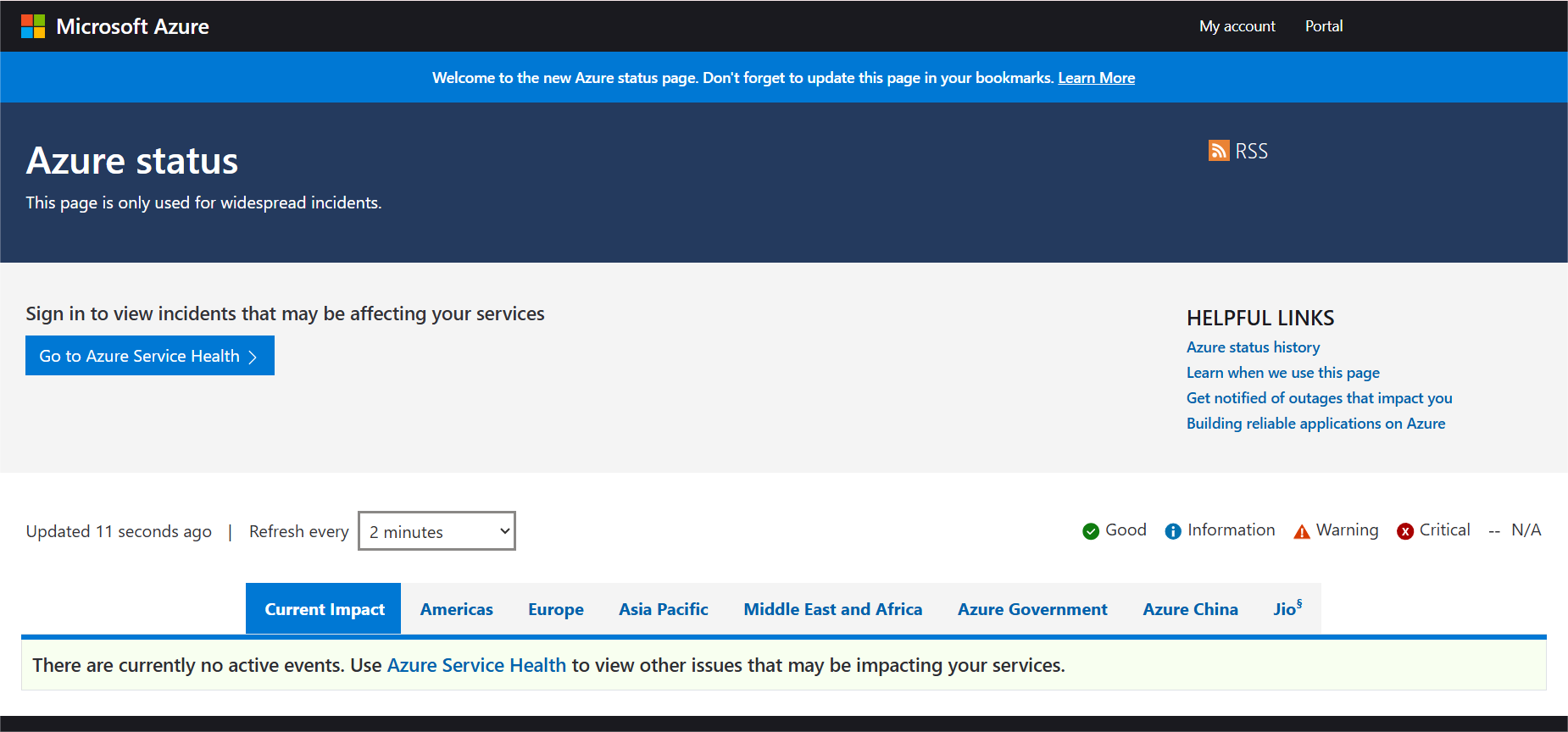
The Microsoft service you are trying to reach is temporarily down or can’t handle the request. You should check the Azure Status page for outages.
403 Forbidden (Microsoft Graph API)
The 403 Forbidden is a common error in Azure Active Directory development. It means the application has been authenticated but does not have permission to access the requested resource. You just need to provide the correct API permissions in the Azure portal.
Windows Update & Windows 11 Errors
Windows updates are critical. However, they can sometimes fail with specific errors.
0x8007000D
This means invalid data and can occur during a Windows 11 upgrade or update in case the system files are corrupt or the downloaded update package is incomplete.
0x80246017
An update is downloaded but cannot be installed. This often happens if a required service, like the Background Intelligent Transfer Service, is not running.
Windows Insider build errors
These are unique to pre-release versions of Windows. Windows Insider build errors often require specific workarounds that are detailed in the Windows Insider Blog.
Azure & Cloud Errors
Microsoft’s cloud platform has its own set of error codes that are related to virtual machines, authentication, and AI services.
VMAccessNotSupported
This error can occur when you are trying to reset a password or configure a VM extension on an Azure Virtual Machine where the VM agent is unresponsive or not installed.
AADSTS50034
The user account is locked. This Azure AD error means the user has made too many failed sign-in attempts. In this case, the account must be unlocked by an administrator.
Azure OpenAI/Copilot Studio errors
Errors in these services generally have to do with API key issues, endpoint misconfigurations, or exceeding token limits for a specific model.
Microsoft 365 & Office Errors
Microsoft 365 also has its unique error codes, be they related to activation, syncing, and many things in between.
0x8007007E
The “0x8007007E” error means the specified module could not be found. This can stop Office applications from opening and usually points to a corrupted installation. You can fix this issue by a repair or reinstall.
0x8004de40
This is a well-known OneDrive error code. 0x8004de40 means it cannot connect to the cloud. You can think of it as a desktop equivalent of a network or authentication problem.
Here’s why 10,000+ customers trust PowerDMARC
-
Huge reduction in spoofing attempts and unauthorized emails -
Faster onboarding + automated authentication management -
Real-time threat intelligence & reporting across domains -
Better email delivery rates due to strict DMARC enforcement
How to Look Up Error Codes
Now that you know specific error codes, it’s time to learn how to fix them.
Microsoft Learn
Microsoft Learn is the primary and most authoritative source. It has quite extensive documentation, troubleshooting guides, and community Q&As for nearly every Microsoft product. This means you can find answers to most of your questions and problems through this platform.
 WinDbg & Windows Error Lookup Tool
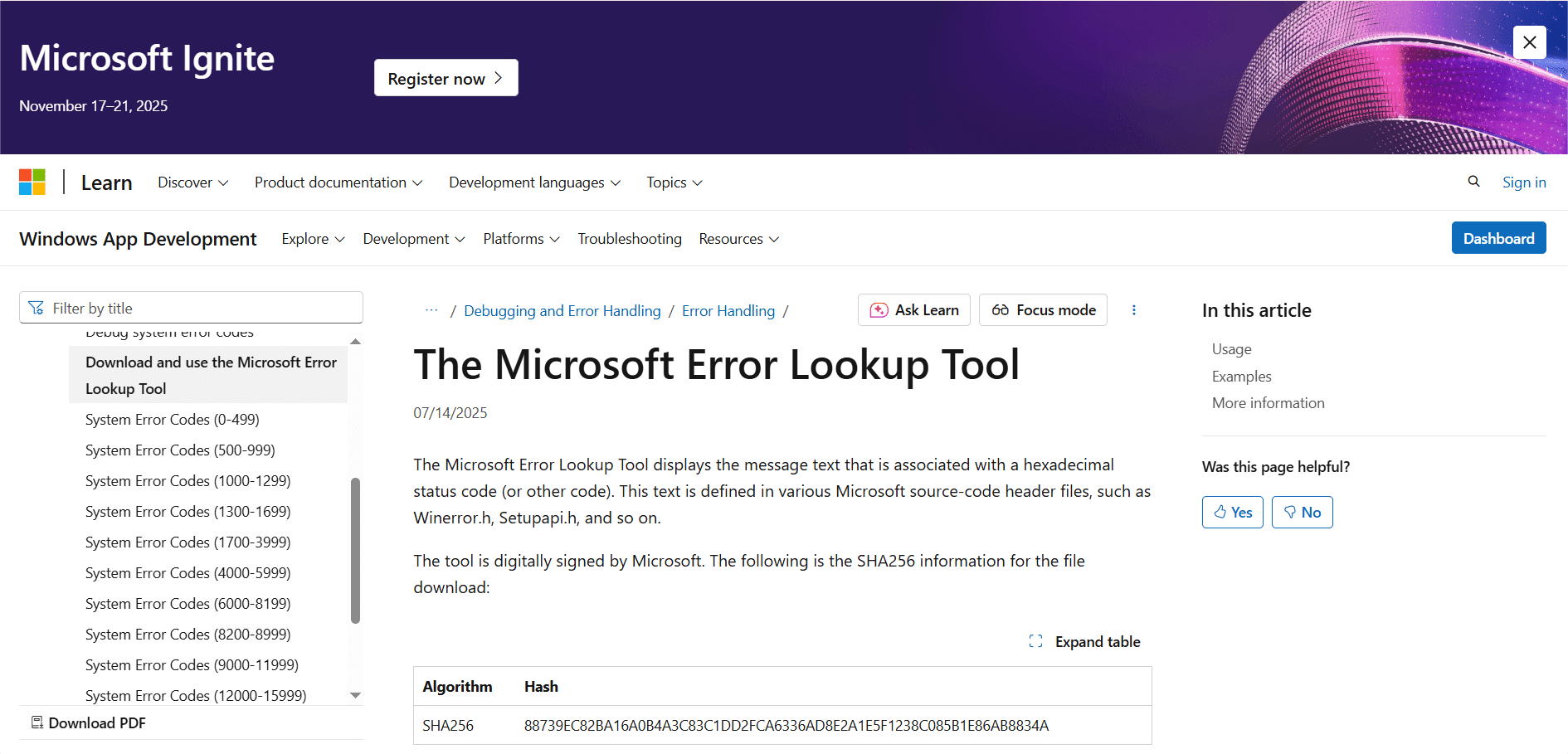
WinDbg & Windows Error Lookup tools are mostly used by developers and advanced IT pros. They can help translate a machine-language error code into a human-readable message. For example, the Error Lookup Tool in Visual Studio or the Windows SDK can tell you that $0x80070005$ means E_ACCESSDENIED, all in a matter of seconds.
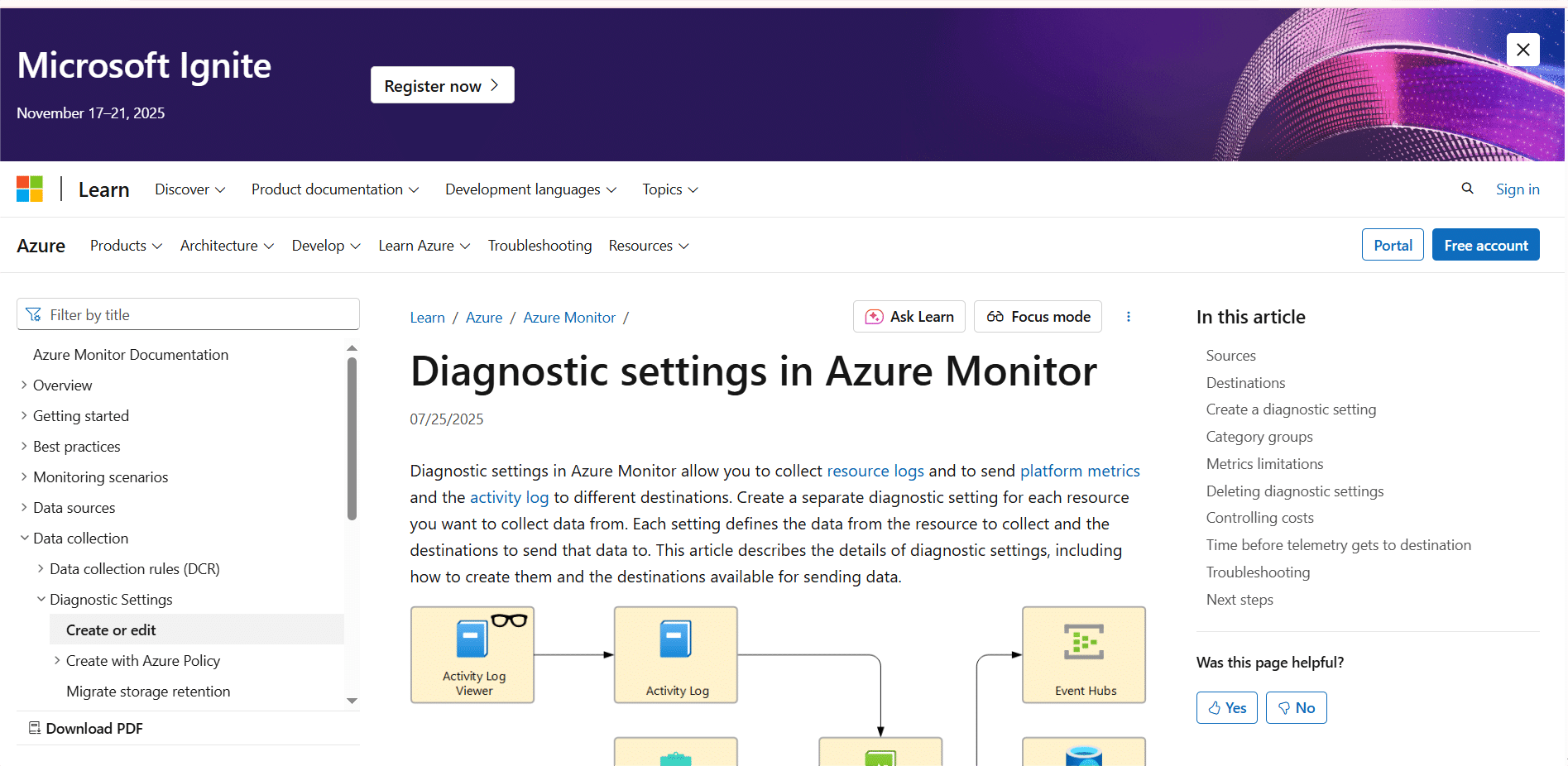
Azure Diagnostics & Log Analytics
Azure is a platform where you can query activity logs and use Application Insights within Log Analytics to investigate errors. It’s great for debugging cloud application failures and is a common go-to for specialists.
Event Viewer
This is built directly into Windows and can log significant events, including errors.
Pro Tip: Filter the Windows Logs > System and Application logs by “Error” and “Critical.” This will enable you to quickly find relevant entries. If you need more details, see our guide on how to use Event Viewer in Windows 11.
AI-powered Copilot
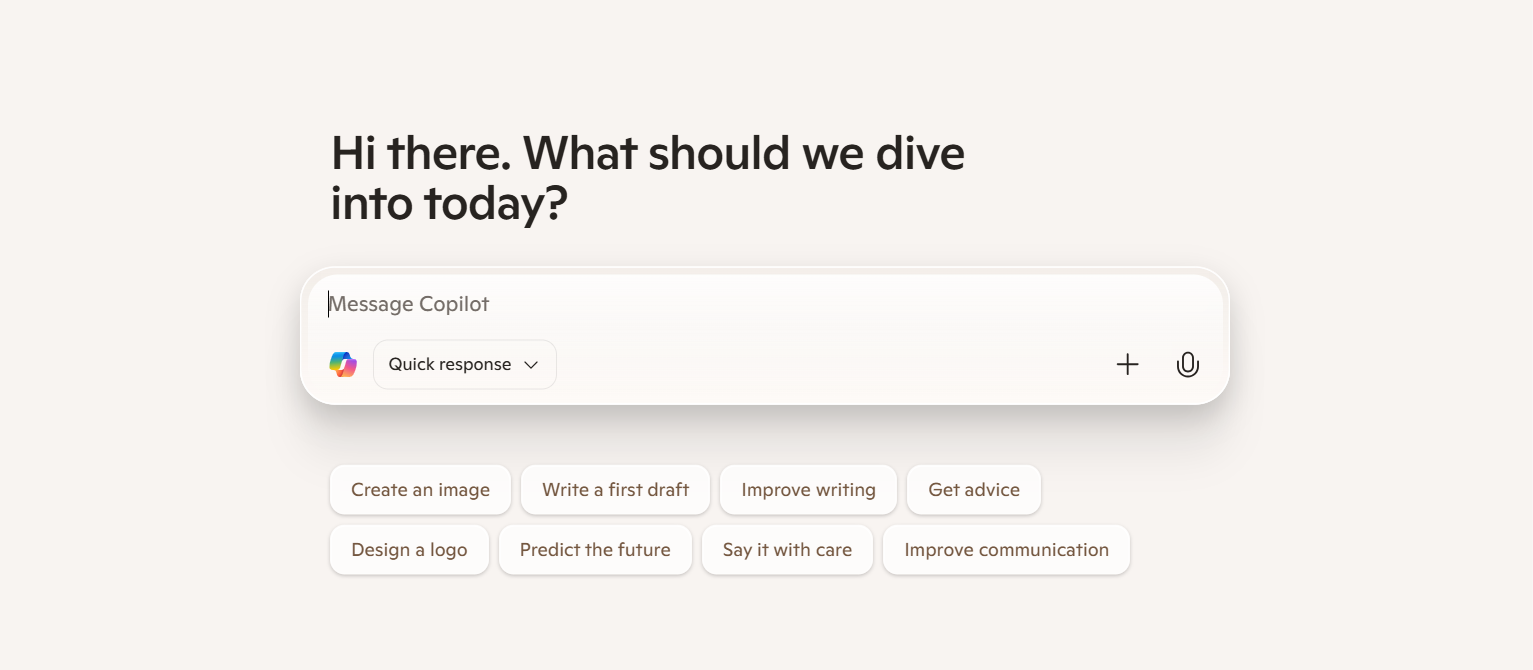
Microsoft Copilot (in Windows, Azure, or Microsoft 365) can now explain error codes. You can ask it any question, such as “What does error code 0x80070005 mean in Windows Update?” The Microsoft Copilot program will provide you with quick diagnoses and solution steps.
Step-by-Step Microsoft Error Troubleshooting Guide
You can follow the steps below to fix Microsoft errors.
1. Identify the Code
First, try to note the full error code and when/how it appeared. Is it in a pop-up window? Or is it an event log? Or maybe an application interface? The context in which it appears is really important.
2. Search Microsoft’s Official Docs
Then, use the code to search on Microsoft Learn or the Microsoft Support knowledge base. These are some of the most trusted sources out there.
3. Check for Recent Updates/Patches
Sometimes, bugs get fixed in updates. As of 2024, all cumulative updates for Windows 11 and server patches for Azure are released regularly. Always make sure your system is up to date.
4. Use Built-in Troubleshooters
Windows comes with built-in troubleshooters for common problems like Windows Update, Network and Internet, and Printer issues. In Azure, you should use the Diagnose and Solve Problems blade.
5. Reset Services
Sometimes, for some of the update and connectivity issues, issues can get solved as you restart key services. Services that can be effective to reset include Windows Update (wuauserv), Background Intelligent Transfer Service (BITS), and the OneDrive desktop client.
6. Contact Microsoft Support
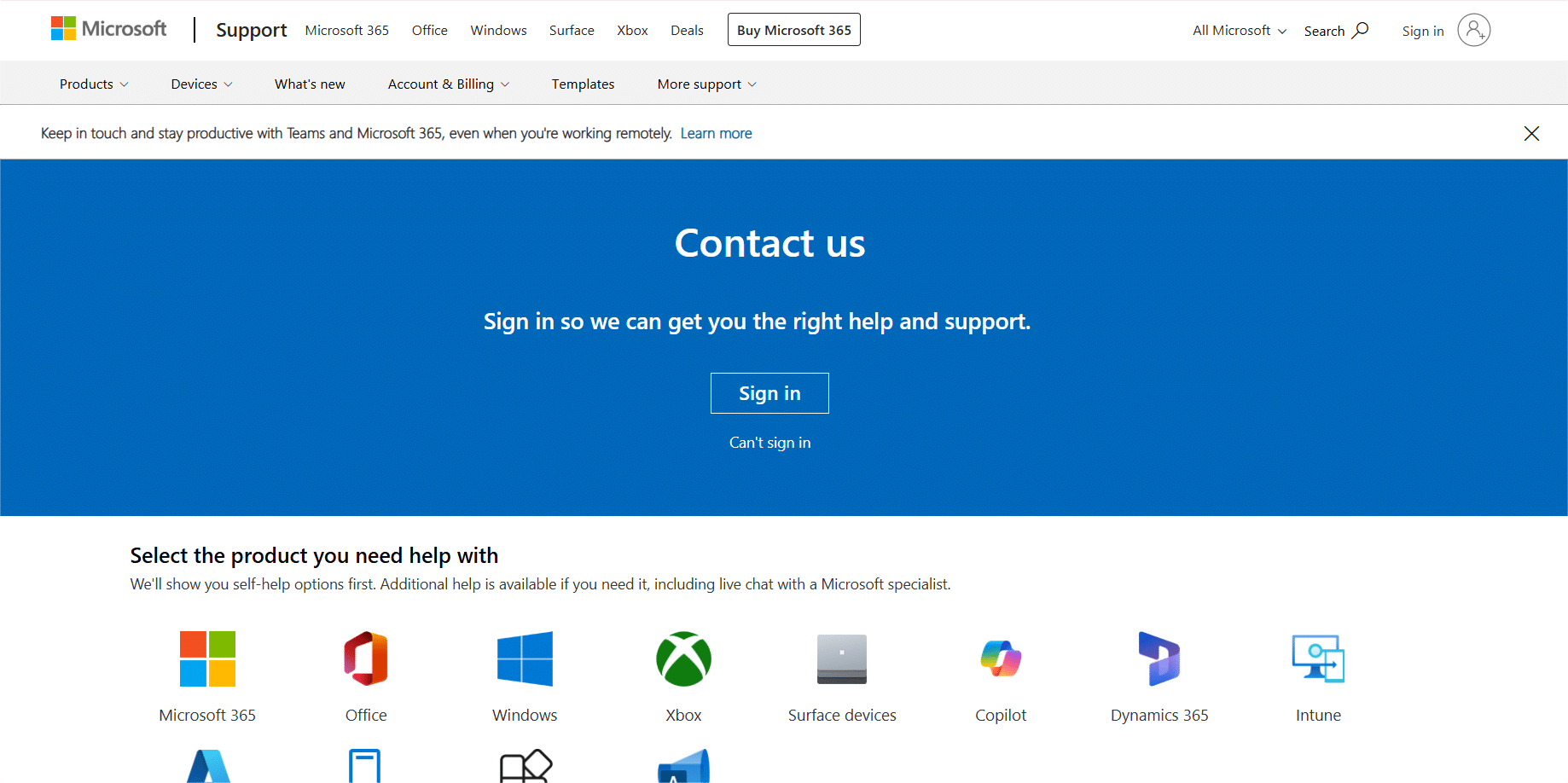
What if you have exhausted all of the options above? If you’re an enterprise customer, you should open a support ticket through your service portal. If you’re a consumer, you should use the Get Help app in Windows.
Best Practices to Prevent Microsoft Errors
We talked about how to fix Microsoft errors, but how to prevent them in the first place?
- Patch Management: Try to enable automatic updates for Windows and then regularly review updates in Azure. A consistent patch management strategy can help you a lot when it comes to preventing known bugs.
- Firewall Rules: Are you sure your firewall isn’t blocking communication with Microsoft’s service endpoints? Microsoft publishes lists of required IPs and URLs for Microsoft 365 and Azure.
- Azure Best Practices: You can use Azure Monitor and Application Insights to monitor your cloud resources. You can also set up alerts for high error rates or performance degradation.
- Office/365 Maintenance: Consider running the Microsoft Support and Recovery Assistant tool. It can diagnose and fix many issues with Office, Outlook, and Teams.
FAQs
What are some common Microsoft error codes?
Common Microsoft error codes include system error Codes, HTTP & API status codes, Windows update & Windows 11 errors, Azure & cloud errors, Microsoft 365 & Office errors.
How can I find out what a Microsoft error code means?
You can use tools like Microsoft Learn and WinDbg & Windows Error Lookup Tool. You can also leverage Azure Diagnostics & Log Analytics tools and AI-powered Copilot to find out the meaning of Microsoft errors.
What is the primary and most reliable source to look up Microsoft error codes?
Microsoft Learn is the primary and most authoritative source.
How can I troubleshoot Microsoft error codes?
First, identify the code and search Microsoft’s official documents to find out what it means. Check for recent updates/patches, use troubleshooters, and reset the service.
How can I prevent Microsoft errors?
Check firewall rules and use Azure Monitor and Application Insights to monitor your cloud resources. You can also benefit from the Microsoft Support and Recovery Assistant tool to fix any minor issues before they become major ones.
Summing Up
We all make errors, and so does Microsoft. Quite often, a Microsoft error stems from our own oversight or lack of knowledge. But the good news is that Microsoft errors can easily be fixed with the right strategy and tools.
Troubleshooting tools include Microsoft Learn, the WinDbg & Windows Error Lookup tool, Azure Diagnostics & Log Analytics tools, AI-powered Copilot, etc.
But don’t wait until there is a need for troubleshooting. Always try to prevent the problem first. Protect your domain against spoofing and ensure your messages are trusted within Microsoft 365.
Take control of your email security with a free trial from PowerDMARC today!
*** This is a Security Bloggers Network syndicated blog from PowerDMARC authored by Ayan Bhuiya. Read the original post at: https://powerdmarc.com/microsoft-error-codes-explained-types-fixes-and-troubleshooting-guide/
如有侵权请联系:admin#unsafe.sh