嗯,用户让我总结一下这篇文章的内容,控制在一百个字以内。首先,我需要通读整篇文章,抓住主要信息。文章讲的是Kali Linux 2026.1版本的发布,提到了新增的8个工具、主题更新和BackTrack模式。Kali Linux是针对网络安全专业人士的Linux发行版,支持红队、渗透测试等。 接下来,用户要求用中文总结,并且不需要特定的开头,直接写描述。我需要确保内容简洁明了,不超过100字。可能需要提到新版本、新增工具、主题更新和BackTrack模式这几个关键点。 然后,考虑到用户可能的需求,他们可能是网络安全领域的从业者或者学生,想快速了解新版本的主要变化。因此,总结时要突出这些变化对他们的实际应用价值。 最后,组织语言,确保流畅自然,并且控制在字数限制内。 </think> Kali Linux 2026.1发布,新增8个工具、年度主题更新及BackTrack模式。该发行版专为 ethical hackers 和网络安全专家设计,支持红队行动、渗透测试等,并提供 live 环境或可安装系统。 2026-3-25 12:46:15 Author: www.bleepingcomputer.com(查看原文) 阅读量:15 收藏
Kali Linux 2026.1, the first release of the year, is now available for download, featuring 8 new tools, a theme refresh, and a new BackTrack mode for Kali-Undercover.
Kali is a Linux distribution designed for ethical hackers and cybersecurity professionals, with tools for red teaming, penetration testing, network research, and security assessments.
This distribution is available as a live environment or an installable operating system, and it supports a wide range of hardware, including Raspberry Pi devices and compatible Android phones via Kali NetHunter.
New tools added to Kali Linux 2026.1
In this release, the Kali Team has added 25 new packages, updated 183 others, and upgraded the Kali kernel to 6.18.
It has also added new tools to the network repositories, including:
- AdaptixC2 - Extensible post-exploitation and adversarial emulation framework
- Atomic-Operator - Execute Atomic Red Team tests across multiple operating system environments
- Fluxion - Security auditing and social-engineering research tool
- GEF - Modern experience for GDB with advanced debugging capabilities
- MetasploitMCP - MCP server for Metasploit
- SSTImap - Automatic SSTI detection tool with interactive interface
- WPProbe - Fast WordPress plugin enumeration tool
- XSStrike - Advanced XSS scanner
Annual theme refresh
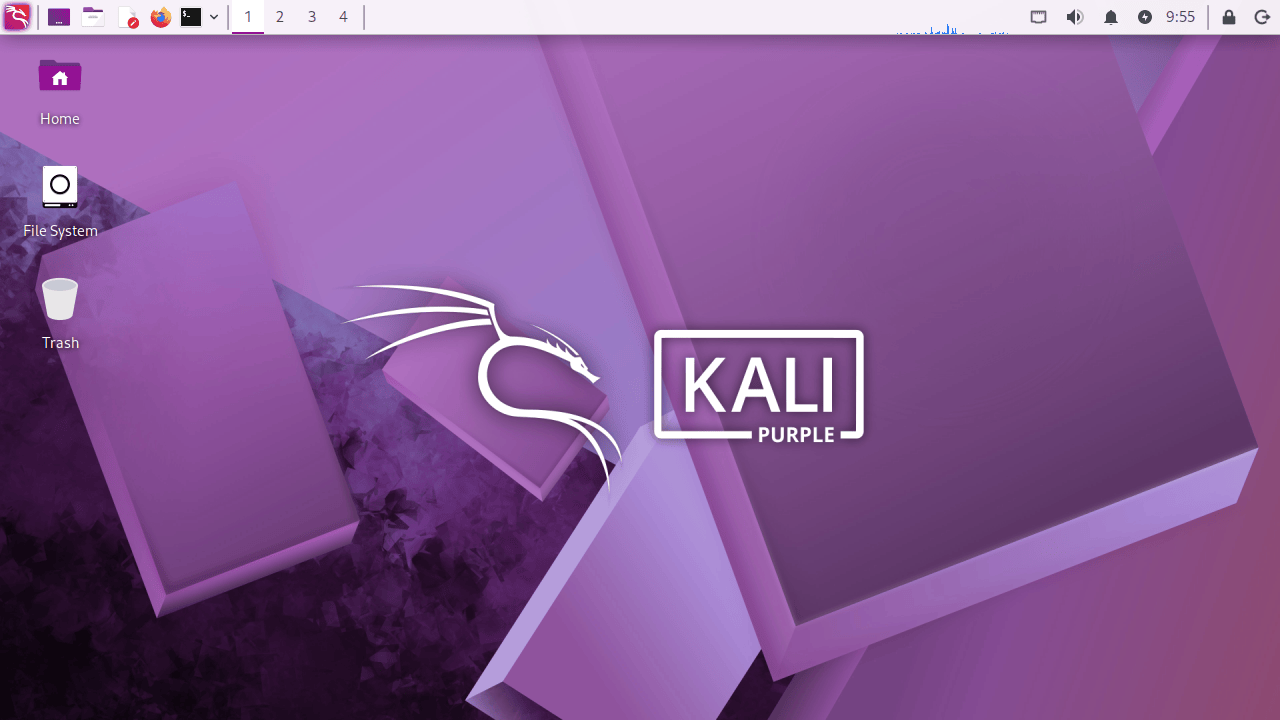
With this year's first release, the Kali Team introduced a theme update that adds new wallpapers, tweaks the graphical installer interface, and improves the boot and login experience.
"As with previous 20xx.1 releases, this major update brings our annual theme refresh, a long-standing tradition that keeps the Kali Linux interface as modern and innovative," the Kali devs said.
"This year’s release unveils a brand-new theme from the moment you boot. Everything from the boot menu, installer to the login display, and a fresh set of desktop wallpapers."
BackTrack mode for Kali-Undercover

This version also adds a new "BackTrack mode" to the distro's Kali Undercover, a feature previously that may also be used to make the Kali desktop look like a default Windows 10 installation.
With the new mode, users can quickly switch to a theme closely resembling Kali's predecessor, BackTrack Linux.
"This mode transforms the desktop to recreate the look and feel of BackTrack 5, with the same wallpaper, colors, and window themes," the announcement reads.
"You can run it directly from the menu or by running kali-undercover --backtrack in the terminal. You can switch back to the default Kali desktop (or not) by running it again."
The Kali Team also made improvements to the Kali NetHunter app, including a HID permission check and fixes for the WPS scan bug and the back button issue.
How to get Kali Linux 2026.1
To start using Kali Linux 2026.1, you can upgrade your existing installation, select a platform, or directly download ISO images for new installs and live distributions.
Kali users who want to update from a previous version can use the following commands to upgrade to the latest version.
echo "deb http://http.kali.org/kali kali-rolling main contrib non-free non-free-firmware" | sudo tee /etc/apt/sources.list
sudo apt update && sudo apt -y full-upgrade
cp -vrbi /etc/skel/. ~/
[ -f /var/run/reboot-required ] && sudo reboot -f
If you're using Kali on Windows Subsystem for Linux, you should consider upgrading to WSL 2 for better support of graphical applications. To check your WSL version, run wsl -l -v in a Windows command prompt.
After upgrading, you can check whether the process was successful using the following command: grep VERSION /etc/os-release.
You can view the complete changelog for Kali Linux 2026.1 on Kali's website.

Red Report 2026: Why Ransomware Encryption Dropped 38%
Malware is getting smarter. The Red Report 2026 reveals how new threats use math to detect sandboxes and hide in plain sight.
Download our analysis of 1.1 million malicious samples to uncover the top 10 techniques and see if your security stack is blinded.
如有侵权请联系:admin#unsafe.sh