好的,我现在需要帮用户总结一篇文章的内容,控制在100字以内。用户给的文章是关于Tails 7.5版本的更新内容,里面提到了Tor浏览器、Tor客户端、Thunderbird邮件客户端的更新,还有语言包的添加以及升级和安装的方法。 首先,我需要理解文章的主要信息点。文章开头提到更新Tor浏览器到15.0.7,并简化了主页。接着更新了Tor客户端到0.4.9.5。然后是Thunderbird升级到140.7.1,并作为额外软件安装以提高安全性。还提到了之前版本Thunderbird容易过时的问题,现在通过额外软件自动更新解决。另外,添加了墨西哥西班牙语的语言包。 接下来是升级和安装的部分,包括自动升级和手动升级的方法,以及如何在新USB上安装。最后是支持和反馈的信息。 现在,我需要将这些信息浓缩到100字以内。重点应该是主要更新内容:Tor浏览器、Tor客户端、Thunderbird的更新和安全改进,语言包的添加,以及升级方法。 可能的结构:Tails 7.5版本更新包括Tor浏览器、Tor客户端、Thunderbird的安全改进和语言包添加,并提供自动和手动升级选项。 检查字数是否在限制内,并确保涵盖所有关键点。 </think> Tails 7.5 更新包括 Tor 浏览器和客户端版本升级、Thunderbird 安全增强及语言包添加。支持自动或手动升级,并提供新 USB 安装选项。 2026-2-26 00:0:0 Author: blog.torproject.org(查看原文) 阅读量:60 收藏
Changes and updates
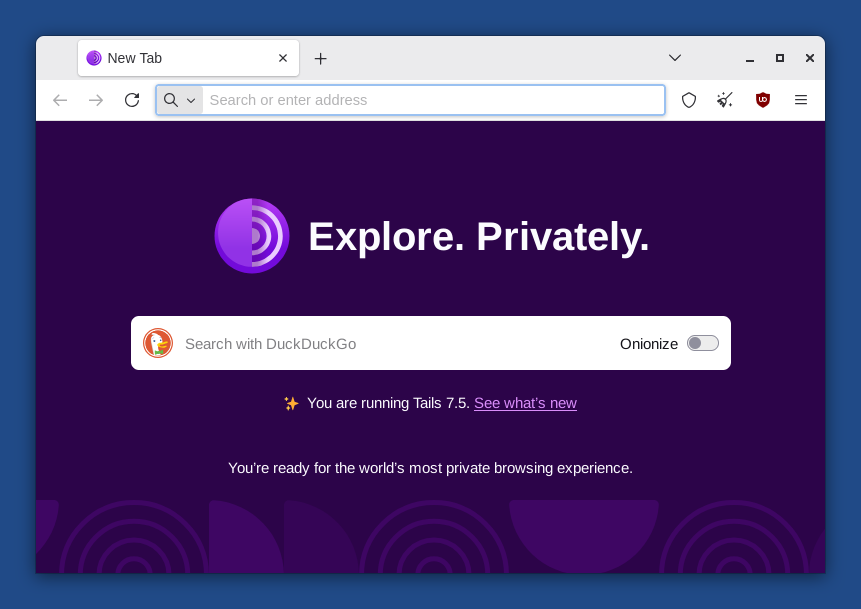
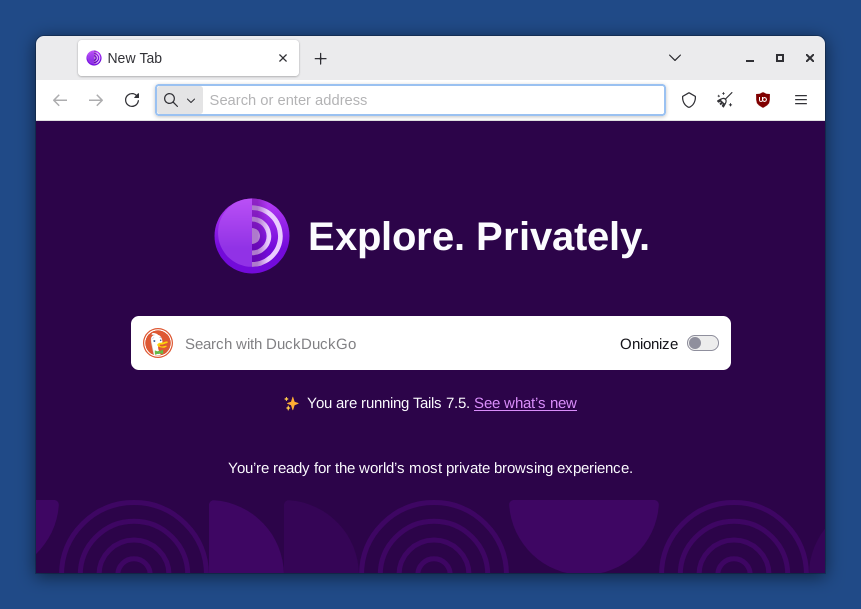
Update Tor Browser to 15.0.7.
Simplify the home page of Tor Browser.
Update the Tor client to 0.4.9.5.
Update Thunderbird to 140.7.1.
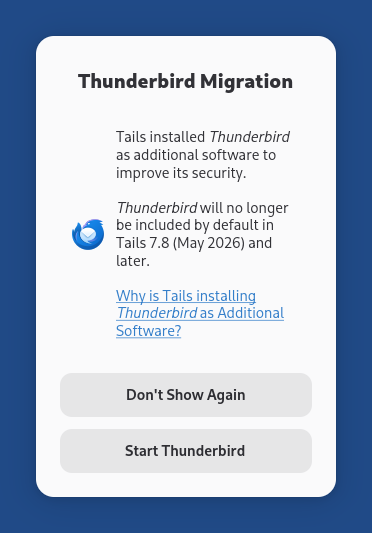
Install Thunderbird as additional software to improve its security, if you have both the Thunderbird Email Client and Additional Software features of the Persistent Storage turned on.
Until Tails 7.5, a new version of Thunderbird was released by Mozilla only a few days after we released a new version of Tails. As a consequence, the version of Thunderbird in Tails was almost always outdated, with known security vulnerabilities.
By installing Thunderbird as additional software, the latest version of Thunderbird is installed automatically from your Persistent Storage each time you start Tails.
If the Thunderbird Migration dialog below appears when you start Thunderbird , it means that Tails successfully installed Thunderbird as additional software.
- Include the language pack for Mexican Spanish in Thunderbird in addition to the language pack for Spanish from Spain.
For more details, read our changelog.
Get Tails 7.5
To upgrade your Tails USB stick and keep your Persistent Storage
Automatic upgrades are available from Tails 7.0 or later to 7.5.
If you cannot do an automatic upgrade or if Tails fails to start after an automatic upgrade, please try to do a manual upgrade.
To install Tails 7.5 on a new USB stick
Follow our installation instructions:
The Persistent Storage on the USB stick will be lost if you install instead of upgrading.
To download only
If you don't need installation or upgrade instructions, you can download Tails 7.5 directly:
Support and feedback
For support and feedback, visit the Support section on the Tails website.
如有侵权请联系:admin#unsafe.sh