
嗯,用户让我帮忙总结一篇文章,控制在100字以内,而且不需要特定的开头。首先,我得仔细阅读文章内容,抓住主要信息。 文章讲的是微软发布了KB5077241这个可选累积更新,适用于Windows 11。里面提到了29个变化,包括BitLocker的改进、新的网络测速工具和内置的系统监视器功能。这些都是主要的更新点。 然后,这个更新是每月末发布的预览版,供管理员测试下个月补丁星期二发布前的修复和新功能。不过它不包含安全补丁,只提供质量改进。 接下来,文章详细说明了BitLocker更可靠了,设备不会再因为恢复密钥而冻结。还新增了任务栏里的网络测速工具,支持多种连接方式。还有通过Shift键或中键打开新资源管理器实例的功能。 另外,系统从睡眠恢复更稳定了,耗时减少。还引入了内置的系统监视器和快速机器恢复功能。 安装方法是通过Windows设置或手动下载。更新后会升级到特定版本,并提到一些其他改进和新增功能。 最后,还有关于重新设计的开始菜单、电池图标和安全启动证书的更新。 现在我要把这些信息浓缩到100字以内。需要突出主要更新:BitLocker改进、网络测速工具、系统监视器功能、安装方法以及版本升级。 确保语言简洁明了,不使用复杂的术语。直接描述内容即可。 </think> 微软发布Windows 11可选累积更新KB5077241,包含29项改进:提升BitLocker可靠性、新增网络测速工具、内置系统监视器功能等。该更新为每月预览版,不含安全补丁。用户可通过Windows设置或手动安装。 2026-2-25 08:0:19 Author: www.bleepingcomputer.com(查看原文) 阅读量:10 收藏
Microsoft has released the KB5077241 optional cumulative update for Windows 11, which comes with 29 changes, including improvements to BitLocker, a new network speed test tool, and native System Monitor (Sysmon) functionality.
KB5077241 is a preview update delivered at the end of each month that allows admins to test Windows bug fixes, new features, and improvements before they're generally available during next month's Patch Tuesday release. However, unlike Patch Tuesday cumulative updates, monthly non-security preview updates do not include security fixes and only roll out quality improvements.
With the February 2026 optional update, Microsoft has improved BitLocker reliability, ensuring devices no longer freeze after entering the recovery key, and introduced a built‑in network speed test for Ethernet, Wi‑Fi, and cellular connections in the Windows taskbar, which can be opened from the Wi‑Fi or Cellular Quick Settings, or by right-clicking the network icon in the system tray.

It also added an option to open a new File Explorer instance by holding down the Shift key or the middle mouse button, improved reliability when PCs wake from sleep, and reduced the time it takes for a PC to resume from sleep, especially under heavy load.
Additionally, this month's optional update introduces native System Monitor (Sysmon) functionality (disabled by default) and automatically turns on Quick Machine Recovery (QMR) on Windows Professional devices that aren't domain‑joined and aren't enrolled in enterprise endpoint management.
You can install KB5077241 by opening Windows Settings, clicking on Windows Update, and then on 'Check for Updates.' Since this is a preview update, you will be prompted to install it by clicking the 'Download and install' link. However, you can also manually install this update after downloading it from the Microsoft Update Catalog.
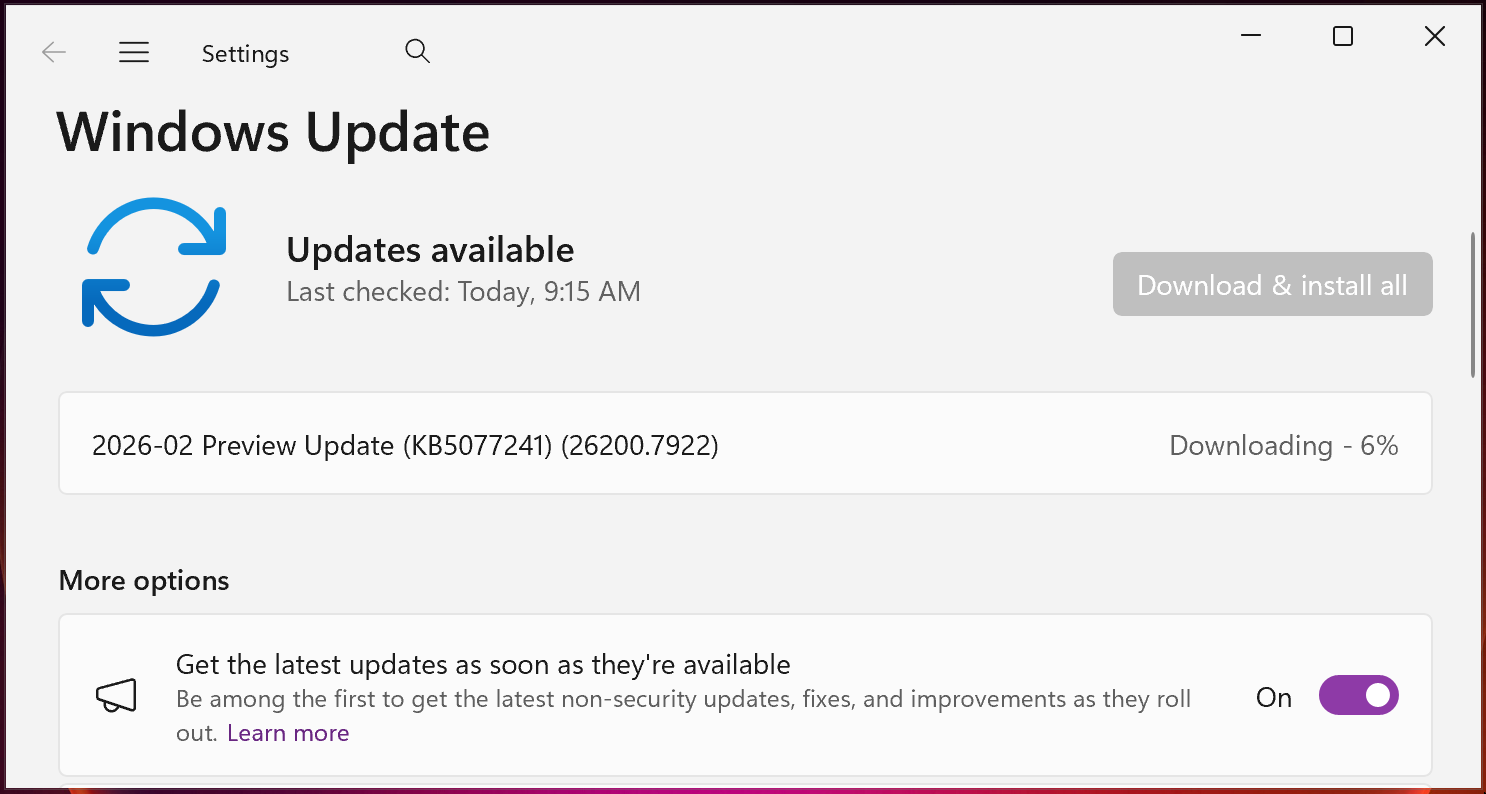
Windows 11 KB5077241 highlights
Once installed, this optional non-security update will update Windows 11 25H2 and 24H2 devices to builds 26200.7922 and 26100.7922, respectively.
The February 2026 preview update comes with further improvements, some of the more important ones highlighted below:
- Improved: When the taskbar is set to uncombined, and you have an app open with multiple windows, they no longer all move as a set to the overflow area when there is not enough space on the taskbar. Only the windows that don't fit move to the overflow menu. This change prevents the overflow menu from appearing with a large unused space.
- [Desktop Background] New! You can set WebP (.webp) images as your desktop background from Settings > Personalization > Background, or by right‑clicking the image in File Explorer.
- [Remote Server Administration Tools (RSAT)] New! This update adds support for Remote Server Administration Tools (RSAT) on Windows 11 Arm64 devices. IT administrators can now install and use tools such as Active Directory Domain Services and Lightweight Directory Services Tools, Active Directory Certificate Services Tools, Server Manager, Group Policy Management Tools, DNS Server Tools, and DHCP Server Tools. These tools are available as optional features and can be installed through Settings > System > Optional Features or from Control Panel > Programs > Turn Windows features on or off.
- [Windows Update Settings] Improved: Responsiveness of the Windows Update settings page.
Microsoft also added that a redesigned Start menu introduced with the October 2025 non-security update (KB5067036) is gradually rolling out to Windows devices, with more PCs receiving this updated Start menu experience over time.
The company is also still pushing updated battery icons to more Windows devices to make it easier to see the current battery status at a glance, a feature that also started rolling out in October 2025.
It also noted that updated Secure Boot certificates are rolling out to replace the original 2011 certificates that will expire in late June 2026. Microsoft first revealed in January that it plans to refresh expiring Secure Boot certificates on eligible Windows 11 systems, following a November alert that warned admins to update the security certificates before they expire.

The future of IT infrastructure is here
Modern IT infrastructure moves faster than manual workflows can handle.
In this new Tines guide, learn how your team can reduce hidden manual delays, improve reliability through automated response, and build and scale intelligent workflows on top of tools you already use.
如有侵权请联系:admin#unsafe.sh