TL; DR - using the Ember developer tools, you can find cheaper versions of the same products on Dollar Shave Club's site, as well as find products that have been discontinued or that would not be normally shown.
Today I received yet another email from Dollar Shave Club (DSC) advertising one of their shaving sets. I'd previously tried their shaving butter and liked it, and I had just run out of shaving cream, so I figured I'd reup. I clicked through to their site and saw the shaving butter for $8, the Miracle Repair Serum for $12, and a bundle of both for $16.
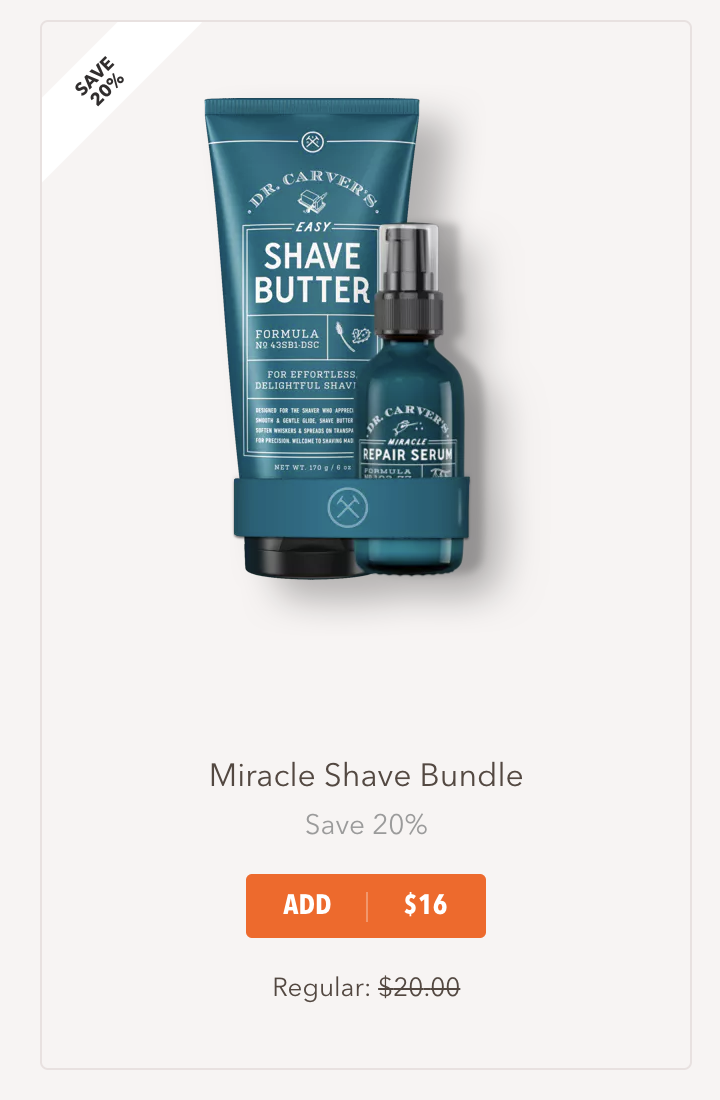
Shaving butter bundle
I quickly added the shaving butter to my cart (or actually not so quickly - their site is pretty slow, probably due to the web framework they chose edit: apparently it's just how they organized their site, not due to Ember itself), and then reconsidered and wanted to go back and get the bundle.
However, when I went back to the product page, the bundles were gone. I searched around for a bit but couldn't find them anywhere.
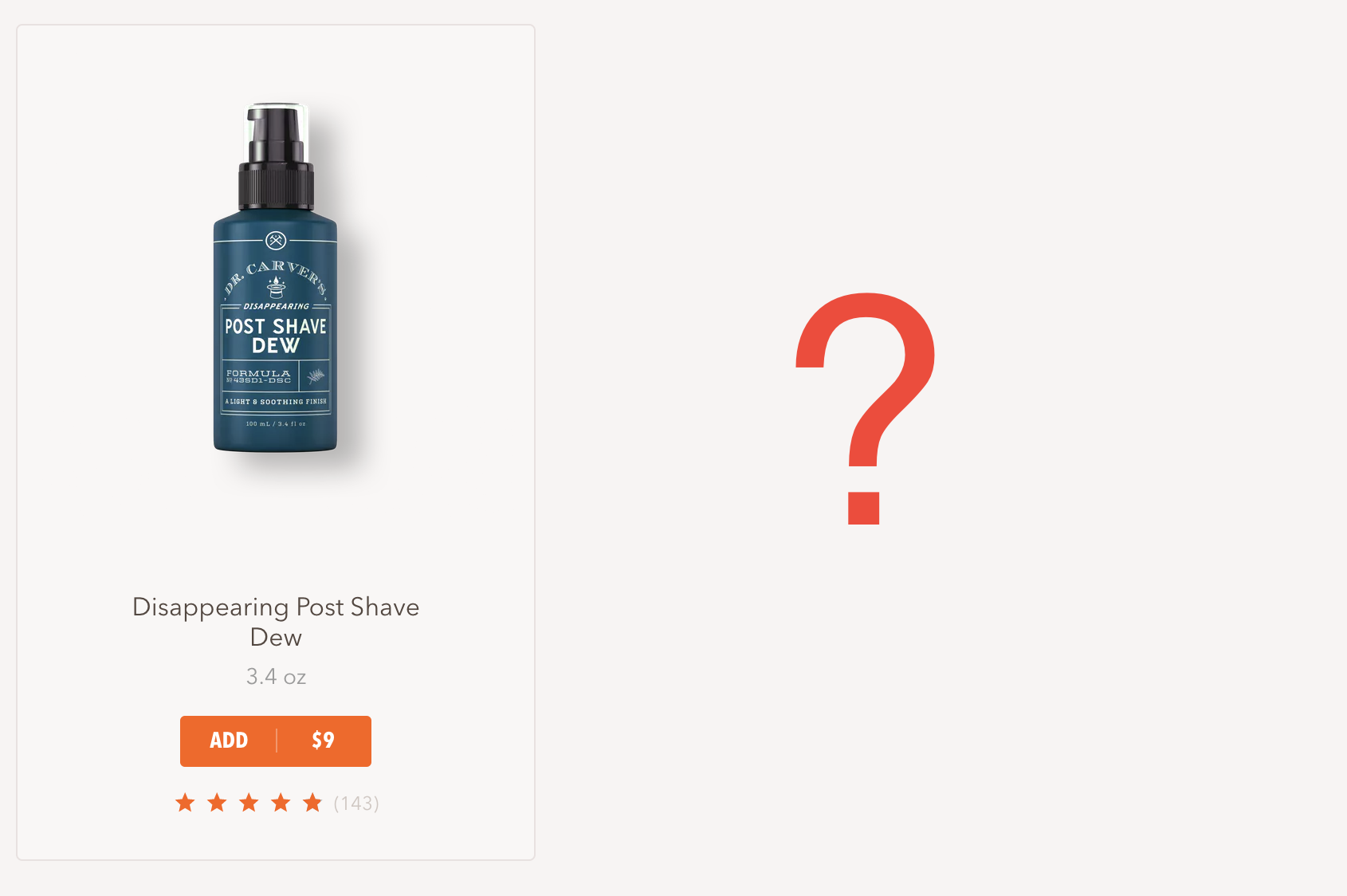
The bundles used to be where the question mark is
I thought ok, maybe there is some logic that when a bundle item is in your cart they won't show you the bundle anymore (although that feels like pretty bad marketing) - so I removed the product from my cart and checked again. Still gone.
At this point I was a little peeved. I had just seen the bundle and it completely vanished. I tried signing out and signing in, clearing cookies, nothing. Something in my user modal had changed, and I was no longer eligible for their bundles. The total product cost was now $20, up from $16.
I know, I know, it's only $4. But still. Four dollars.
I decided to investigate.
Investigating
There are a few ways to implement variable products on a site. The important distinction, however, is that it's always either server side filtered or client side. They either:
A
- The client requests the product list from the server
- The server filters the full product list for the products that need to be shown to this user
- The server responds with the filtered list
- The client shows all the products it received
B
- The client requests the product list from the server
- The server responds with the full product list
- The client filters the product list for the products that should be shown to this user
- The client shows the filtered product list
If they were doing A I was probably out of luck. It would be difficult to guess the exact product information for the bundle. If I had captured all my network packets then I theoretically could've done a replay attack on myself, but network state is really tough to figure out, and my time spent doing that wouldn't be worth $4 (nor would I get an interesting blog post out of it).
If they're doing B, though, then there's probably something interesting we can do. We can either intercept the network requests and hope they contain the information we need, or we can wait for the full state of the site to be set up and then find the filtering function (or just find the full product list).
Ember.js
I opened up devtools and the first thing I noticed was the fact that a lot of the ids and classes started with ember.
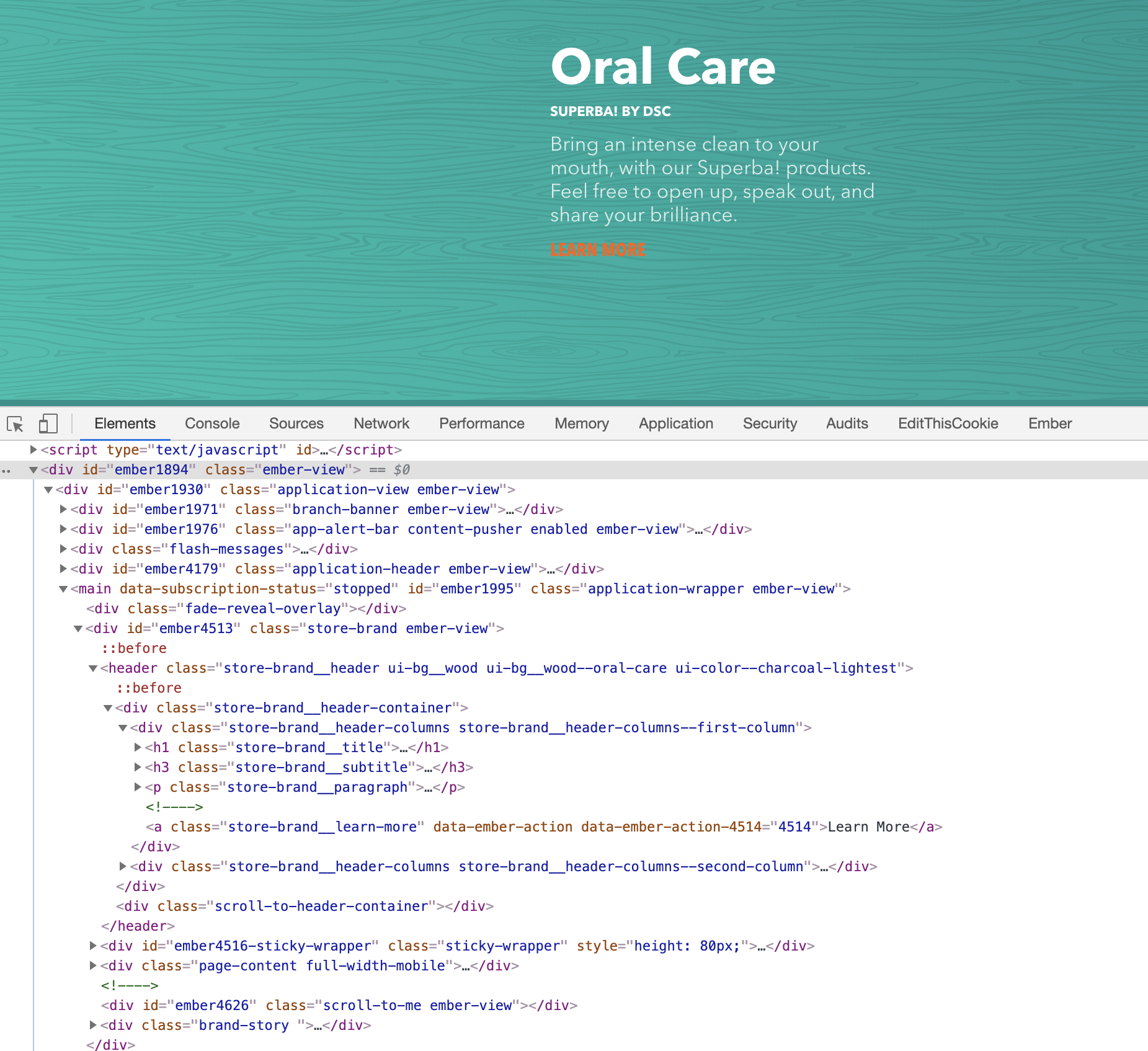
DSC developer tools
I'd heard of Ember before but never used it myself. I knew it was a web framework, though, and assumed that there would be some form of devtools available for it. A quick google search later proved me right, and I found Ember Inspector - an Ember specific devtools extension similar to React Devtools. I'm very familiar with React, so I'll use some of Reacts terminology and equivalents in the rest of the post.
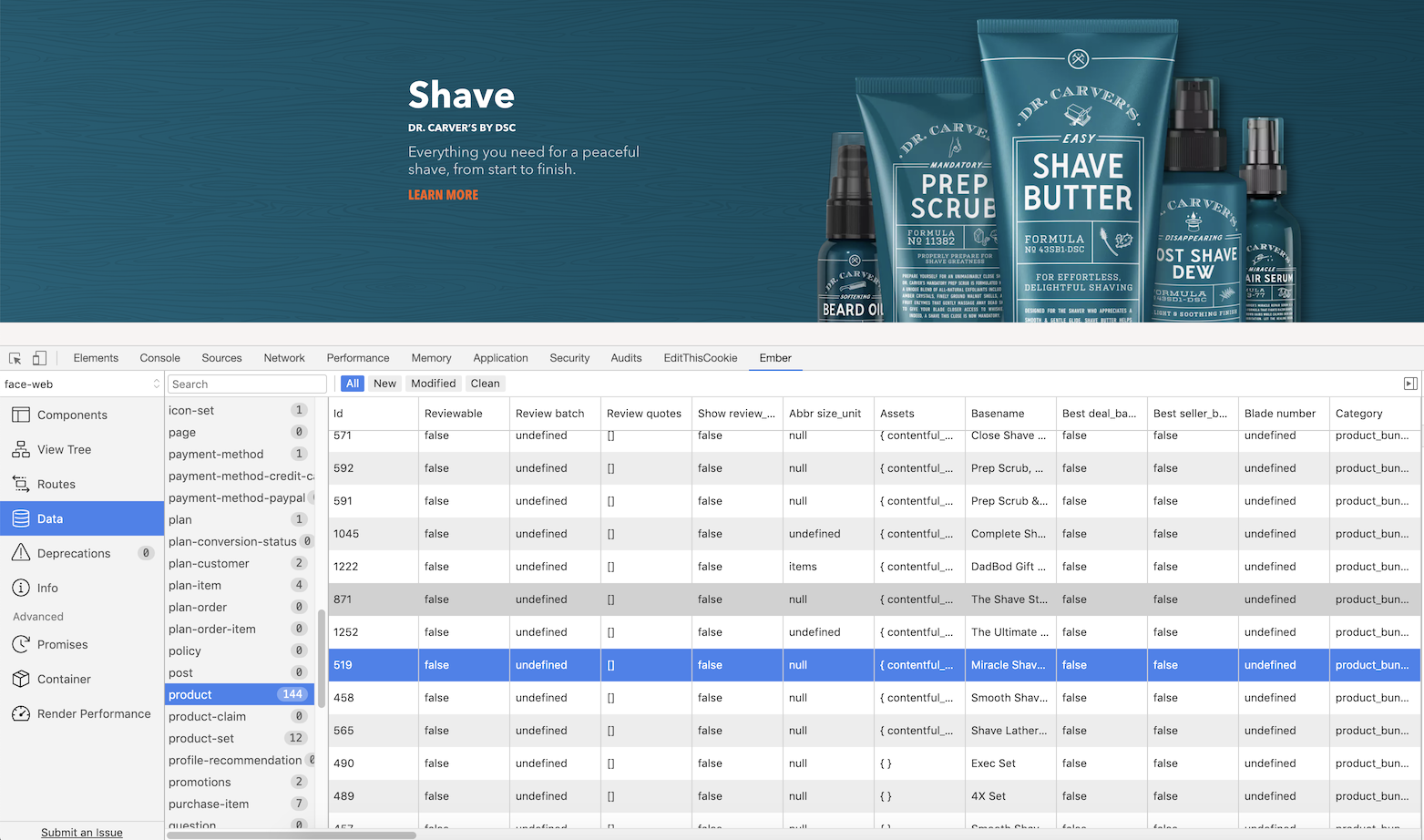
DSCs product list in Ember devtools
I poked around a bit and was surprised to see that
I didn't get as lucky as having the source maps for their minified javascript available in prod, but at least Ember preserves object keys and types, which meant it was easy to figure out what everything in the state store was. I couldn't see what the filter function was doing, but I could find the full product list, and see the flags for the product information.
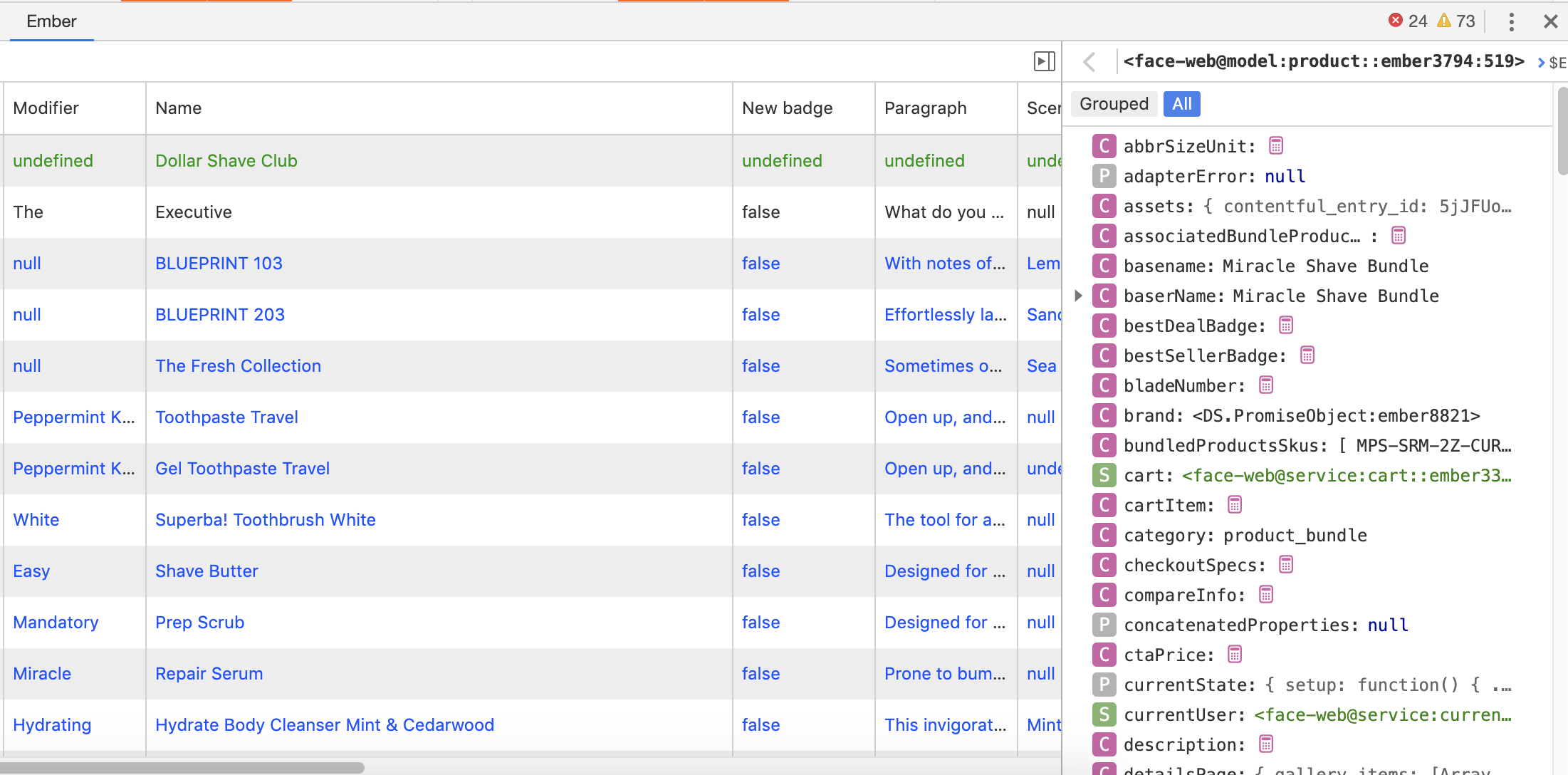
Full product information, as well as the equivalent of props in React
Product information
There were a lot of props in each product. These include isReloading, isRetired, isSample, isSaving, isSoldOut and even the pair of isComingSoon and isNotComingSoon (🙄).
I uploaded the full list to pastebin here.
At this point I thought it would be easy to just toggle the boolean flags for all the products and it would show up in the full product list. I set their isActive status, I set isSoldOut to false, and tried a few of the other props. Unfortunately nothing got the product to actually show up in the front end so I could add it to my cart (and there was no clear way to add the product to my cart directly).
At first I thought that perhaps changing these wouldn't trigger Ember's equivalent of render, but updating their name attribute got it to change so that theory was dispelled.
The other problem here was that the bundle I was looking for wasn't in the product list. Any time I was on a page, it would only show me the products for that page, not all of them.
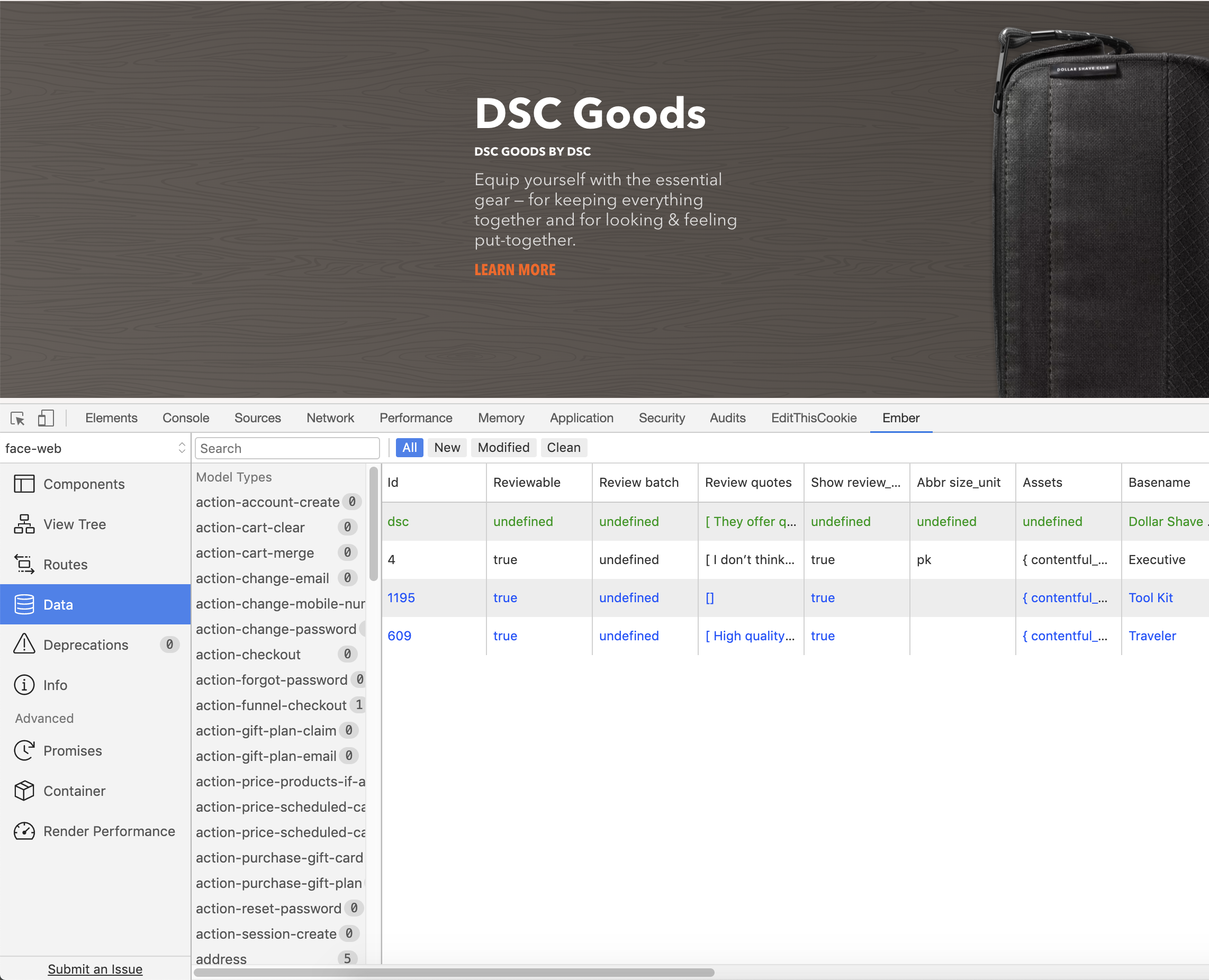
Only the products for a given page were in the products list
Since DSC is a single page application, though, I was just able to click through all their product pages to load the full product list.
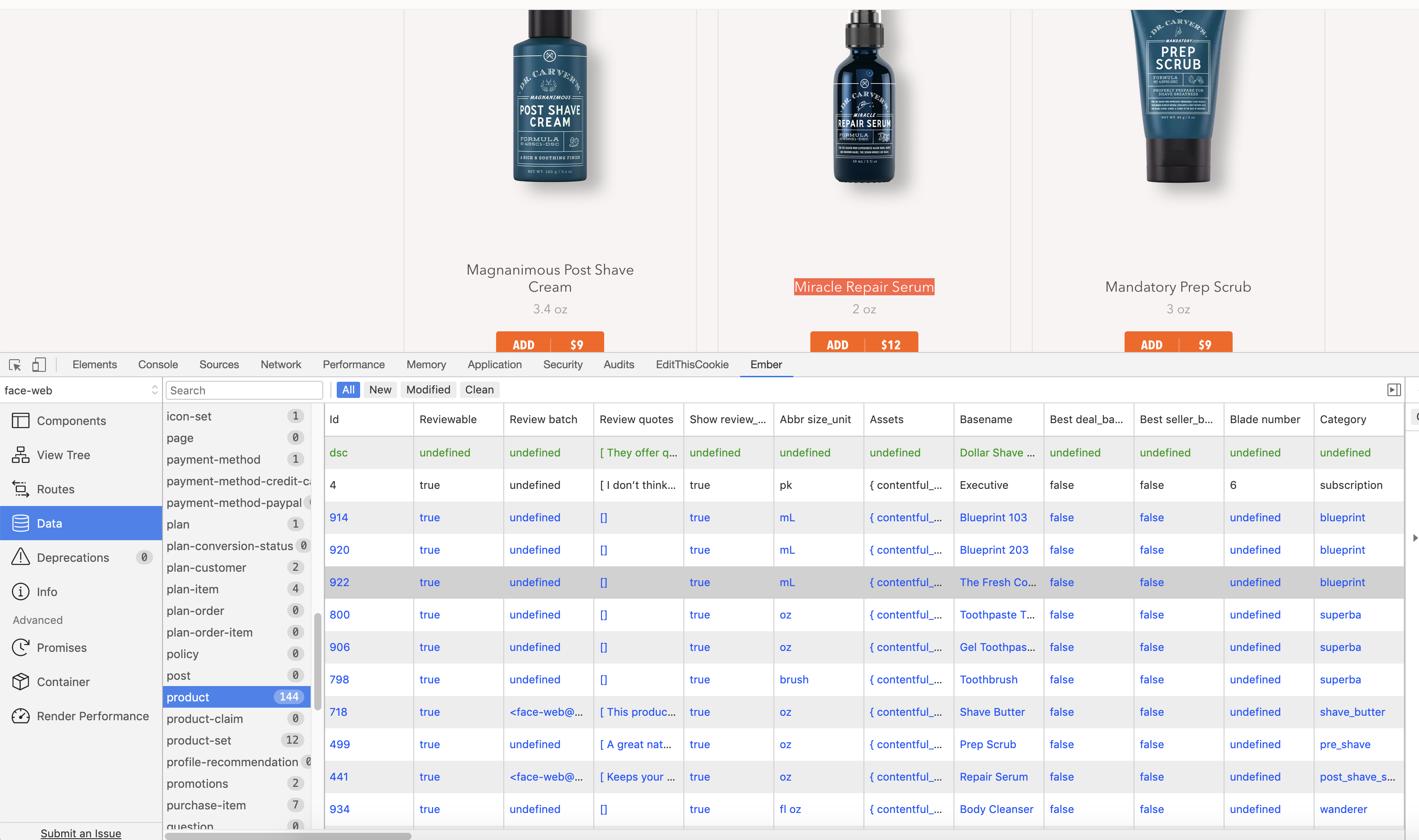
All 144 products on DSC
By my count there are 144 loadable products on https://www.dollarshaveclub.com.
In here I found the missing bundle (by filtering by price -> 16), but I still didn't have an easy way to add it to my cart.
DSC Cart
I figured there had to be a form of permalink to each item. Unfortunately each item had a URL like https://www.dollarshaveclub.com/our-products/shave/post-shave, not a canonical address like https://www.dollarshaveclub.com/our-products/<PRODUCT_ID>.
When I clicked through a product I noticed that it followed a consistent URL schema - all products are added to a cart by going to https://www.dollarshaveclub.com/manage/add/now/<SKU>, where <SKU> is the products stock keeping unit, which is the unique identifier assigned to a product by a retail store to identify the price, product options and manufacturer of the merchandise. On that page you can select the count of the item and directly add it to your cart.
Having fun
After successfully adding the bundle to my cart, something was still bugging me. 144 products seemed like a lot - I thought that DSC only had a couple dozen products, definitely not 144.
I decided to poke around and found some interesting things. There were multiple versions of the same product, as well as legacy products, and promotional products that I assume you can only get to from a direct email or having the promo flagged on your account.
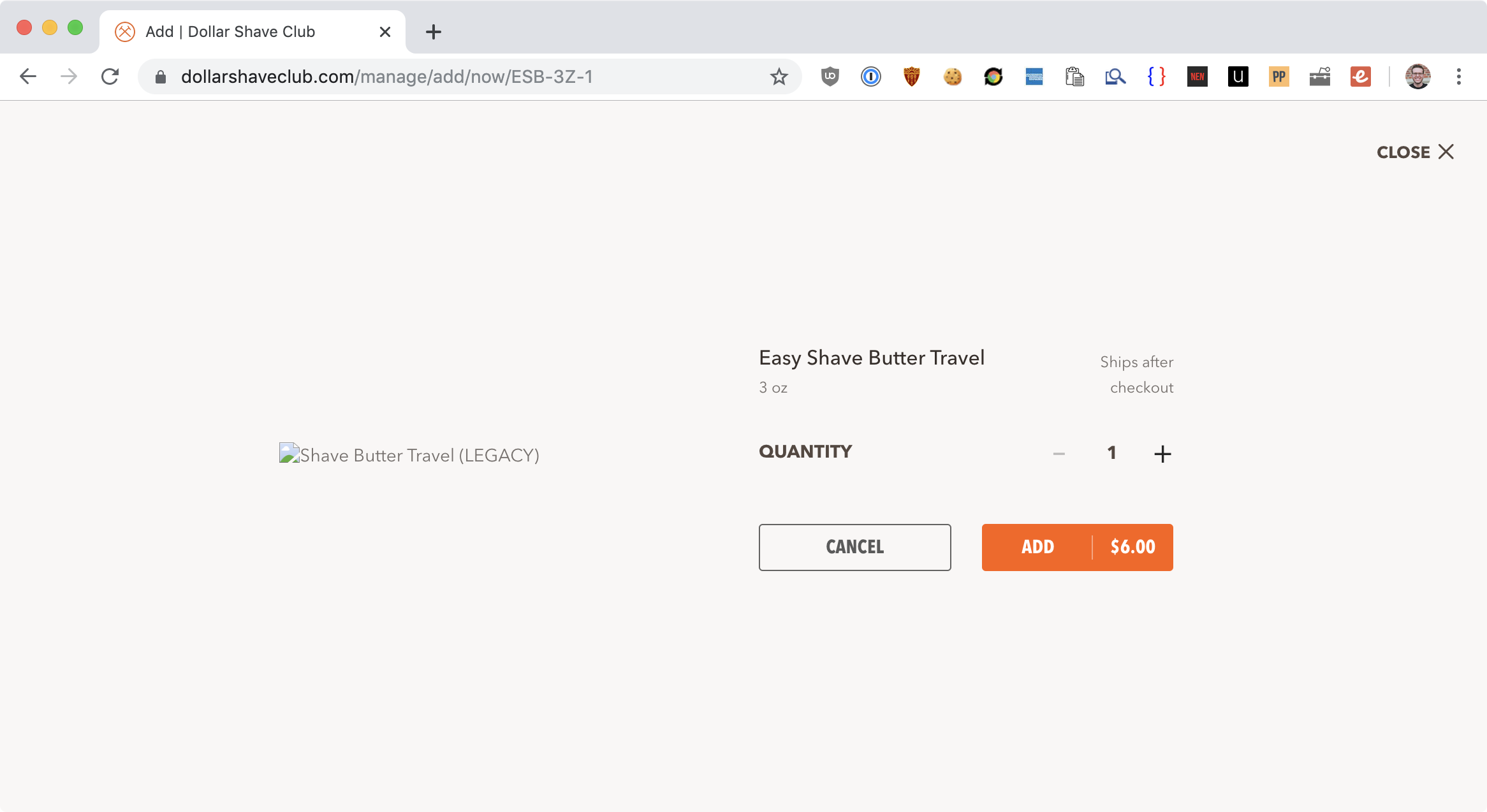
Legacy product
The funniest one was "Nik's test product, what the f**k is it? Base", with a description of "Olala bobob". Those are the kinds of developer breadcrumbs that make it to prod.
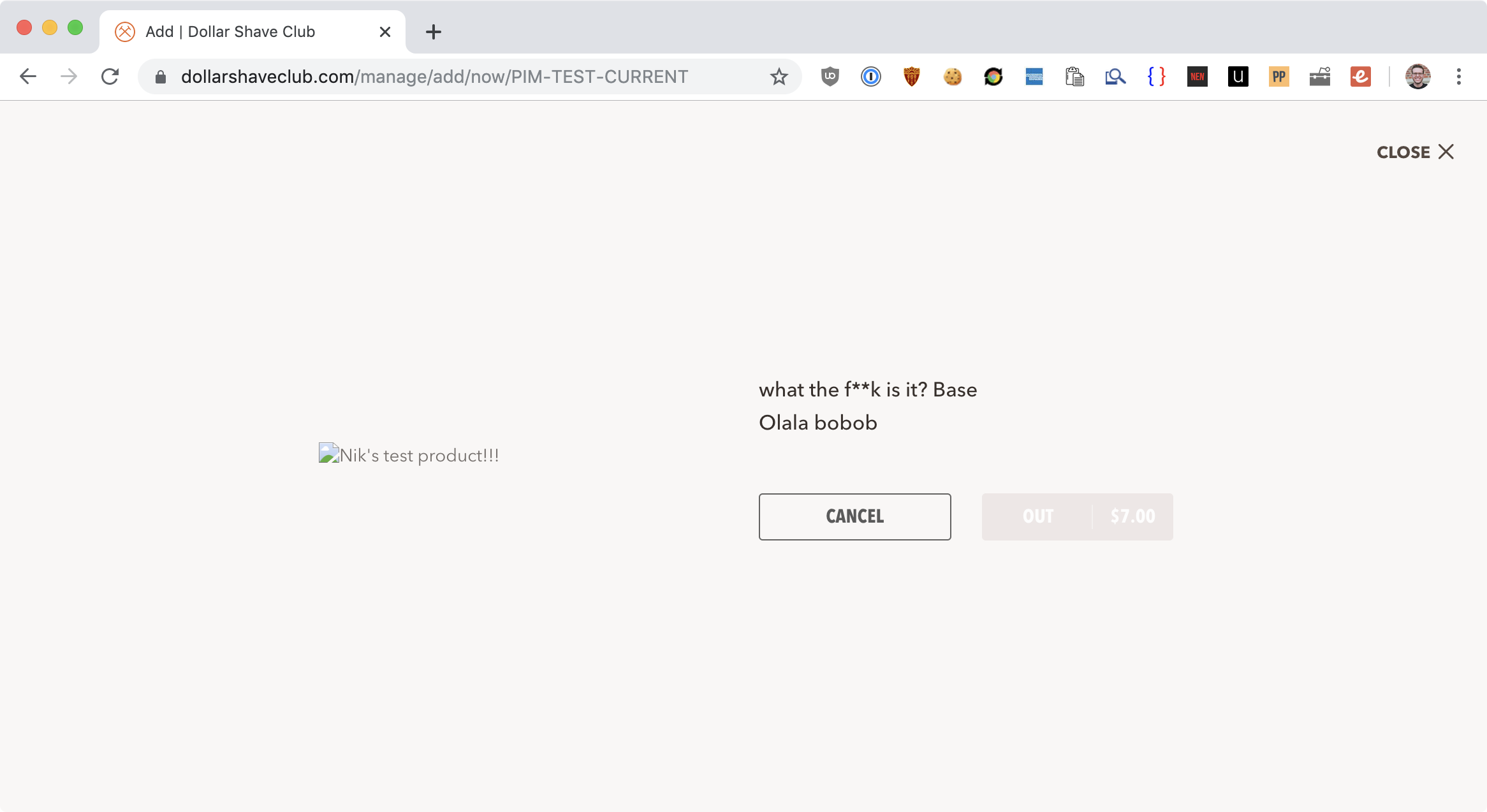
Nik
Conclusion
I'm still not sure why I wasn't seeing the bundles. If I had to guess, they're changing the products they show based on user behaviors and what they have in their carts, but it might also be a bug.
By going directly to https://www.dollarshaveclub.com/manage/add/now/BN-DR-SB6SRM-20 I was able to add the bundle to my cart. It was a bittersweet moment, because I had just paid $16 for shaving butter and razor burn spray, but I was pretty satisfied with my research.
Definitely the most effort for $4 I've ever made.
Update - 9/29/19
Today I received a large box in the mail from Dollar Shave Club. I was a bit perplexed as the things I had ordered had arrived last week. It was also much larger than anything I had ordered.
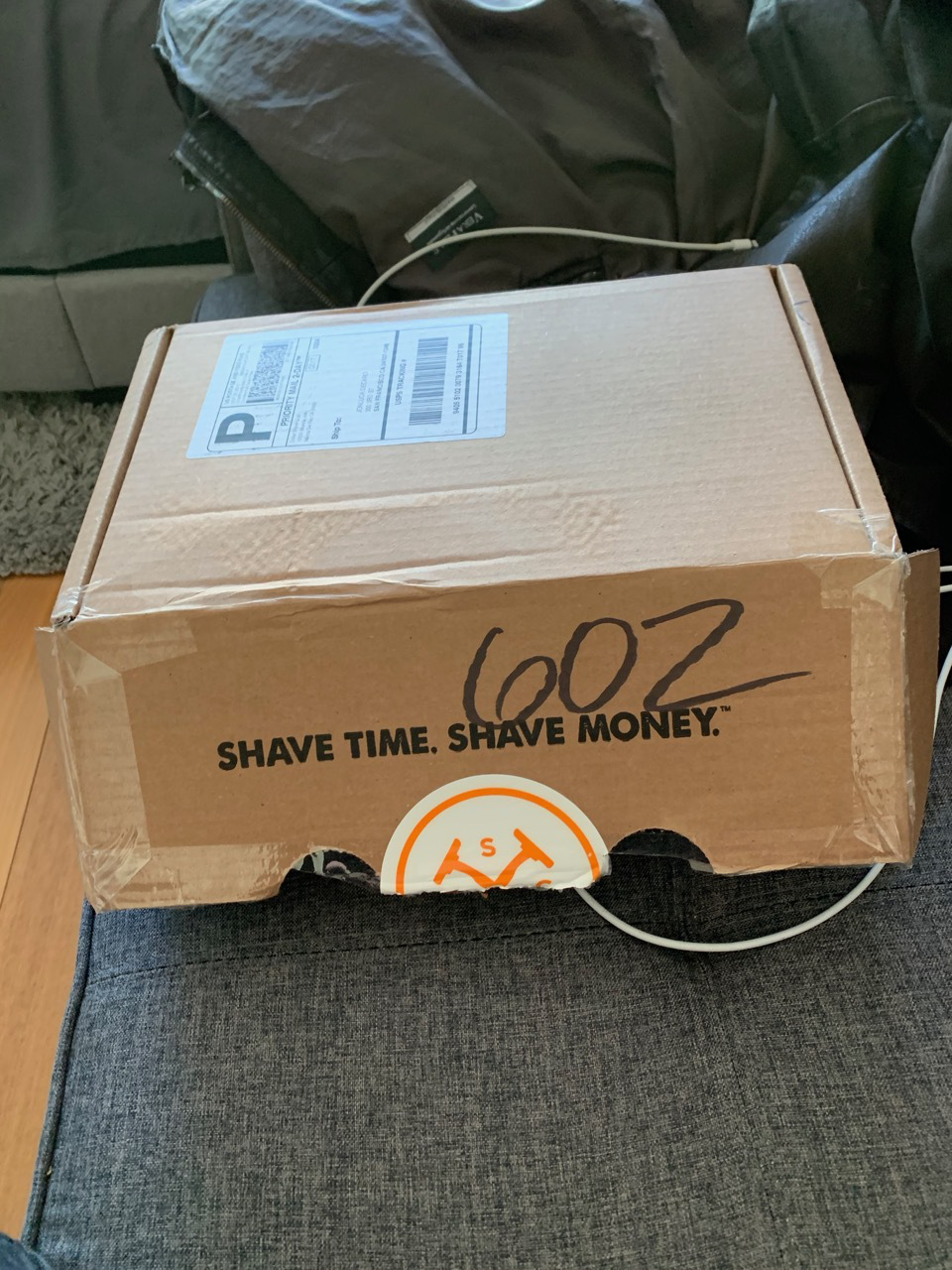
Package I received in the mail from DSC
I opened it up and saw that it was filled with DSC swag!
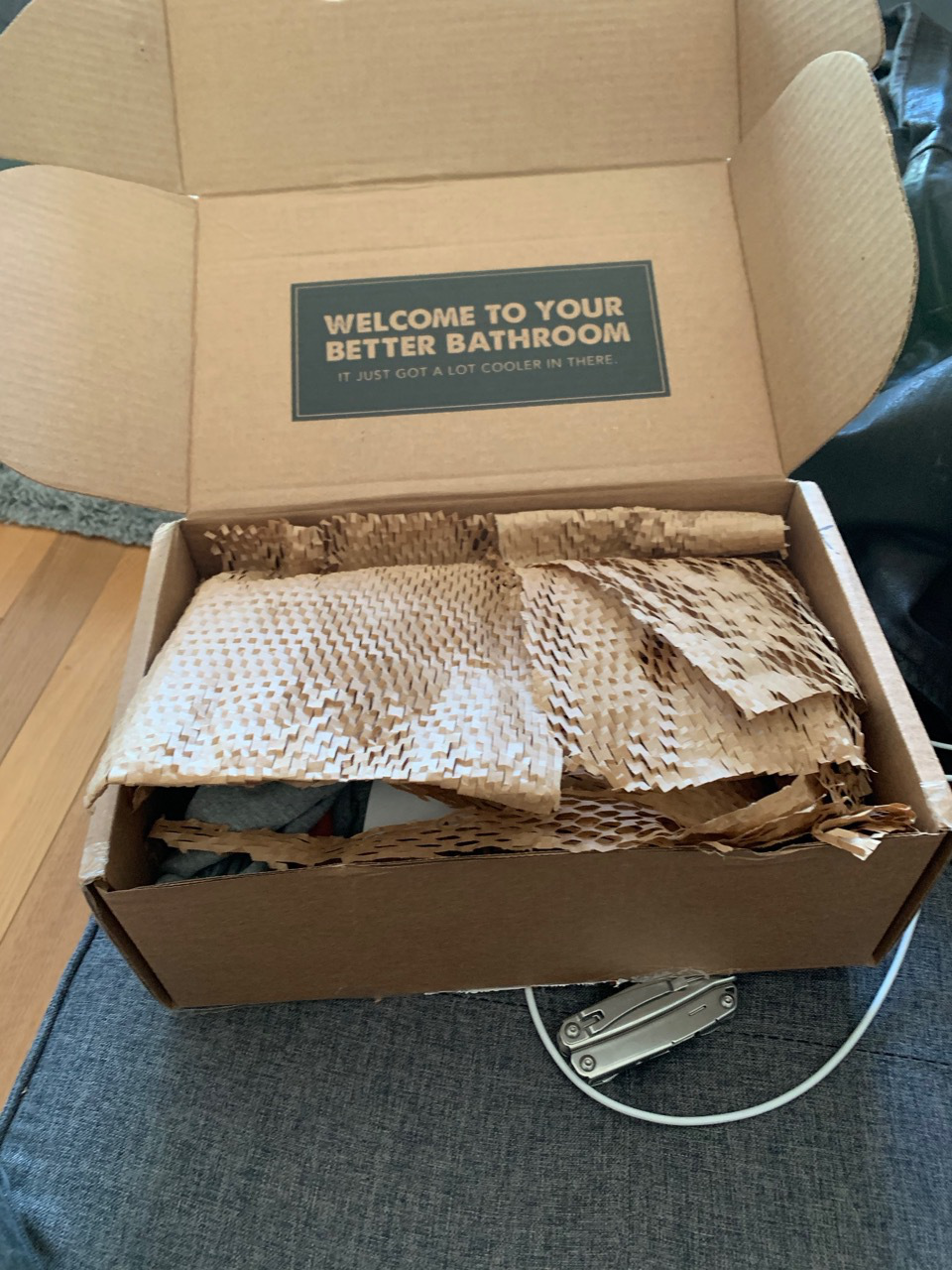
Package I received in the mail from DSC
At the top there was a wonderful, hand written letter signed by the team that said "Hackerman".
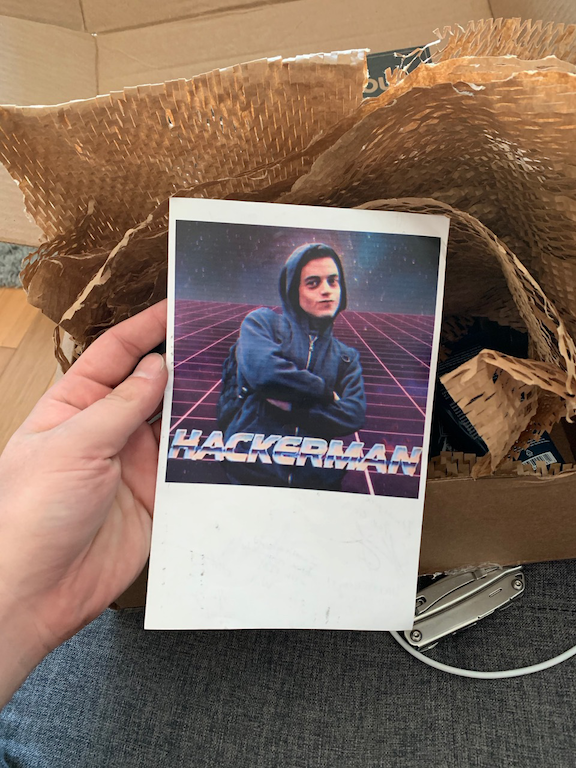
Hackerman letter
What a wonderful surprise! It turns out that they read this blog post (Hi DSC!) and enjoyed it!
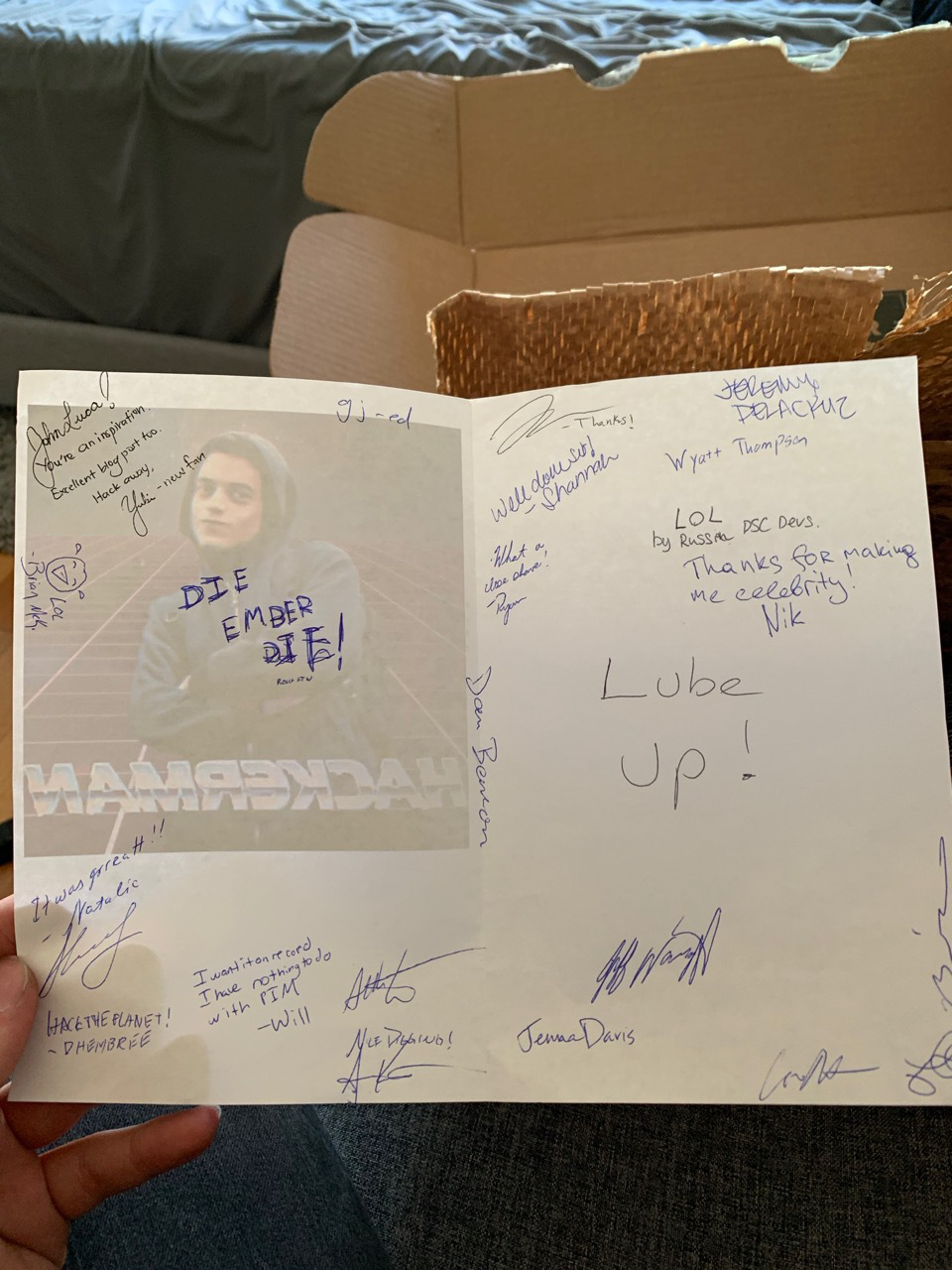
Letter by the DSC devs
There were some great quotes like "DIE EMBER DIE react ftw", "Thanks for making me [a] celebrity", by Nik, and "LOL by Russian DSC devs".
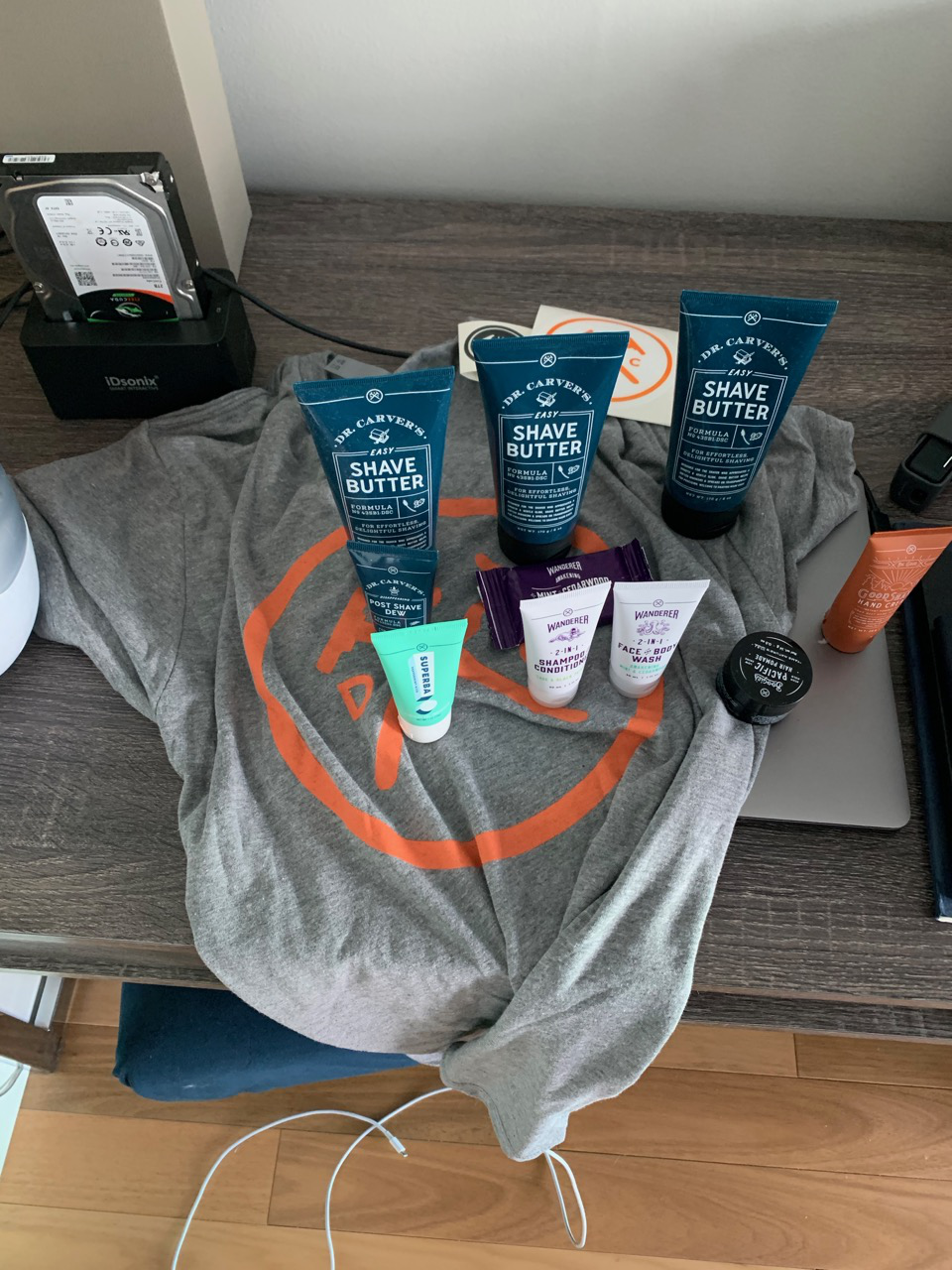
DSC swag
What a great company and culture - thanks for the swag, you've earned yourself a loyal customer!