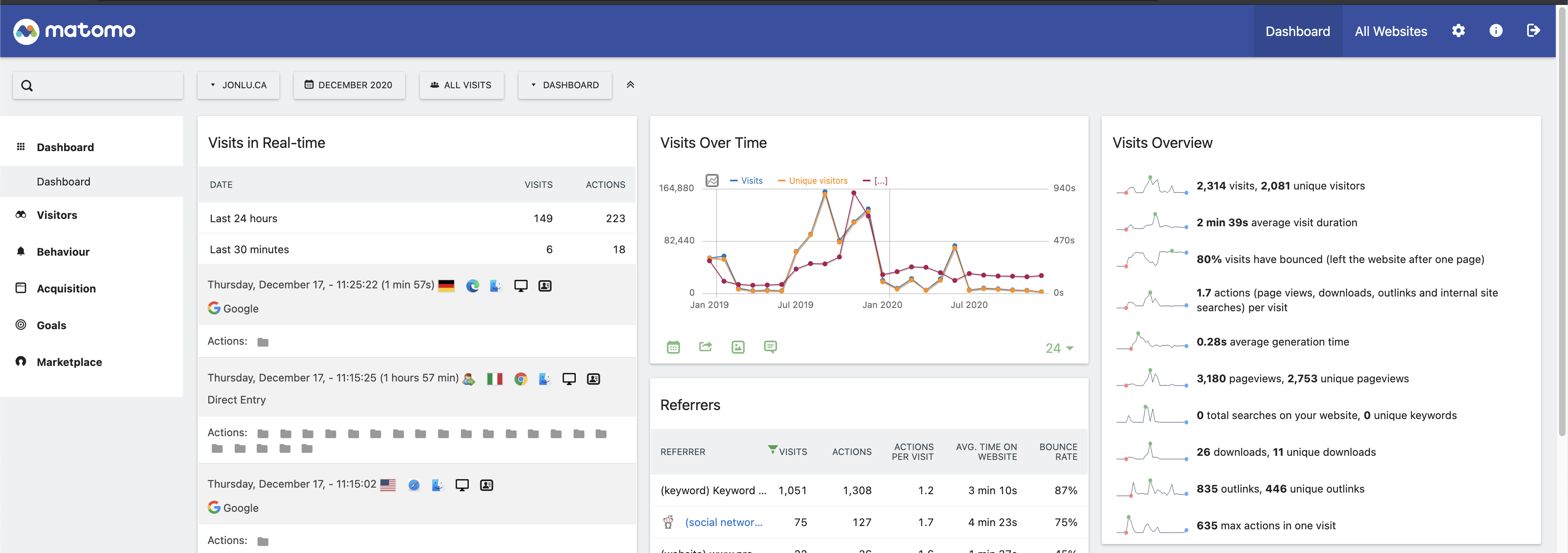
Matomo is a great piece of free, open source analytics software. You are able to self host it, and make any changes you'd want.
I was looking through my google analytics a while ago and realized that the analytics numbers reported there were significantly less than my server logs showed. I realized that most adblockers will actually block google analytics, which made sense.
I then set up Matomo, and realized that in it's default configuration most adblockers also blocked matomo.
However, this is because matomo passes most of the logs in a known format, and as URL params. You can switch it up to load the javascript from an obfuscated url, and to POST the logs instead of GETing them.
Client JavaScript
You just switch your client side javascript to this, replacing my domain with yours.
// matomo
var _paq = window._paq || [];
_paq.push(["setRequestMethod", "POST"]);
_paq.push(["setDocumentTitle", document.domain + "/" + document.title]);
_paq.push(["setCookieDomain", "*.jonlu.ca"]);
_paq.push(["setDomains", ["*.jonlu.ca", "*.blog.jonlu.ca", "*.jonlu.ca", "*.blog.jonlu.ca"]]);
_paq.push(["trackPageView"]);
_paq.push(["enableLinkTracking"]);
_paq.push(["enableHeartBeatTimer"]);
if (document.referrer) {
  _paq.push(["setReferrerUrl", document.referrer]);
}
(function () {
  var u = "//stats.jonlu.ca/";
  _paq.push(["setRequestMethod", "POST"]);
  _paq.push(["setTrackerUrl", u + "js/"]);
  _paq.push(["setSiteId", "1"]);

  var d = document,
    g = d.createElement("script"),
    s = d.getElementsByTagName("script")[0];
  g.type = "text/javascript";
  g.async = true;
  g.defer = true;
  g.src = u + "js/";
  s.parentNode.insertBefore(g, s);
})();
The other major difference is the setTrackerUrl and g.src param - when it's set to the default, it's matomo.php or matomo.js, which is on the blocklist for most adblockers.
However, you can add a server side route to swap that around. Using js/ should work out of the box, depending on what reverse proxy you're using, though.
Server side
I use nginx as my reverse proxy. I set up the following server config to deal with requests to my tracking domain.
server {
    listen [::]:443 ssl http2;
    listen 443 ssl http2;
    server_name <your server names>
    access_log /var/log/nginx/matomo.access.log;
    error_log /var/log/nginx/matomo.error.log;

    ssl_certificate <omitted>
    ssl_certificate_key <omitted>

    add_header Referrer-Policy origin; # make sure outgoing links don't show the URL to the Matomo instance

    root /var/www/matomo/;

    index index.php;

    location ~ ^/(index|matomo|piwik|js/index|p).php {
        include snippets/fastcgi-php.conf;
        fastcgi_param HTTP_PROXY "";
        fastcgi_pass unix:/var/run/php/php7.2-fpm.sock
    }

    location = /plugins/HeatmapSessionRecording/configs.php {
        include snippets/fastcgi-php.conf;
        fastcgi_param HTTP_PROXY "";
        fastcgi_pass unix:/var/run/php/php7.2-fpm.sock;
    }

    location ~* ^.+\.php$ {
        deny all;
        return 403;
    }

    ## serve all other files normally
    location / {
        try_files $uri $uri/ =404;
    }

    ## disable all access to the following directories
    location ~ /(config|tmp|core|lang) {
        deny all;
        return 403;
    }
    location ~ /\.ht {
        deny all;
        return 403;
    }

    location ~ \.(gif|ico|jpg|png|svg|js|css|htm|html|mp3|mp4|wav|ogg|avi|ttf|eot|woff|woff2|json|p)$ {
        allow all;
        ## Cache images,CSS,JS and webfonts for an hour
        ## Increasing the duration may improve the load-time, but may cause old files to show after an Matomo upgrade
        expires 1h;
        add_header Pragma public;
        add_header Cache-Control "public";
    }

    location ~ /(libs|vendor|plugins|misc/user) {
        deny all;
        return 403;
    }

    ## properly display textfiles in root directory
    location ~/(.*\.md|LEGALNOTICE|LICENSE) {
        default_type text/plain;
    }
}
Once I swapped that around and changed the tracking domain to stats.jonlu.ca, the numbers started looking more like what my server logs said they should be!