好的,我现在需要帮用户总结一篇文章的内容,控制在100字以内。用户的要求很明确,不需要用“文章内容总结”之类的开头,直接写描述即可。 首先,我得仔细阅读文章。文章主要讲的是恶意RTF文件利用CVE-2026-21509漏洞,由APT28组织发起攻击。提到了两个具体的文件,并且介绍了如何提取RTF中的URL,使用了几个工具和命令。还分析了提取到的IOC,比如域名和IP地址,并讨论了URL中的@符号可能代表的含义。 接下来,我要提炼关键信息:恶意RTF文件、APT28、CVE漏洞、提取URL的方法、提取到的IOC。这些是主要内容。 然后,我需要把这些信息浓缩成一句话,不超过100字。要注意逻辑连贯,涵盖主要点。 最后,检查是否符合用户的所有要求:中文、简洁、不使用特定开头。 </think> 恶意RTF文件利用CVE-2026-21509漏洞进行攻击,由APT28组织发起。文章介绍了从RTF文件中提取URL的方法,并分析了提取到的IOC(如域名和IP地址),还讨论了URL中@符号的特殊用法。 2026-2-9 11:38:16 Author: isc.sans.edu(查看原文) 阅读量:26 收藏
Malicious RTF (Rich Text Format) documents are back in the news with the exploitation of CVE-2026-21509 by APT28.
The malicious RTF documents BULLETEN_H.doc and Consultation_Topics_Ukraine(Final).doc mentioned in the news are RTF files (despite their .doc extension, a common trick used by threat actors).
Here is a quick tip to extract URLs from RTF files. Use the following command:
rtfdump.py -j -C SAMPLE.vir | strings.py --jsoninput | re-search.py -n url -u -F officeurlsLike this:

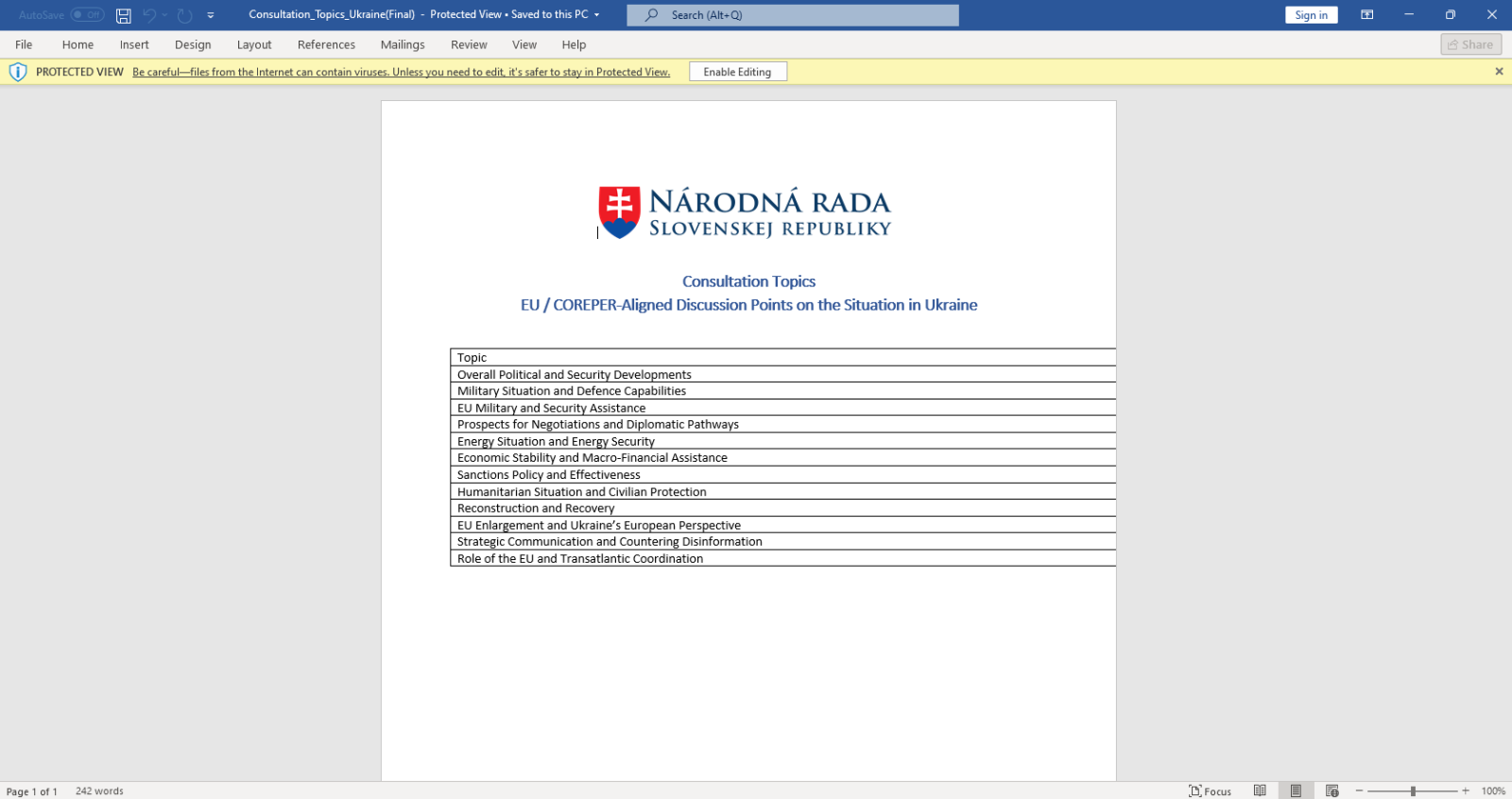
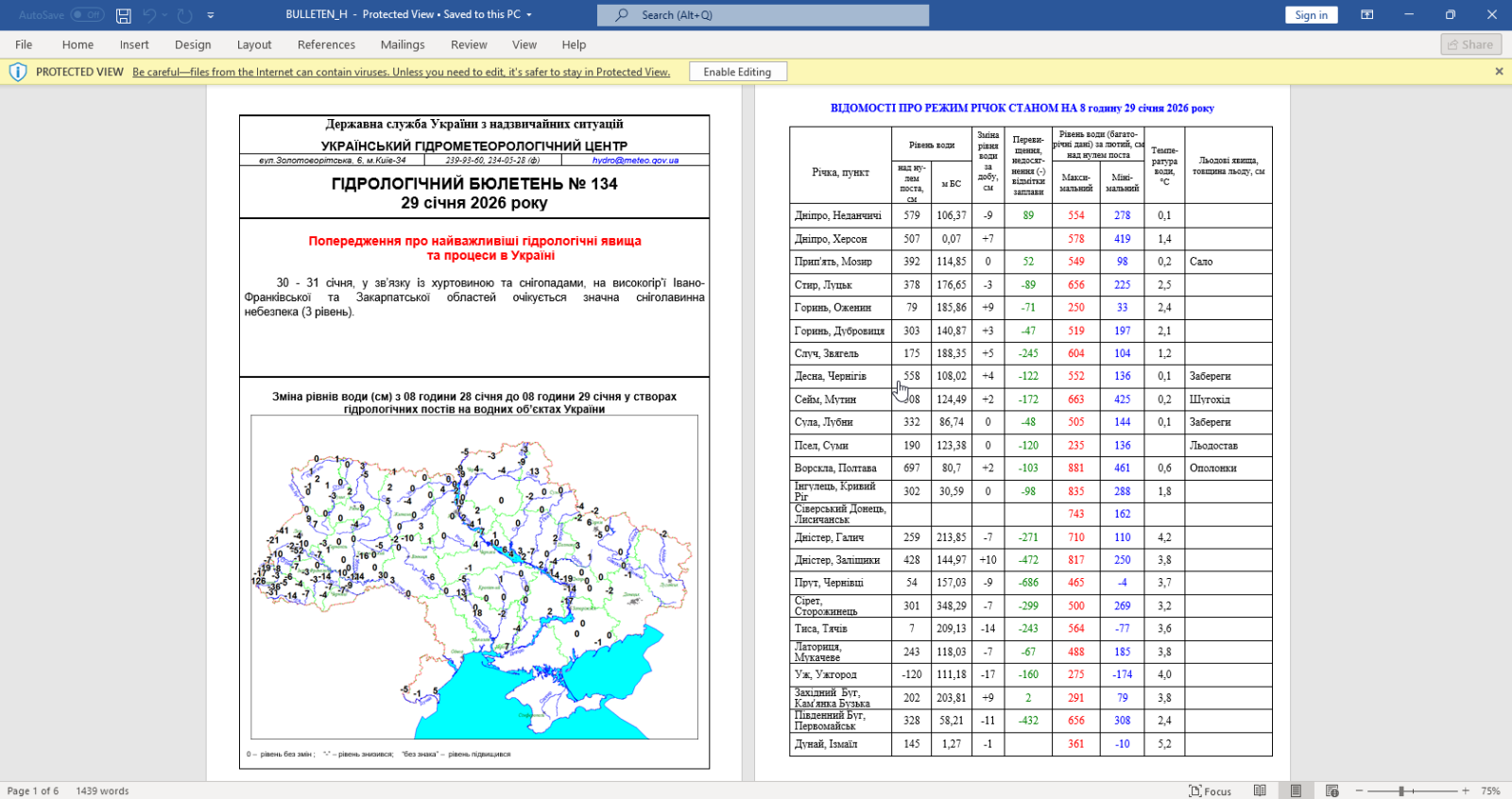
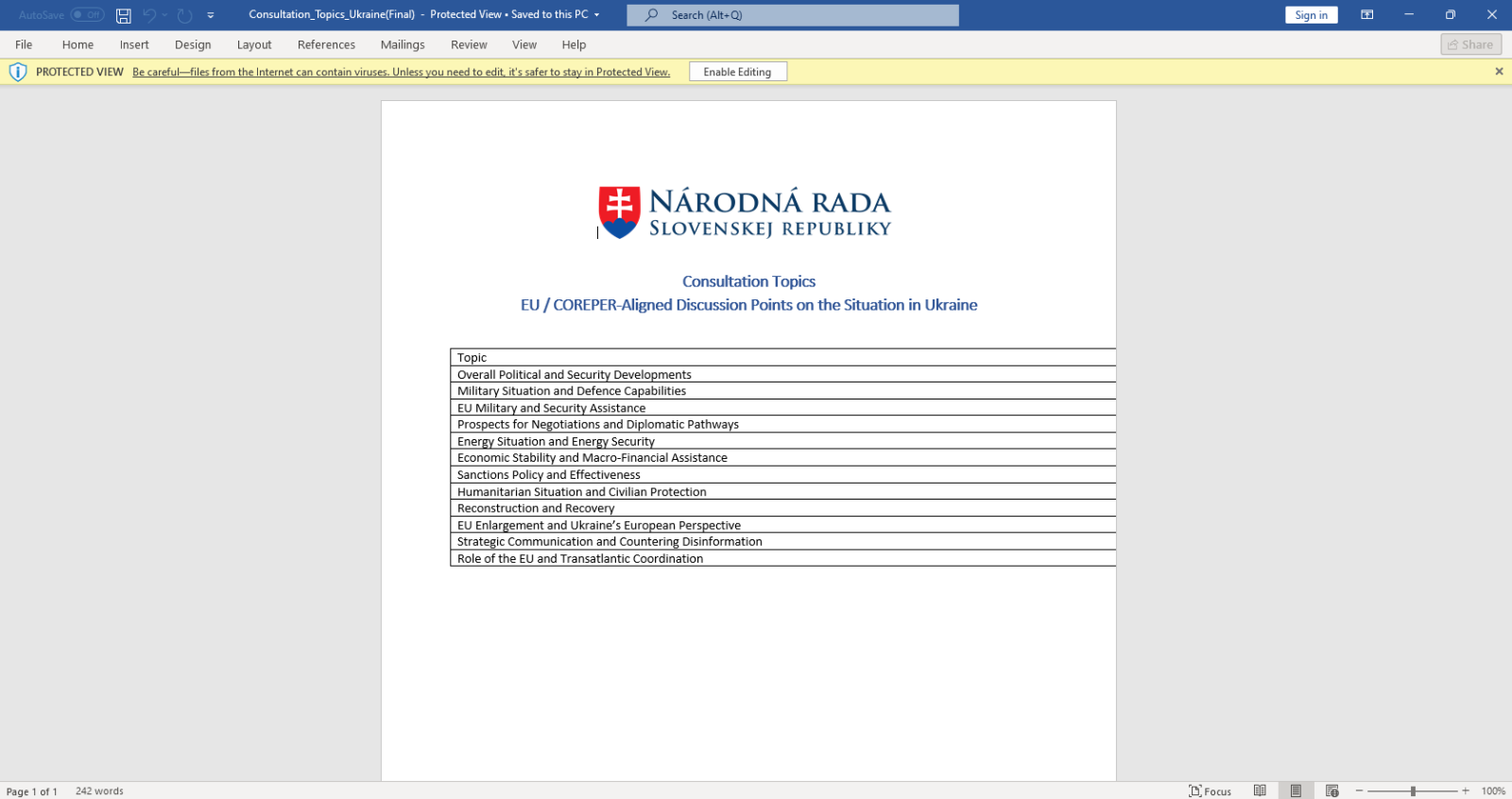
BTW, if you are curious, this is how that document looks like when opened:
Let me break down the command:
- rtfdump.py -j -C SAMPLE.vir: this parses RTF file SAMPLE.vir and produces JSON output with the content of all the items found in the RTF document. Option -C make that all combinations are included in the JSON data: the item itself, the hex-decoded item (-H) and the hex-decoded and shifted item (-H -S). So per item found inside the RTF file, 3 entries are produced in the JSON data.
- strings.py --jsoninput: this takes the JSON data produced by rtfdump.py and extract all strings
- re-search.py -n url -u -F officeurls: this extracts all URLs (-n url) found in the strings produced by strings.py, performs a deduplication (-u) and filters out all URLs linked to Office document definitions (-F officeurls)
So I have found one domain (wellnesscaremed) and one private IP address (192.168...). What I then like to do, is search for these keywords in the string list, like this:
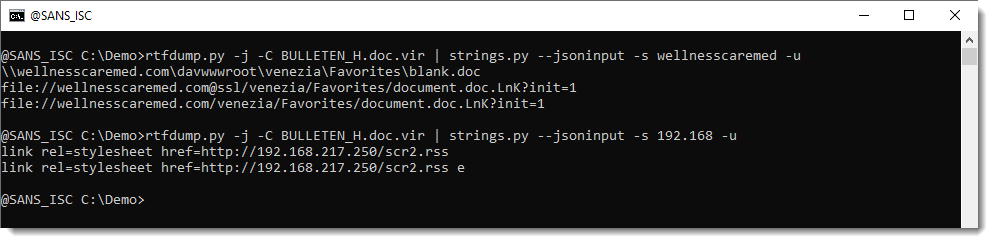
If found extra IOCs: a UNC and a "malformed" URL. The URL has it's hostname followed by @ssl. This is not according to standards. @ can be used to introduce credentials, but then it has to come in front of the hostname, not behind it. So that's not the case here. More on this later.
Here are the results for the other document:
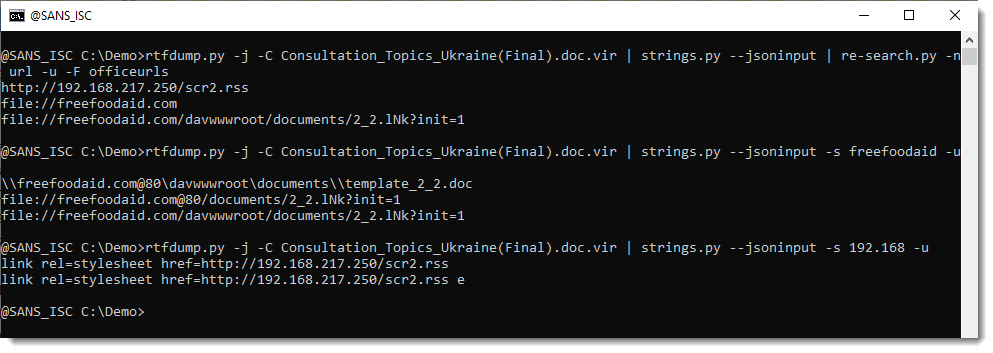
Notice that this time, we have @80.
I believe that this @ notation is used by Microsoft to provide the portnumber when WebDAV requests are made (via UNC). If you know more about this, please post a comment.
In an upcoming diary, I will show how to extract URLs from ZIP files embedded in the objects in these RTF files.
Didier Stevens
Senior handler
blog.DidierStevens.com
如有侵权请联系:admin#unsafe.sh