好的,我现在需要帮用户总结一篇文章的内容,控制在100个字以内。首先,我得仔细阅读文章,理解其主要内容。这篇文章主要讲的是微软修复了一个Windows 11的问题,这个bug导致密码登录选项在锁屏上消失。问题出现在安装了2025年8月及之后的更新后,特别是KB5064081这个更新。 接下来,文章提到当用户使用多个登录选项时,密码图标才会显示;但如果只使用密码,图标可能不会出现。微软在11月承认了这个bug,并解释说受影响的用户仍然可以通过悬停在图标位置来找到隐藏的按钮输入密码登录。 然后,微软在2025年1月发布的KB5074105更新中修复了这个问题。这个更新还包含其他32项改进和修复,比如启动、登录和激活问题的修复。 现在我要把这些信息浓缩到100字以内。我需要抓住关键点:微软修复了Windows 11的问题,该问题导致密码登录选项消失;修复是在KB5074105更新中完成的;同时还有其他问题被解决。 可能会遗漏一些细节,比如具体的更新时间或影响范围,但这些对于总结来说可能不是最重要的。重点是问题、解决方案和相关更新。 最后,确保语言简洁明了,直接描述内容,不需要开头语。 </think> Microsoft修复了Windows 11的一个问题:安装特定更新后密码登录选项从锁屏消失。该问题影响使用单一密码登录的用户。通过悬停显示隐藏按钮可正常登录。修复已包含在2025年1月发布的KB5074105更新中,并解决了其他32个问题。 2026-2-2 11:45:18 Author: www.bleepingcomputer.com(查看原文) 阅读量:0 收藏
Microsoft has fixed a known issue that was causing the password sign-in option to disappear from the lock screen options after installing Windows 11 updates released since August 2025.
The password icon appears on the lock screen only if multiple sign-in options (e.g., PIN, password, security key, fingerprint) are available. However, if you use only a password, the icon may not appear because Windows 11 shows the password field by default.
As Microsoft said when it acknowledged this bug in November, users with multiple sign-in options enabled may still not see the password icon if they installed the August 2025 KB5064081 non-security preview update or subsequent updates on Windows 11 24H2 or 25H2 systems.

Despite this, affected users can still sign in with their password, as hovering over the space where the icon should appear reveals the hidden button.
"If you hover over the space where the icon should appear, you'll see that the password button is still available," Microsoft explained at the time. "Select this placeholder to open the password text box and enter your password. After entering your password, you can sign in normally."
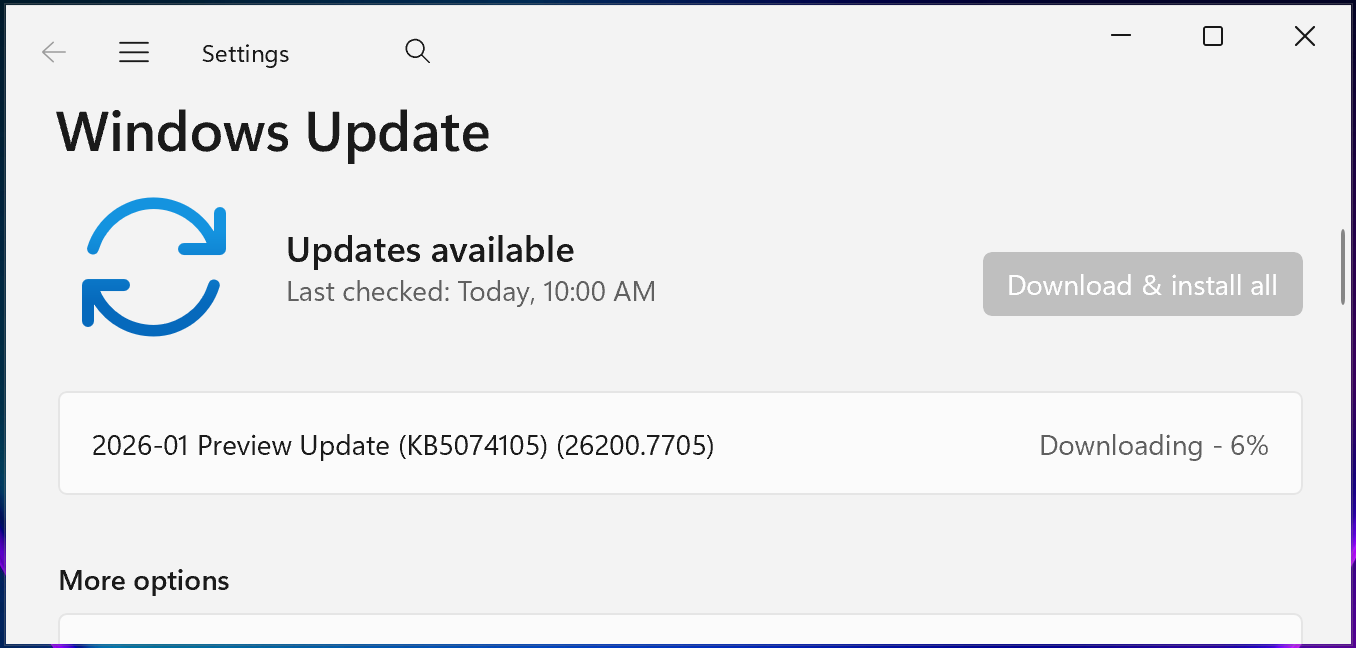
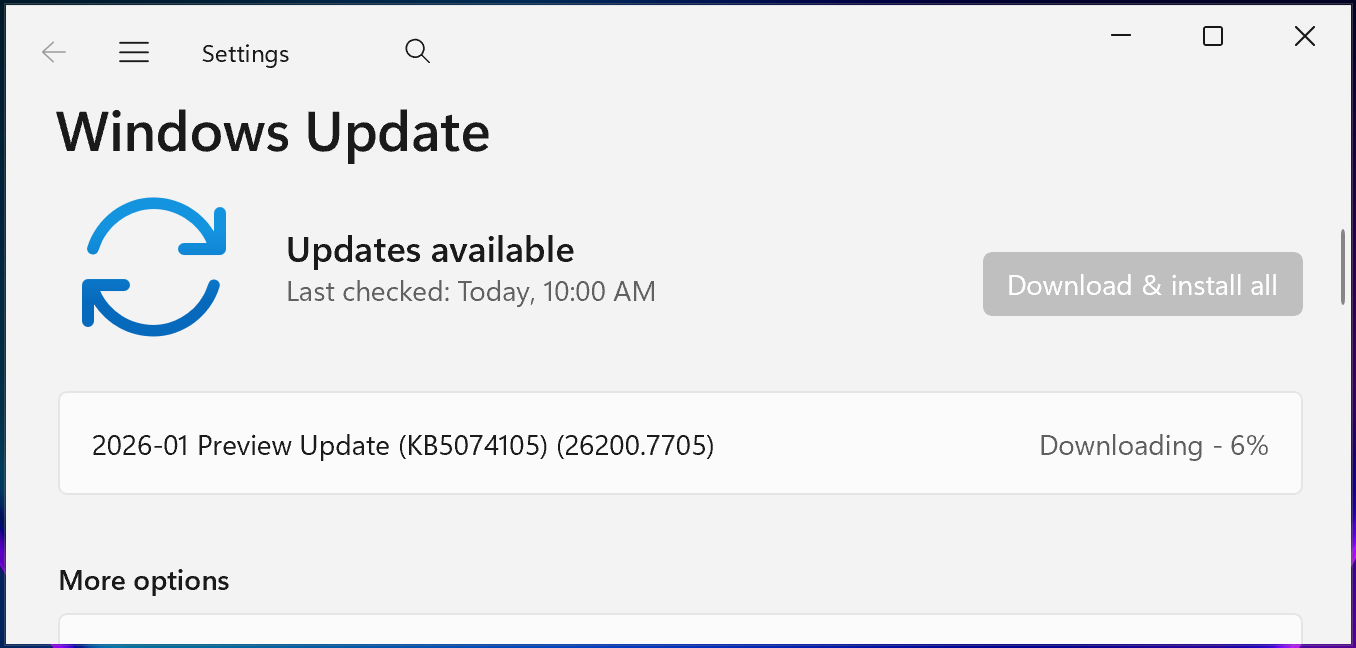
Microsoft has now resolved this known issue in the January 2025 KB5074105 optional cumulative update for Windows 11 systems released on Thursday, January 29.
You can install KB5074105 by opening Settings, clicking on Windows Update, selecting 'Check for Updates,' and then clicking the 'Download and install' link. You can also manually install this update after downloading it from the Microsoft Update Catalog.
KB5074105 includes 32 changes, including fixes for boot, sign-in, and activation issues. For instance, it fixed a bug that triggered iSCSI boot failures with an "Inaccessible Boot Device" error, and another that caused the system to hang during startup when Windows Boot Manager debugging is enabled.
The same preview update addresses a known issue that caused Explorer.exe to hang during the first login when certain apps were configured as startup apps and fixes an issue in which Windows license migrations could fail during upgrades because the PC couldn't register with the Windows Activation server for its digital license.
In late September 2025, Microsoft fixed another known issue caused by the KB5064081 update that triggered playback interruptions, freezing, or black screens when playing DRM-protected video in Blu-ray/DVD/Digital TV apps.
In the same month, it resolved other issues caused by the August 2025 Windows updates, including severe lag and stuttering affecting NDI streaming software on Windows 10 and Windows 11 devices, and app installation problems for non-admin Windows users due to unexpected User Account Control (UAC) prompts.

The future of IT infrastructure is here
Modern IT infrastructure moves faster than manual workflows can handle.
In this new Tines guide, learn how your team can reduce hidden manual delays, improve reliability through automated response, and build and scale intelligent workflows on top of tools you already use.
如有侵权请联系:admin#unsafe.sh