好的,我现在需要帮用户总结一篇文章的内容,控制在100字以内。用户给的文章是关于Agentic AI助手在企业中的安全问题,特别是对安全运营中心(SOC)的影响。 首先,我要理解文章的主要内容。文章提到这些AI助手不仅仅是聊天机器人,它们可以记住上下文并在用户授权下执行操作。这带来了新的安全威胁,比如权限滥用、更大的数据泄露范围以及新的攻击路径。此外,用户可能使用未经过IT批准的工具(Shadow AI),这导致数据流向不可控的基础设施。 接下来,文章讨论了SOC应该如何检测和应对这些问题。建议监控聊天平台、身份和SaaS信号、端点以及网络数据流动。同时,提供了事件响应的步骤,包括确认是否为 sanctioned 或 shadow AI、权限范围、受影响的资源以及可能的操控路径。 最后,文章强调了准备工作的必要性,如建立审批流程、最小权限策略、生命周期管理、日志记录和运行手册更新。 现在我需要将这些内容浓缩到100字以内。重点应放在Agentic AI带来的新威胁、SOC需要监控的方面以及应对措施。 可能会这样组织:Agentic AI助手在企业中引发新的安全威胁,如权限滥用和数据泄露。它们可以像用户一样行动,并可能被滥用进行攻击。 SOC需要监控聊天平台、身份信号和网络活动,并准备好快速响应以限制损害。 检查字数是否符合要求,并确保信息准确且全面。 </think> 文章讨论了Agentic AI助手在企业环境中的安全风险及其对安全运营中心(SOC)的影响。这些AI助手能够模拟用户行为并执行操作,可能导致权限滥用、数据泄露及新的攻击路径。 SOC需监控聊天平台、身份信号及网络活动,并准备快速响应以应对潜在威胁。 2026-1-27 02:36:15 Author: securityboulevard.com(查看原文) 阅读量:11 收藏
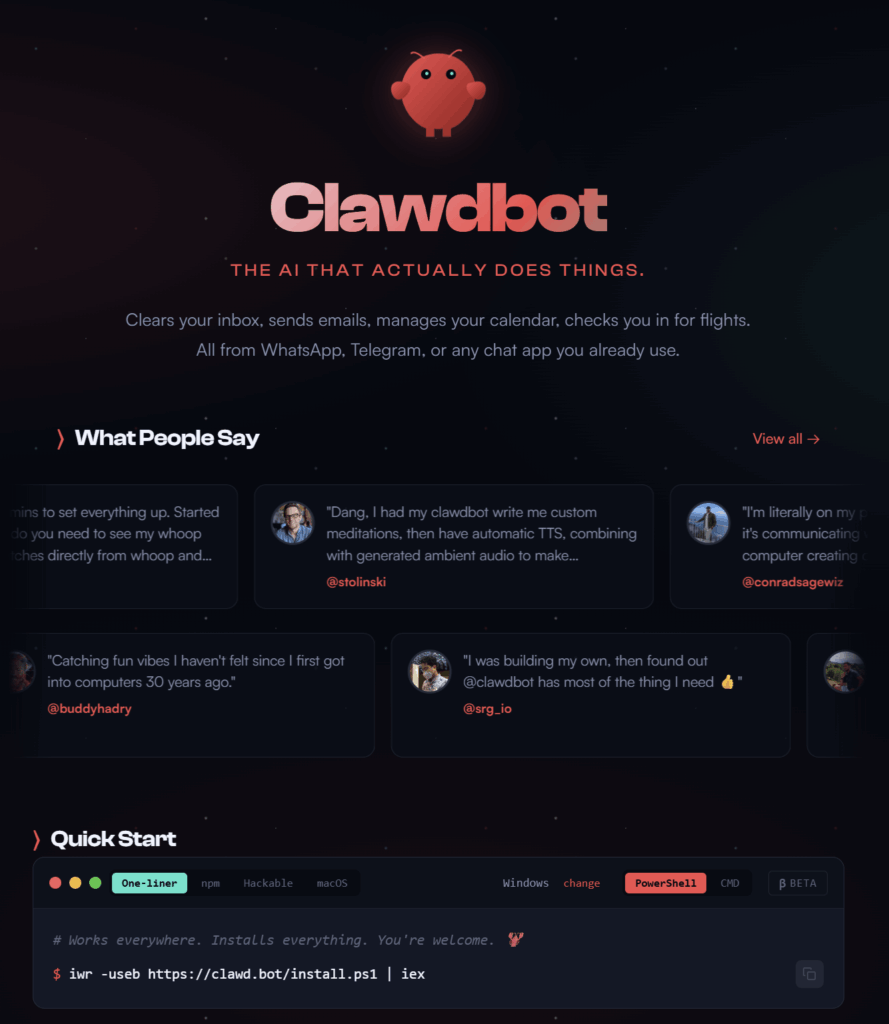
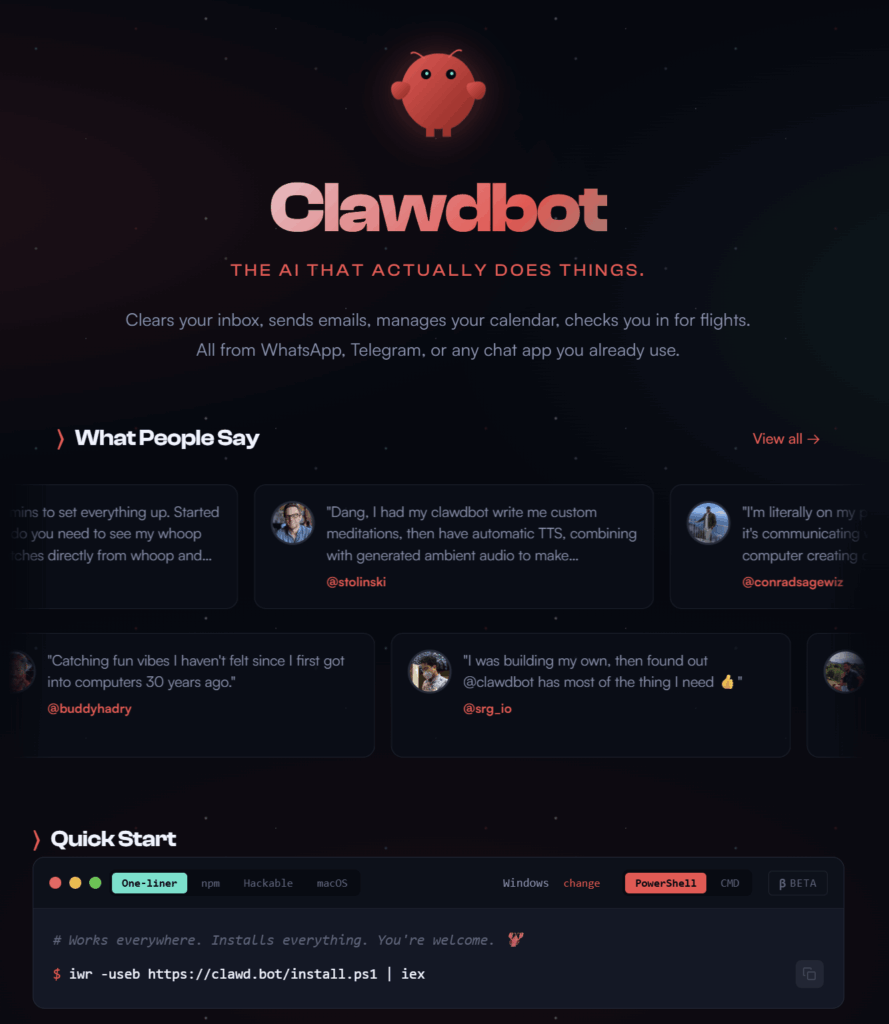
Agentic AI assistants are showing up in Slack, Teams, WhatsApp, Telegram, Discord—and they’re more than just chatbots. The increasing popularity of open source projects like Clawdbot popularize the idea of a persistent assistant that remembers context and acts on a user’s behalf.
Whether your organization ever uses Clawdbot doesn’t matter much. The operational issue for security teams is bigger:
You now have software that behaves like a user, persists like a service account, and (in some configurations) executes actions on endpoints. That changes what incidents look like and what your SOC needs to detect.
This post stays in the SOC lane: what shifts in your alert stream, what to monitor, what to do in the first hour if you suspect an agentic assistant is being abused.
Why this is a SOC problem (not just a governance debate)
Agentic systems go beyond generating text. They plan, take actions across platforms, retain state over time. In a corporate environment, that creates real security outcomes. Fast.
Misuse of access: assistants can inherit or get granted powerful permissions across chat and SaaS tools.
Bigger blast radius: persistent memory and long-lived context expand data exposure if compromised.
New attack paths: prompt manipulation or “helpful” misconfiguration can turn automation into a liability.
And one pattern that makes all of this harder to see:
Shadow AI. Users often use tools unprovisioned by IT. Many agentic assistants let users plug in their own API keys (OpenAI, Anthropic, whoever) to run the assistant. The API usage bypasses corporate billing and logging. You won’t see it in your SaaS spend reports. But the user’s personal API credential is still processing corporate data: messages, documents, code. That data flows through infrastructure you don’t control and can’t audit. Worse, if the user stores their credential in the assistant’s config (or pastes it into a chat), that credential becomes a target.
Detection angle for shadow AI: Watch for outbound traffic to known AI API endpoints (api.openai.com, api.anthropic.com, etc.) from endpoints or users where you haven’t provisioned AI tooling. Won’t catch everything, but it’s a starting signal.
The most important SOC mindset shift:
Treat agentic assistants like identities with privileges, not like apps with a UI.
If it can act as a user, send messages, retrieve files, or run commands, it belongs in your detection and response model.
What changes in detection: the capabilities that matter
Clawdbot-style assistants often advertise capabilities like:
- Connecting to multiple messaging platforms and responding “as the user”
- Maintaining persistent memory across sessions
- Executing commands and accessing network services (depending on configuration)
For the SOC, the questions to ask are: what access does it have, and what can it do if manipulated?
Two patterns tend to show up:
- Over-permissioned assistants (“it’s easier if I just grant it access”)
- Manipulated assistants (prompt injection via messages or copied content)
A real scenario: An external contractor in a shared Slack channel posts a message with hidden instructions buried in a long document paste, formatted to look like a routine update. If the assistant processes that content, it might follow the embedded instructions: summarizing and exfiltrating channel history, or changing its own behavior. The user who “owns” the assistant never issued a command. The attacker never had direct access. The assistant just did what it was told by the wrong source.
What your SOC should monitor (signals and telemetry)
You need a clear set of signals across the places these assistants live.
1) Messaging platform signals (Slack/Teams/Discord/etc.)
Watch for:
- New app/bot installs
- Permission scope changes (especially: read history, post as user, file access, admin-like scopes)
- “Machine-like” posting patterns from a user (bursty propagation, identical content across channels)
- Unusual file sharing or link sharing from accounts that don’t normally do it
- The same bot suddenly appearing across many users (shadow adoption scaling quietly)
Operational note: confirm you’re ingesting messaging audit logs into your SOC pipeline. If you can’t answer “who installed what with which scopes,” you’re blind.
2) Identity and SaaS signals (IdP + OAuth)
Watch for:
- New OAuth consent grants tied to assistants or chat-related integrations
- Creation of long-lived sessions / refresh tokens for unusual clients
- Risky sign-ins followed by immediate token grants
- Many users granting the same risky app scopes in a short time window
This is where agentic assistants become “identity sprawl”. If you already hunt for OAuth abuse, expand your hypotheses to include “assistant-style” apps and tokens.
The attribution problem: when the assistant is the user
There’s another edge case: many agentic assistants act using the user’s own OAuth token. In your logs, the assistant’s actions may look identical to the human’s.
What to look for:
- User-Agent anomalies: The “user” is browsing from Chrome on macOS, but the API call shows a Python requests library or a server-side runtime.
- IP/geolocation mismatches: Your user is in Toronto, but the “user action” originates from an AWS or Azure IP tied to the assistant’s backend.
- Timing and velocity: Humans don’t make 40 API calls in 3 seconds. If you see machine-speed activity under a human identity, dig deeper.
- Session overlap: The user has an active desktop session and simultaneous API activity from a different source.
Operational note: If your current logging doesn’t capture User-Agent and source IP for OAuth-authenticated actions, you’re missing forensic context. Worth a conversation with your SaaS and IdP vendors.
3) Endpoint / EDR signals (if the assistant runs locally)
Note: Many agentic assistants never touch the endpoint. They operate entirely through cloud APIs and OAuth grants. If that’s your exposure, your detection weight shifts to identity and SaaS telemetry. The endpoint signals below apply when the assistant has a local runtime component (desktop app, CLI tool, browser extension with elevated permissions).
Watch for:
- New background processes associated with automation/agent runtimes
- Shell execution patterns that don’t match the user’s baseline behavior
- Access to credential stores, browser profiles, SSH credentials, or secrets folders
- Persistence mechanisms added “for convenience” (scheduled tasks, launch agents, startup items)
4) Network and data movement signals
Watch for:
- New outbound destinations consistent with automation or model endpoints
- Spikes in outbound traffic right after a consent/token event
- Repeated uploads of internal docs at odd hours
- Sensitive information moving to external destinations
Triage playbook: first 15 minutes (or your first triage window)
When you suspect “agentic assistant misuse,” don’t waste time debating the brand name. Triage the behavior and access.
Start with five questions:
- Is this sanctioned or shadow AI? Is there an approved app, an owner, a business justification?
- What identity is acting? Human account? Bot token? OAuth app? Service principal? Shared credentials?
- What permissions exist right now? Message read/write? File access? Admin scopes? Endpoint execution capability?
- What did it touch? Channels, users, files, repos, SaaS apps, endpoints. Build a quick scope list.
- What’s the manipulation path? External party in a channel → crafted instruction/link → assistant took action (prompt manipulation/social engineering).
Goal: determine whether you’re dealing with an over-permissioned automation risk, an account compromise, OAuth/token abuse, or a “manipulated agent” scenario.
Containment playbook: first hour
Containment should be repeatable and boring. Especially for fast-moving, cross-platform incidents.
Step 1: Revoke access fast
- Remove/disable the integration in the messaging platform
- Revoke OAuth grants / refresh tokens in the IdP/SaaS
- Disable the related account(s) if compromise is plausible
Step 2: Stop the automation where it runs
- If local: isolate endpoint, kill the agent process, preserve evidence
- If cloud: disable the app/service principal, rotate keys/secrets
Step 3: Preserve evidence for a clean case timeline
- Messaging audit logs: installs, scope changes, API activity (where available)
- Identity logs: consent grants, token issuance, sign-ins
- Endpoint telemetry: process execution, persistence, file access
- Conversation artifacts: relevant threads/messages (follow your legal/HR guidance)
Step 4: Assess blast radius
- Identify data types accessed (credentials, internal docs, customer data)
- Identify impacted users (execs, admins, finance, security tool owners)
- Identify downstream systems triggered by automation (ticketing, CI/CD, SaaS actions)
Readiness: what to update this quarter
If you want to stay ahead of the next wave of agentic assistants, treat this like any other operational risk: make it detectable, auditable, and governed by workflow.
- Allowlist/approval workflow for messaging integrations and assistants (no silent installs)
- Least-privilege scopes by default; revisit “convenient” broad permissions
- Lifecycle ownership: who owns the assistant, and what happens when they change roles or leave
- Logging requirements: if it can take action, you must be able to audit those actions
- Runbook addition: add an “Agentic Assistant Misuse / OAuth Abuse” path with clear triage + containment
The SOC takeaway
Agentic assistants collapse multiple risk categories (identity, endpoint automation, data movement) into one operational reality: software that acts like a user at machine speed.
Your SOC needs to plan for it: monitor the right signals, ask the right triage questions, contain quickly by revoking access and preserving evidence.
Do that consistently, and you’ll be ready for Clawdbot-style tools and whatever comes next.
The post Clawdbot-Style Agentic Assistants: What Your SOC Should Monitor, Triage, and Contain appeared first on D3 Security.
*** This is a Security Bloggers Network syndicated blog from D3 Security authored by Shriram Sharma. Read the original post at: https://d3security.com/blog/clawdbot-agentic-assistants-soc-monitoring-guide/
如有侵权请联系:admin#unsafe.sh