
Mac因iCloud Drive缓存文件过大导致运行极慢,通过删除FileProvider目录下的数据库文件解决问题,系统恢复正常。 2025-12-1 20:36:0 Author: danielmiessler.com(查看原文) 阅读量:42 收藏
Read this if your Mac basically doesn't work anymore because of iCloud Drive
December 1, 2025
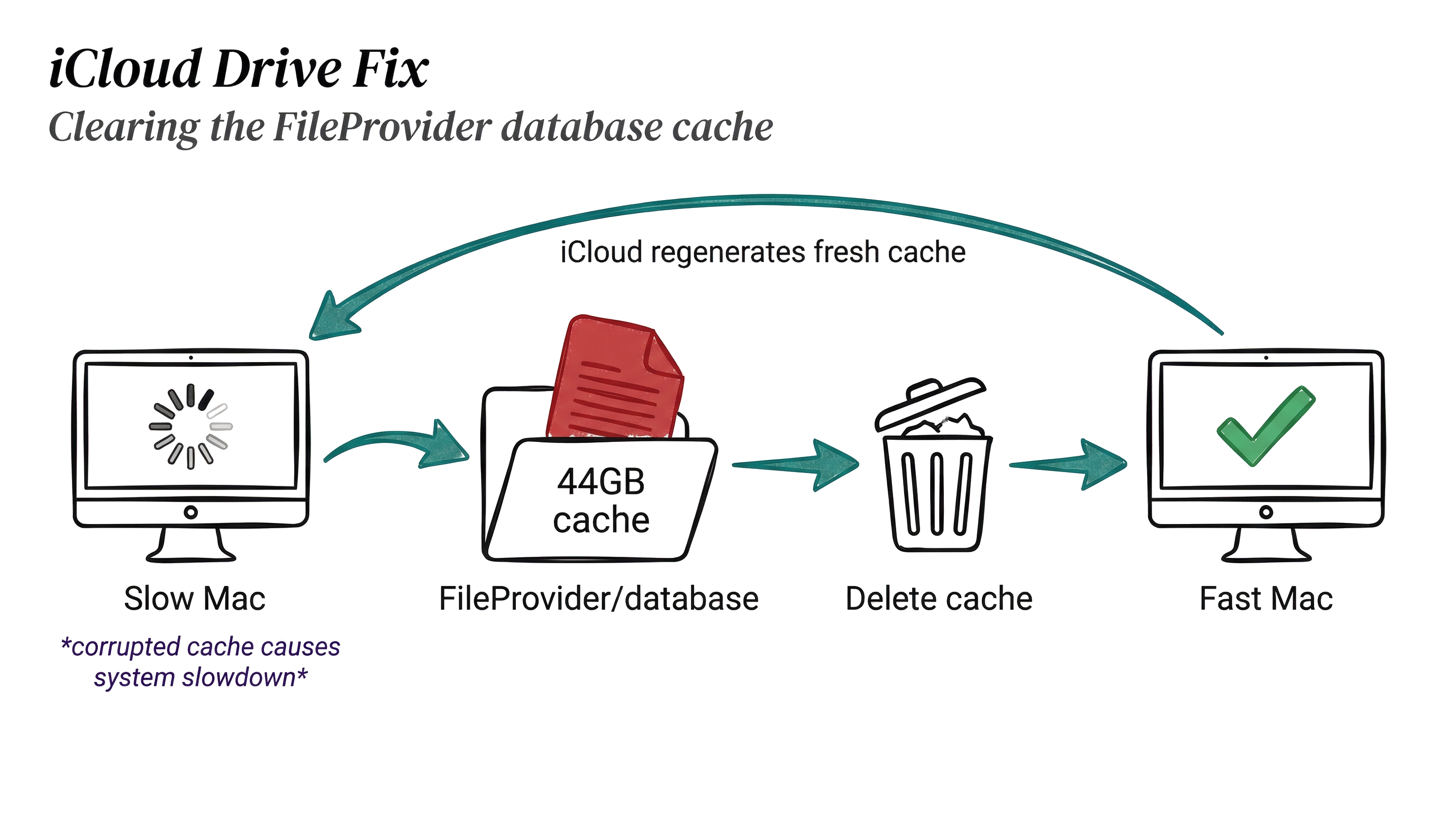
I was recently going insane trying to figure out why everything on my Mac was DeathGod slow.
- Apps were taking forever to open
- Finder was unresponsive
- The whole system felt like it was about to die
I was actually in the process of moving things out of iCloud, which was taking literal days. And I was thinking I needed to replace my Mac altogether.
Then I did another 37 AI/google searches and found some hints. Here's what I ended up going with.
The problem is basically these giant cache files of contents on iCloud. They live in places like this:
bash
cd ~/Library/Application\ Support/FileProvider/*/database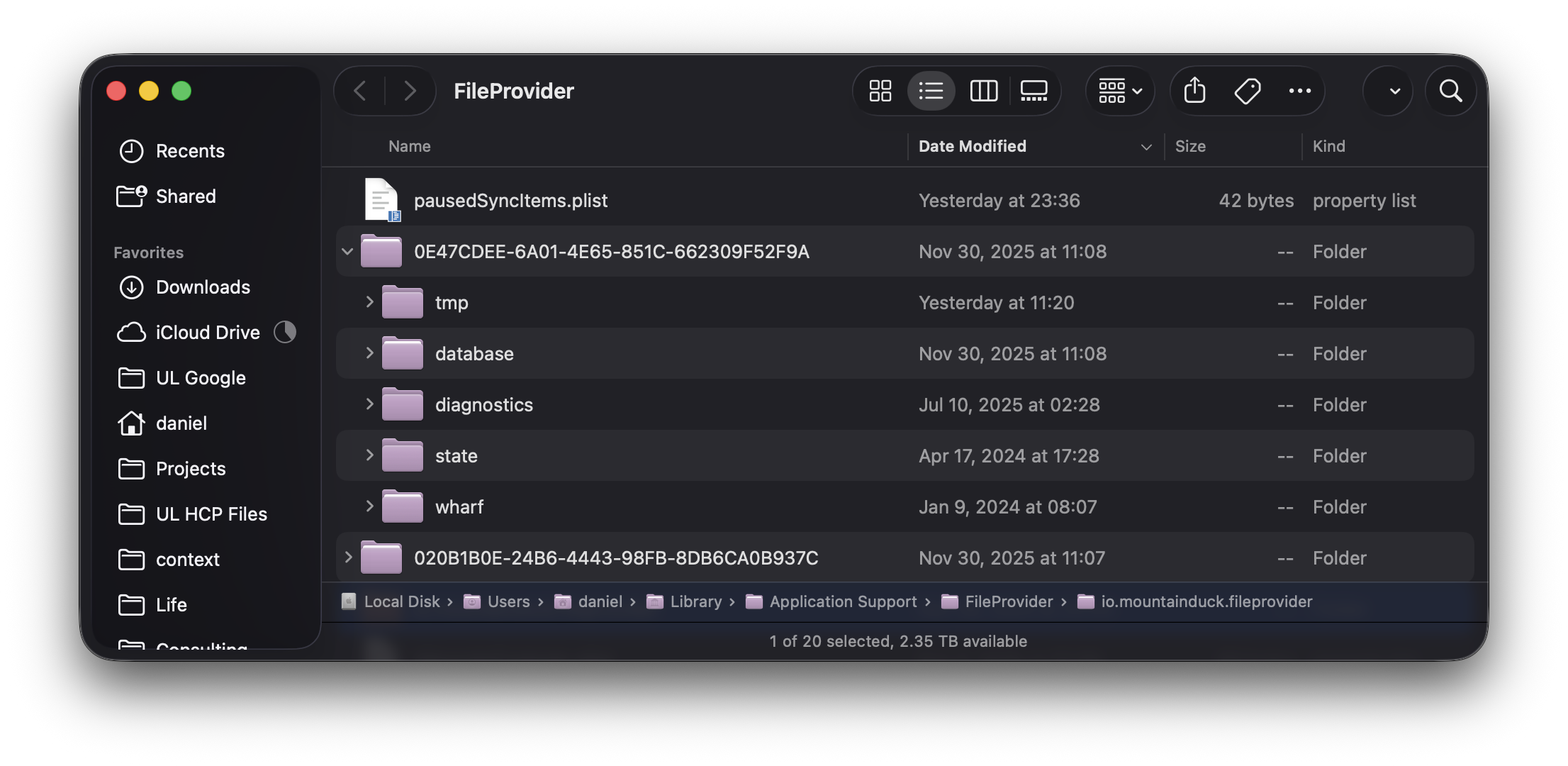
What mine looked like
What to do
- Open Terminal and go to the FileProvider directory:
bash
cd ~/Library/Application\ Support/FileProvider/- Open it in Finder so you can see what you're working with:
Go into the folder with the long UUID string (like in the screenshot above)
Go into the
databasefolder inside thatDelete everything inside the
databasefolder:
- Restart your Mac
First of all, I had a 44 GB file in one of mine.
44 gigabytes.
No wonder the system couldn't do anything. It couldn't read the cache file describing what was in the folder, let alone being able to do anything with it.
When you delete those files, it forces iCloud to regenerate its local database from scratch. I didn't lose any data, and things started working within just a couple of minutes.
Very soon after doing this and restarting, you should see your computer basically come back to life.
Hope it works for you!
如有侵权请联系:admin#unsafe.sh